

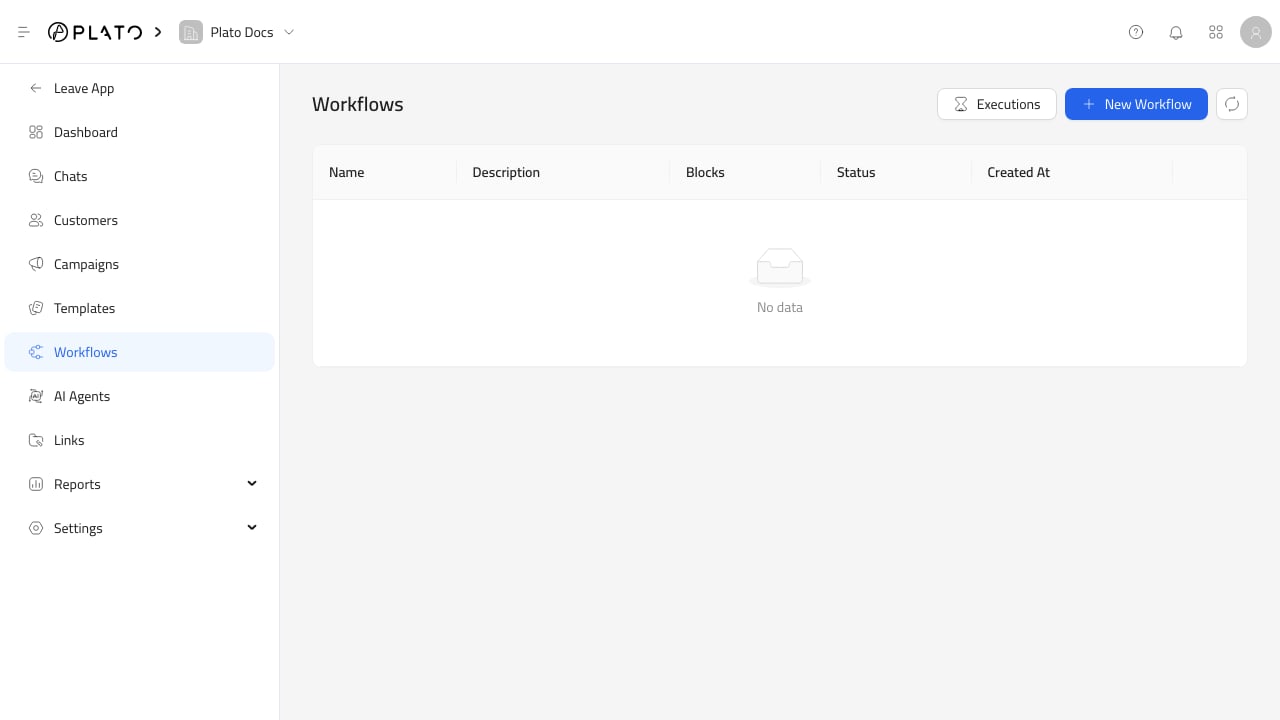
Open Executions
FromWorkflows, click Executions.
The execution list can show the workflow, trigger, status, start time, and run time.
What To Check
When a workflow does not behave as expected, check:- The workflow is active.
- The trigger matches the event.
- The customer or chat has the expected data.
- The channel can send.
- Any template used by the workflow is ready.
- Wallet balance is available when paid messaging is involved.