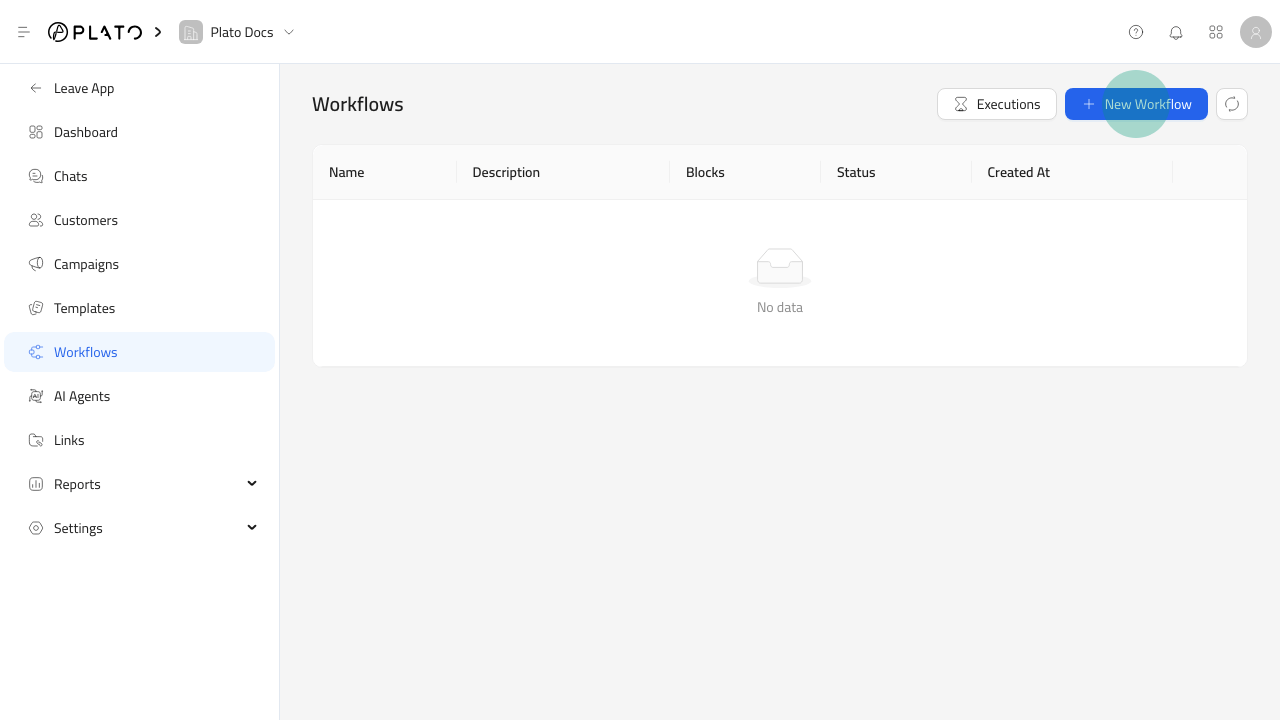
Workflows automate follow-ups, notifications, message sends, waits, and routing logic. New Workflow button

Open The Workflow Form

  1. Open Connect360.
  2. Go to Workflows.
  3. Click New Workflow.
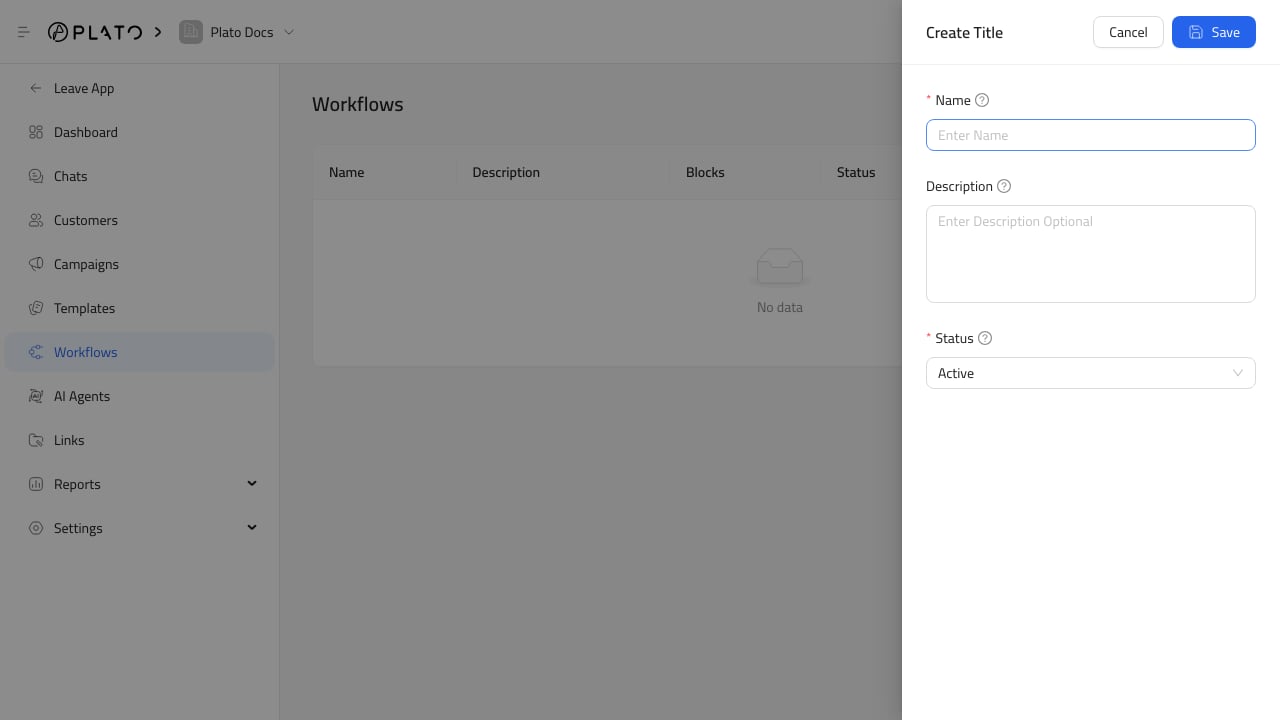
Workflow create form

Name The Workflow

Use a name that explains what starts the workflow or what it does. Good examples:
  • Order follow-up.
  • Campaign re-engagement.
  • New WhatsApp message alert.
  • Customer support handoff.
Keep inactive workflows as drafts until the blocks are ready.

After Saving

Open the workflow row to build the automation canvas.