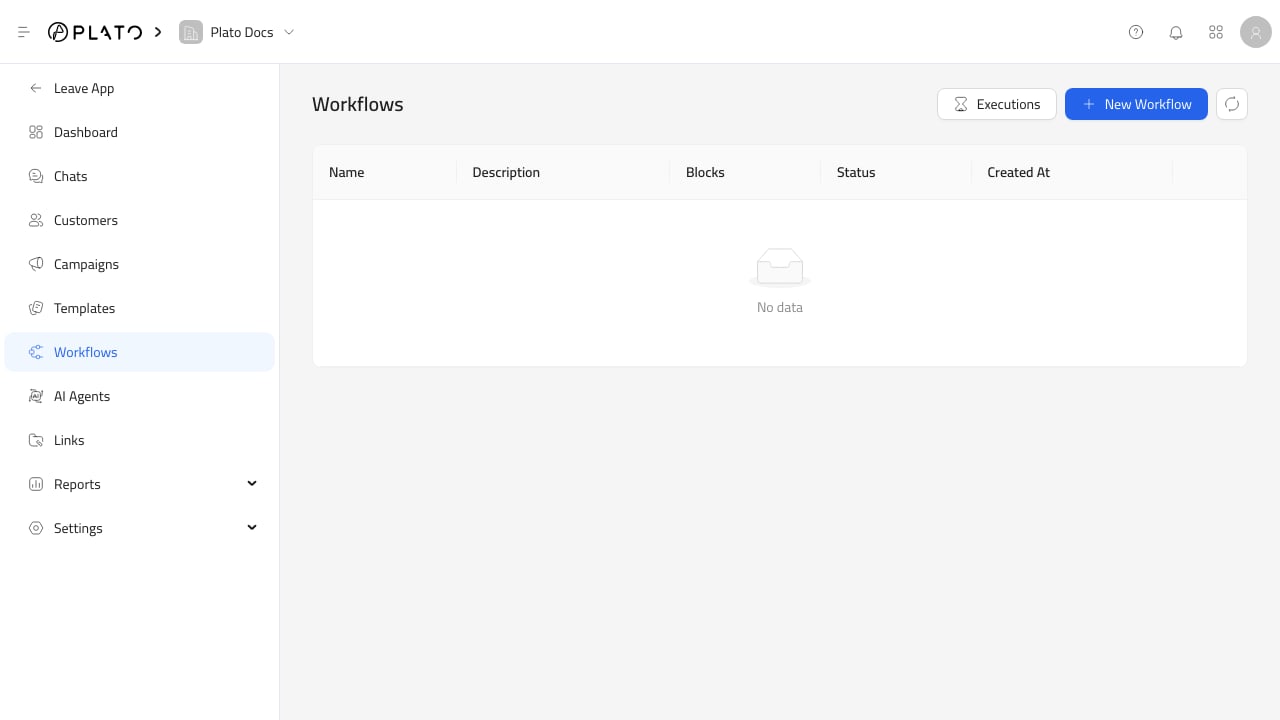
The workflow builder is where you define the actual automation. Connect360 workflows

Builder Blocks

Workflows can use these block groups:
  • Trigger blocks to start the workflow.
  • Logic blocks to branch or wait.
  • Action blocks to send messages or notify team members.
  • Visual blocks such as notes for team context.

Build A Simple Flow

Start simple:
  1. Add one trigger.
  2. Add one action.
  3. Save the workflow.
  4. Test with a safe customer or internal workflow run.
After the first version works, add waits, branches, or notifications.

Common Mistakes

Avoid creating a large workflow before testing. It is easier to find issues when each block is added in small steps. If a workflow sends messages, confirm the channel, template, customer data, and wallet balance first.