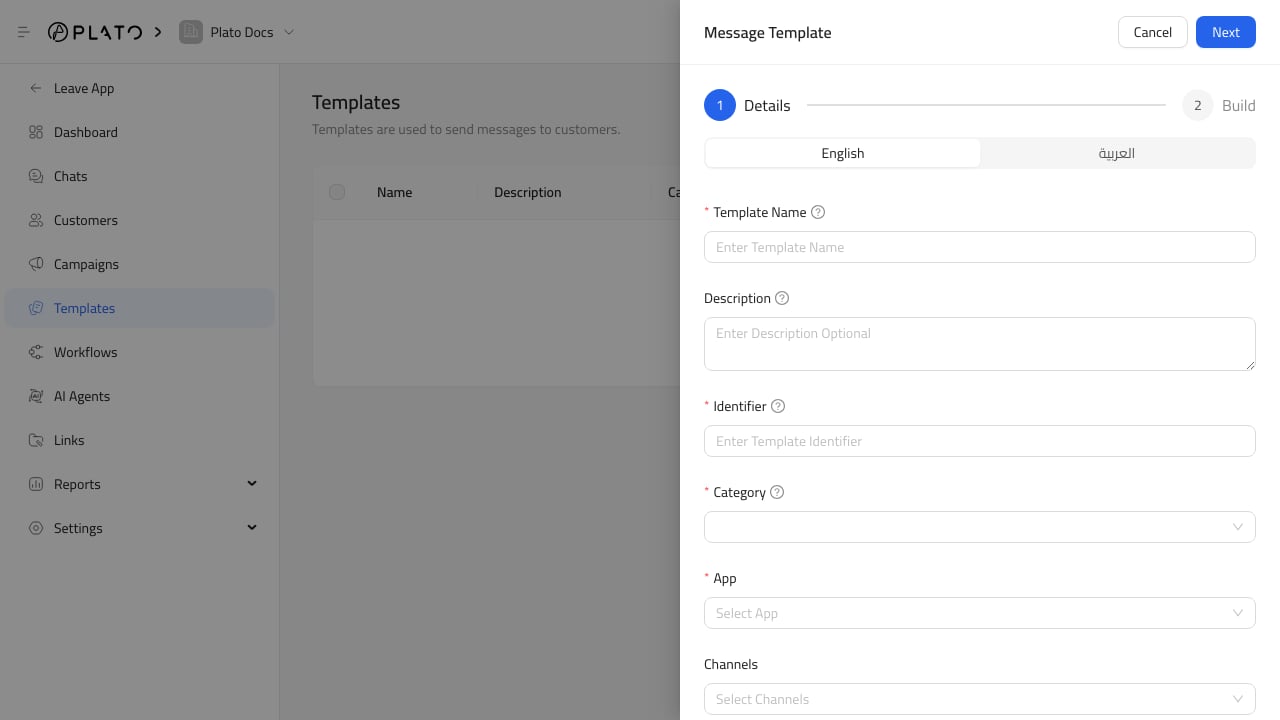
Variables let one template work for many customers. Connect360 template form

Add Variables

Variables use double braces, such as:
{{name}}
{{order_number}}
{{delivery_time}}
Use variable names that explain the value clearly.

Add Example Values

Example values help staff and providers understand what a real message will look like. Use realistic but safe examples. Avoid private customer details in examples.

Preview Before Sending

Use preview to catch missing text, awkward spacing, untranslated content, or buttons that do not match the message. If the template is used in campaigns, test with a safe recipient before sending widely.