

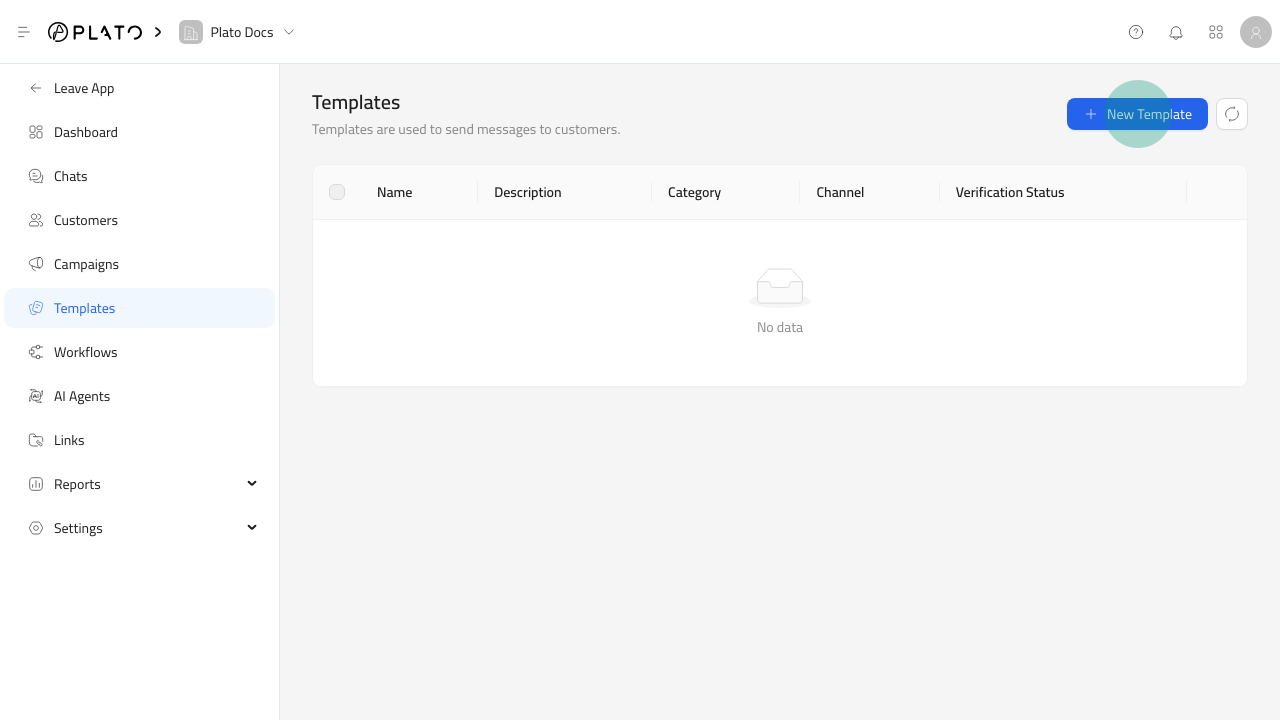
Open The Template Form
- Open
Connect360. - Go to
Templates. - Click
New Template.
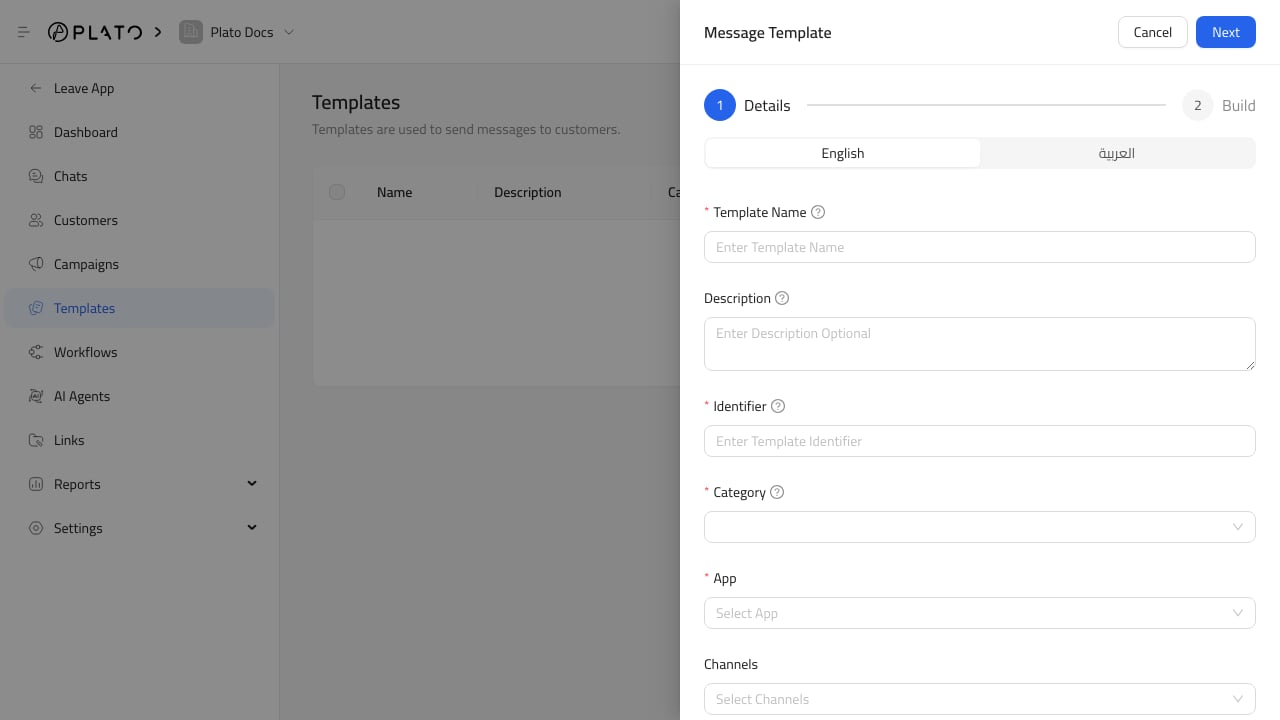
Fill Details
Add a clear name, description, and identifier. Use identifiers likewelcome_message, order_ready, or delivery_follow_up.
Choose the messaging app and channel type the template belongs to. Add tags when staff need to find templates by purpose.