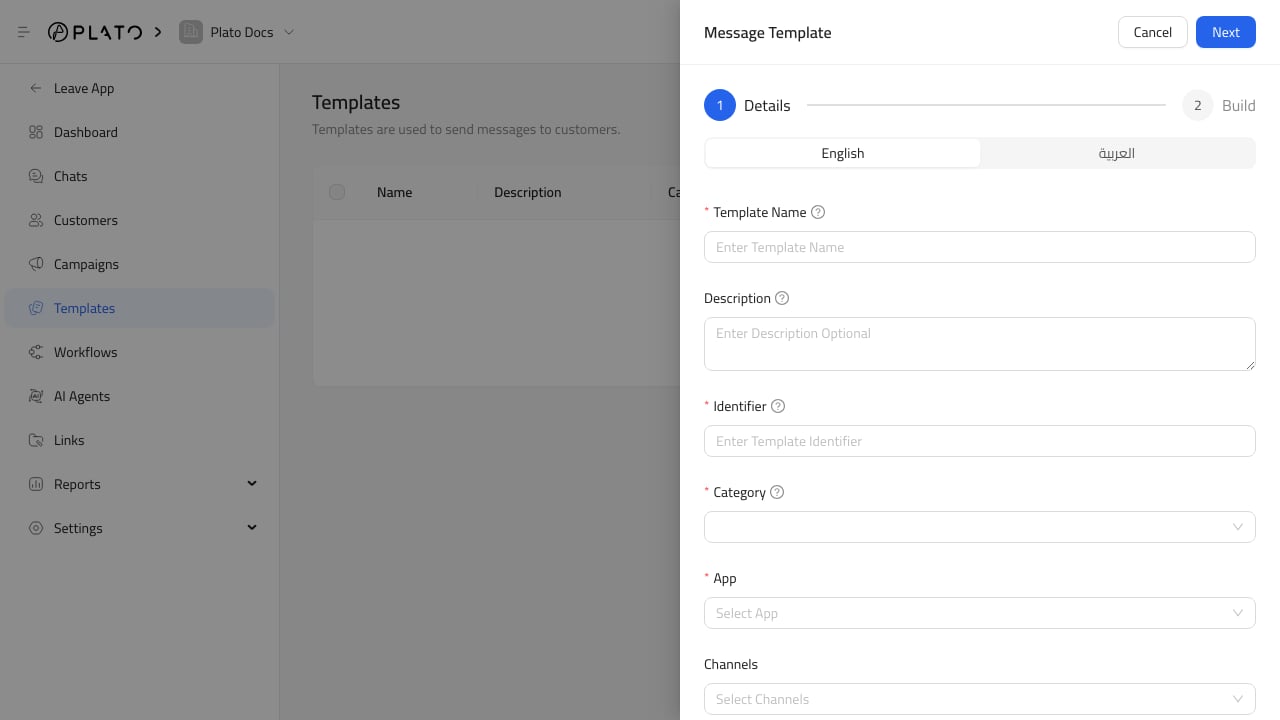
The template builder controls what staff and customers will see when the template is sent. Template build section

Write The Body

Write a message that can be reused without confusing the customer. Keep it specific enough to be helpful and flexible enough for the workflow. Use variables when a value should change per customer or order.

Add Components

Depending on the messaging app, templates can include:
  • Header.
  • Body.
  • Footer.
  • Buttons.
  • Media such as image, video, or document headers.
WhatsApp templates have stricter provider rules, so keep variables readable and avoid starting or ending the message with a variable.

Save A Clean Version

Before saving, read the message out loud once. It should sound like something the team is comfortable sending to a real customer.