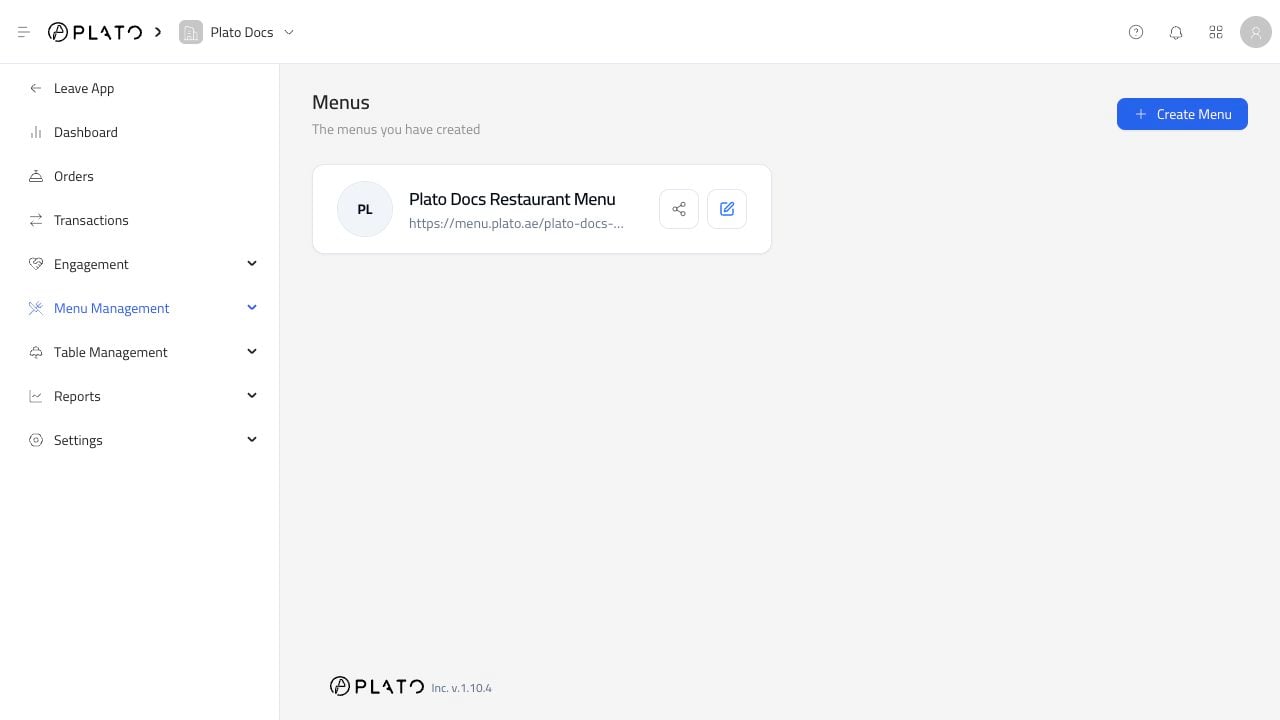
The Menus page is where you create and open online menus for your restaurant. Menus list

Create A Menu

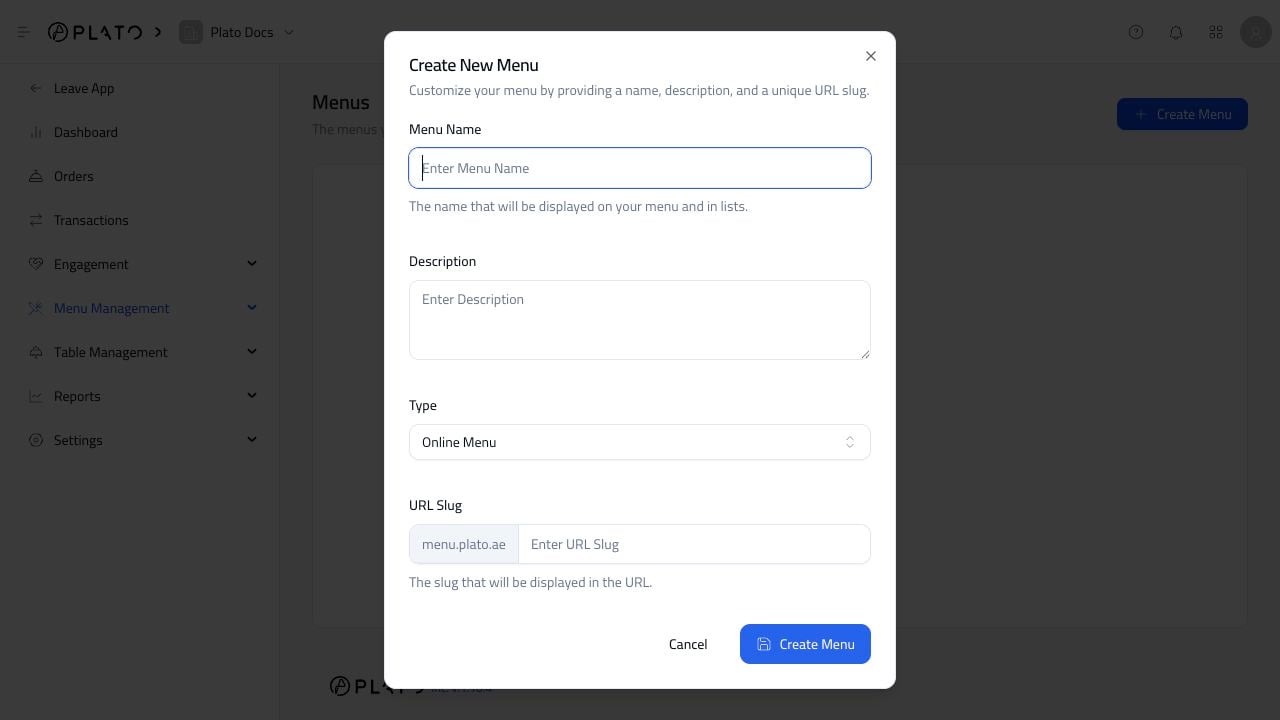
Click Create Menu to start a new menu. Create menu dialog Add:
  • A clear menu name.
  • A short description.
  • The menu type.
  • The domain.
  • A URL slug.
Use a slug that works well in a QR code or printed material. Short names like main-menu, downtown, or breakfast are easier for customers to read.

Open A Menu

After a menu exists, open it from the Menus list to reach the menu editor. The editor is where you add products to the public menu, configure ordering, style the menu, and test the public URL.

Public URL

Each online menu has a public URL. Open it after making changes so you can confirm the customer view before sharing the link or printing QR codes.