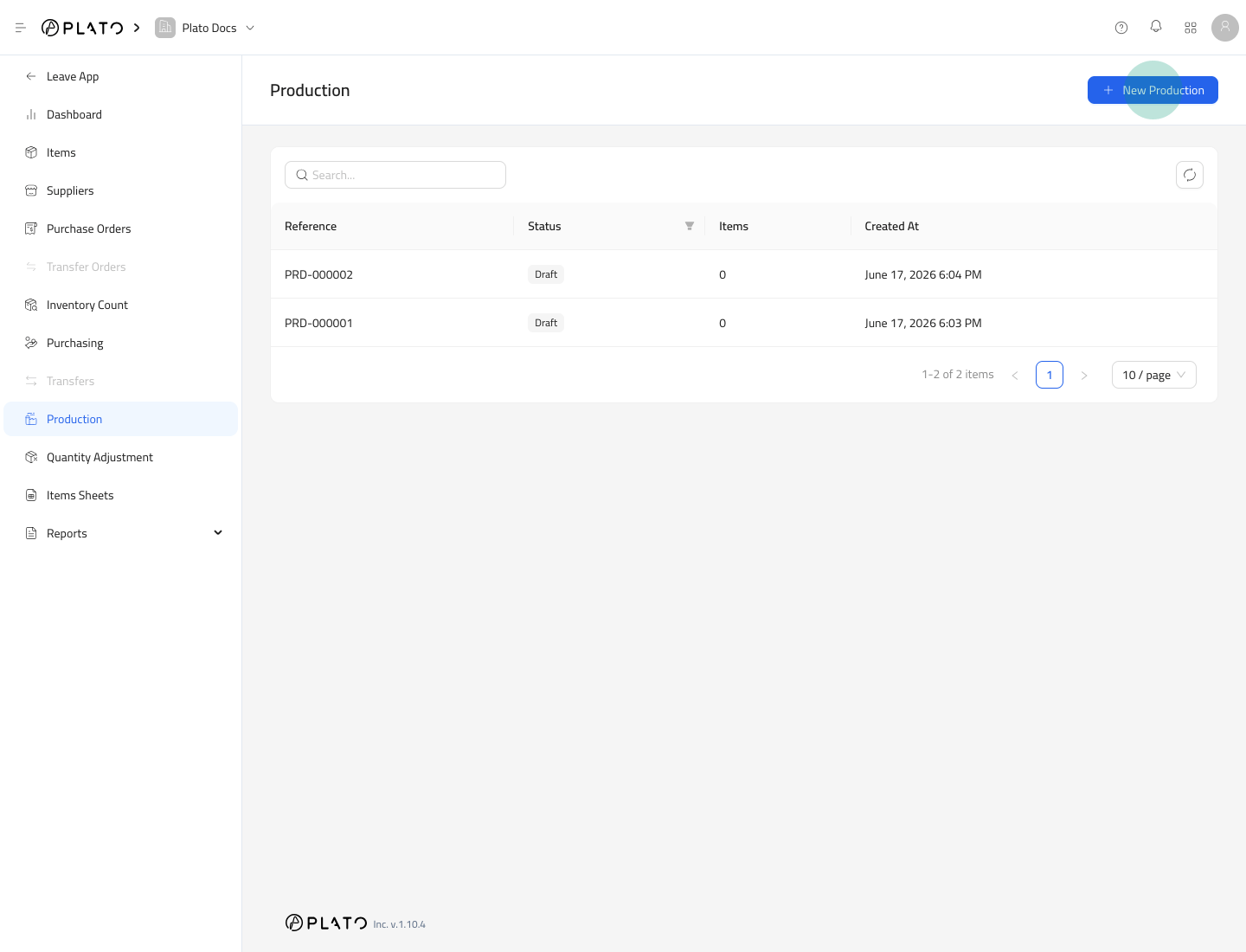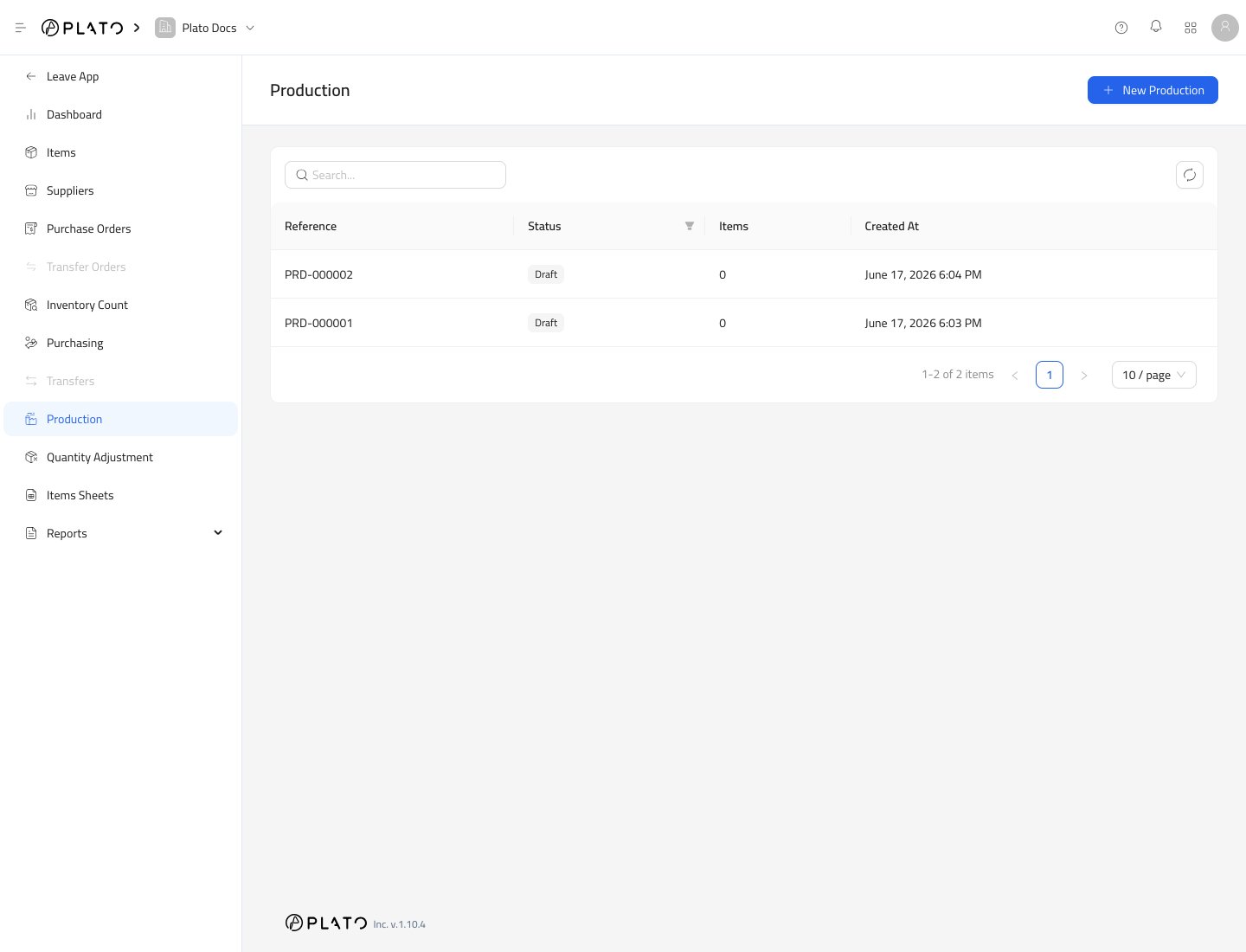
Production is used when your team makes inventory items from other inventory items. Examples include dough, sauces, batches, kits, prep items, or assembled stock. Production list

Start Production

  1. Open Inventory.
  2. Go to Production.
  3. Click New Production.
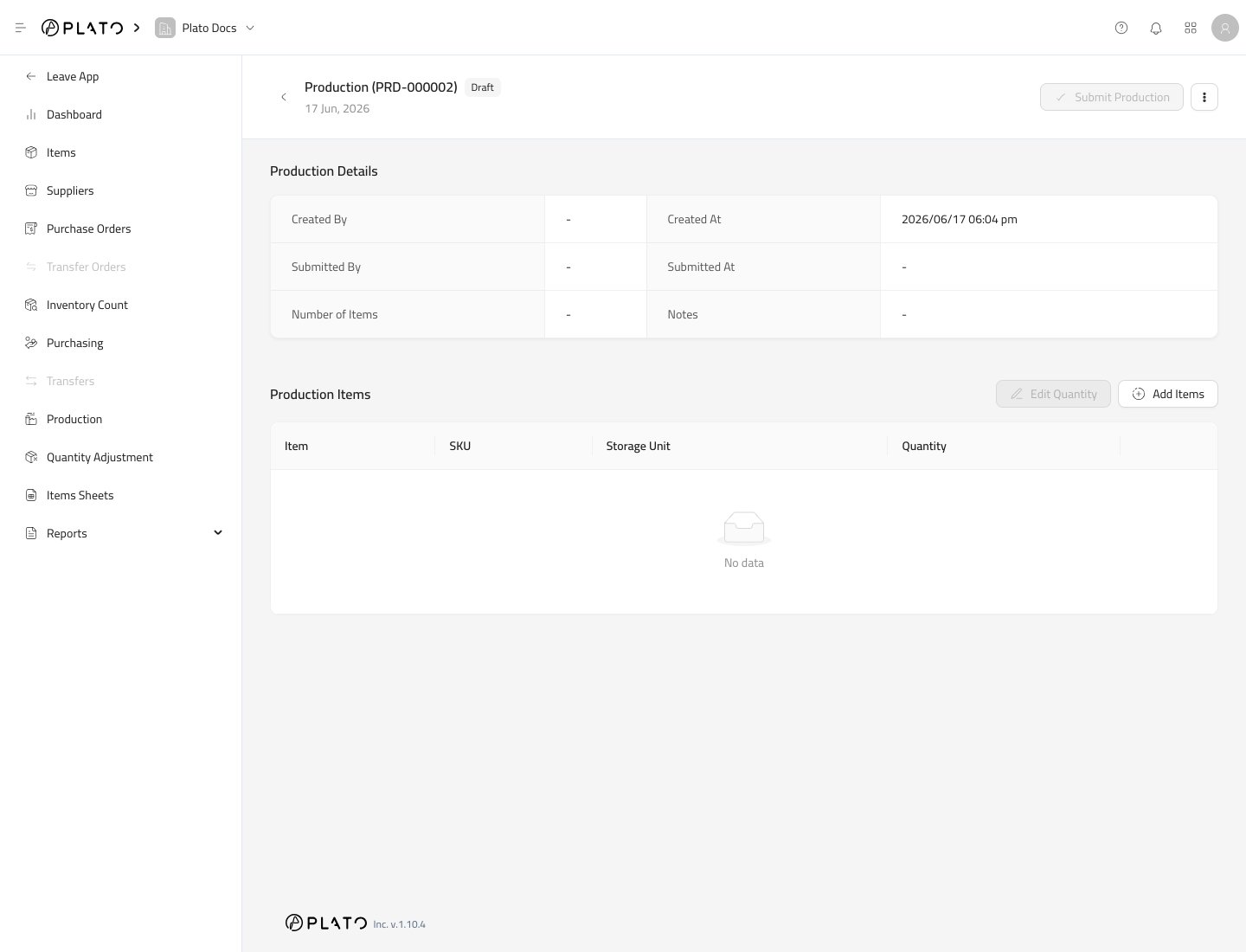
New production action Plato creates a draft production record. Production detail

Add Produced Items

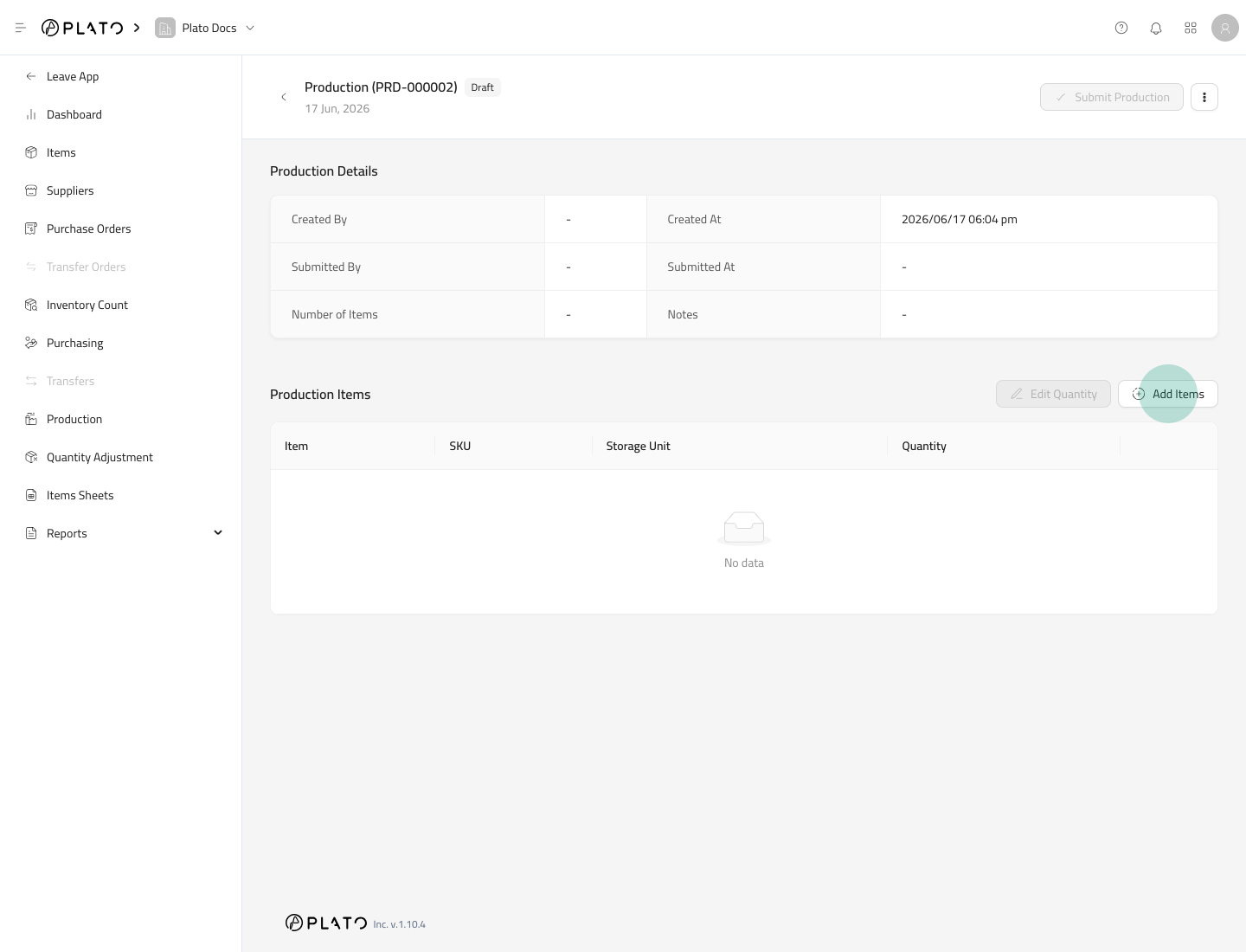
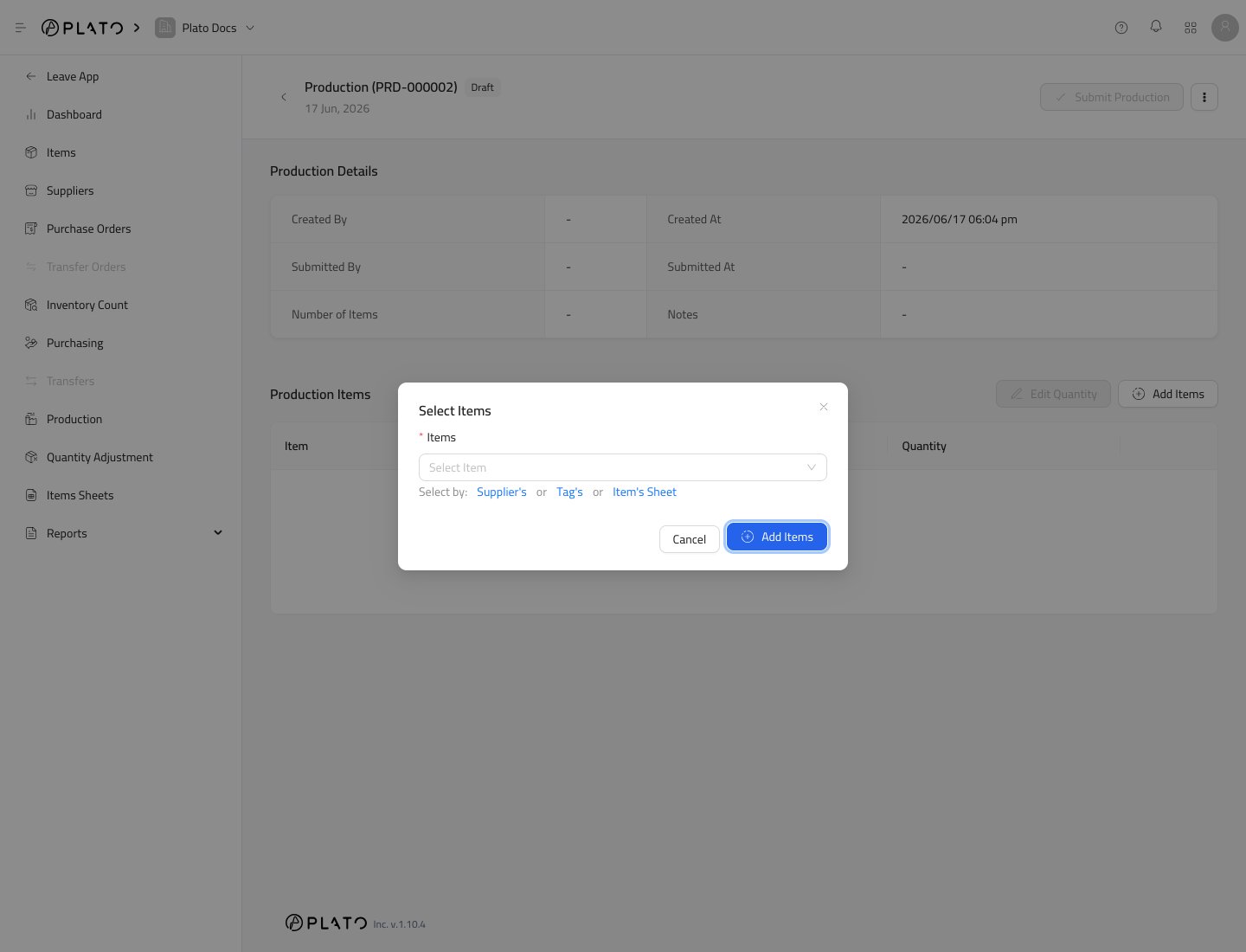
Click Add Items. Add production items action Select the items that were produced. Production item selector

Enter Produced Quantity

Use Edit Quantity after items are added. Enter how many units were produced.

Submit Production

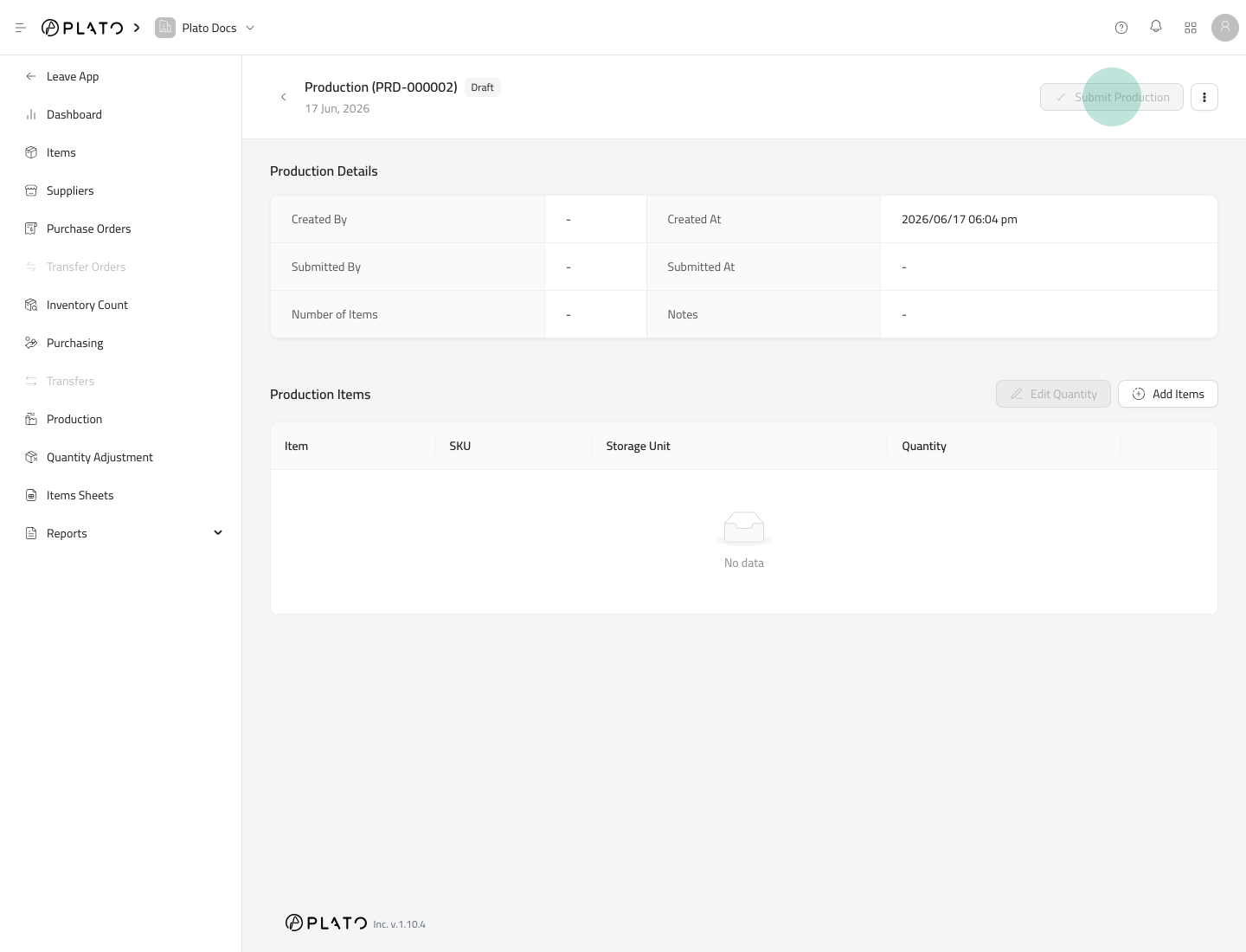
Click Submit Production when the produced quantities are correct. Submit production action If the produced item has a Formula, Plato adds the produced item quantity and deducts the formula ingredients.
Before Submitting

Check formulas before production is used in daily operations. A wrong formula can deduct the wrong ingredient quantity.