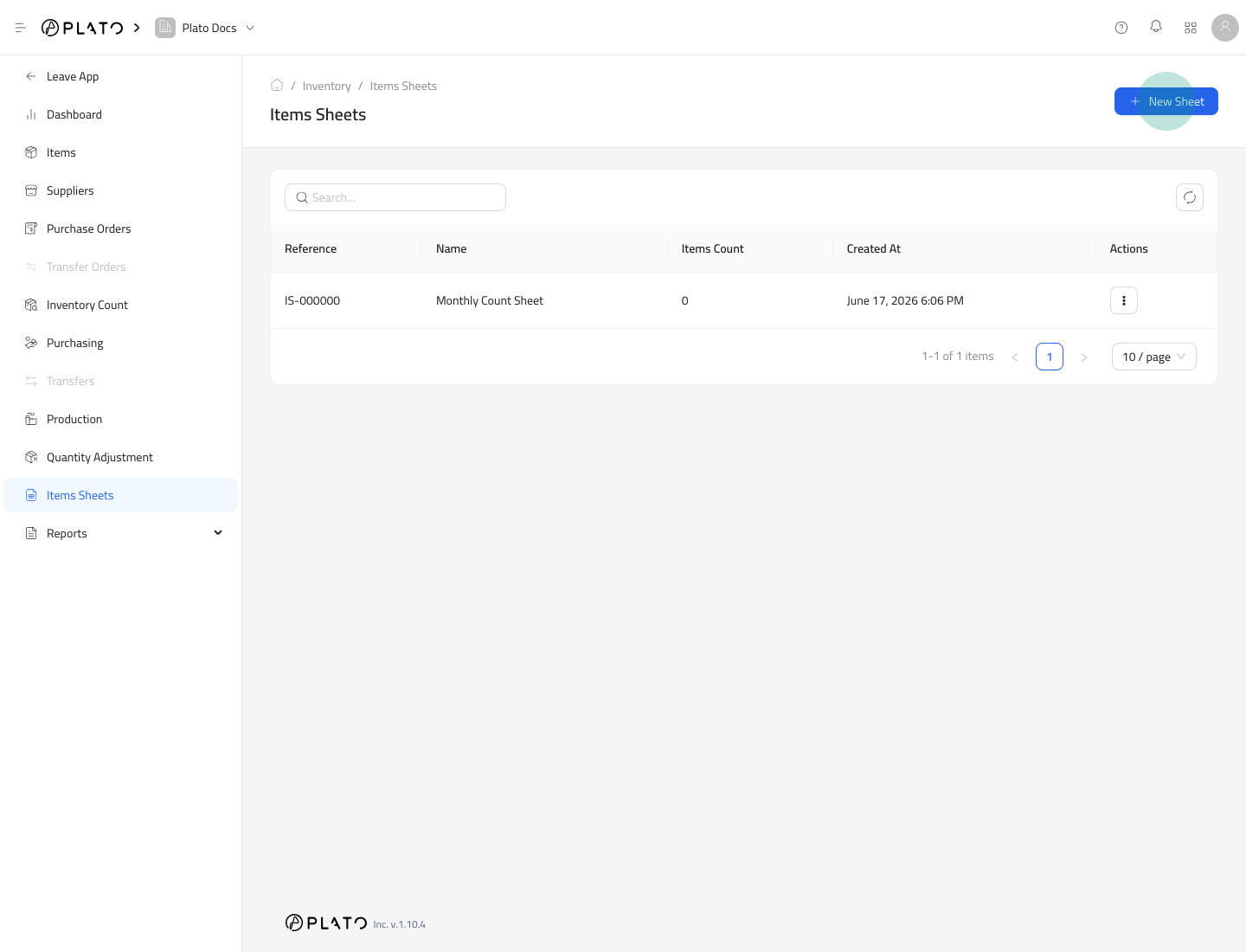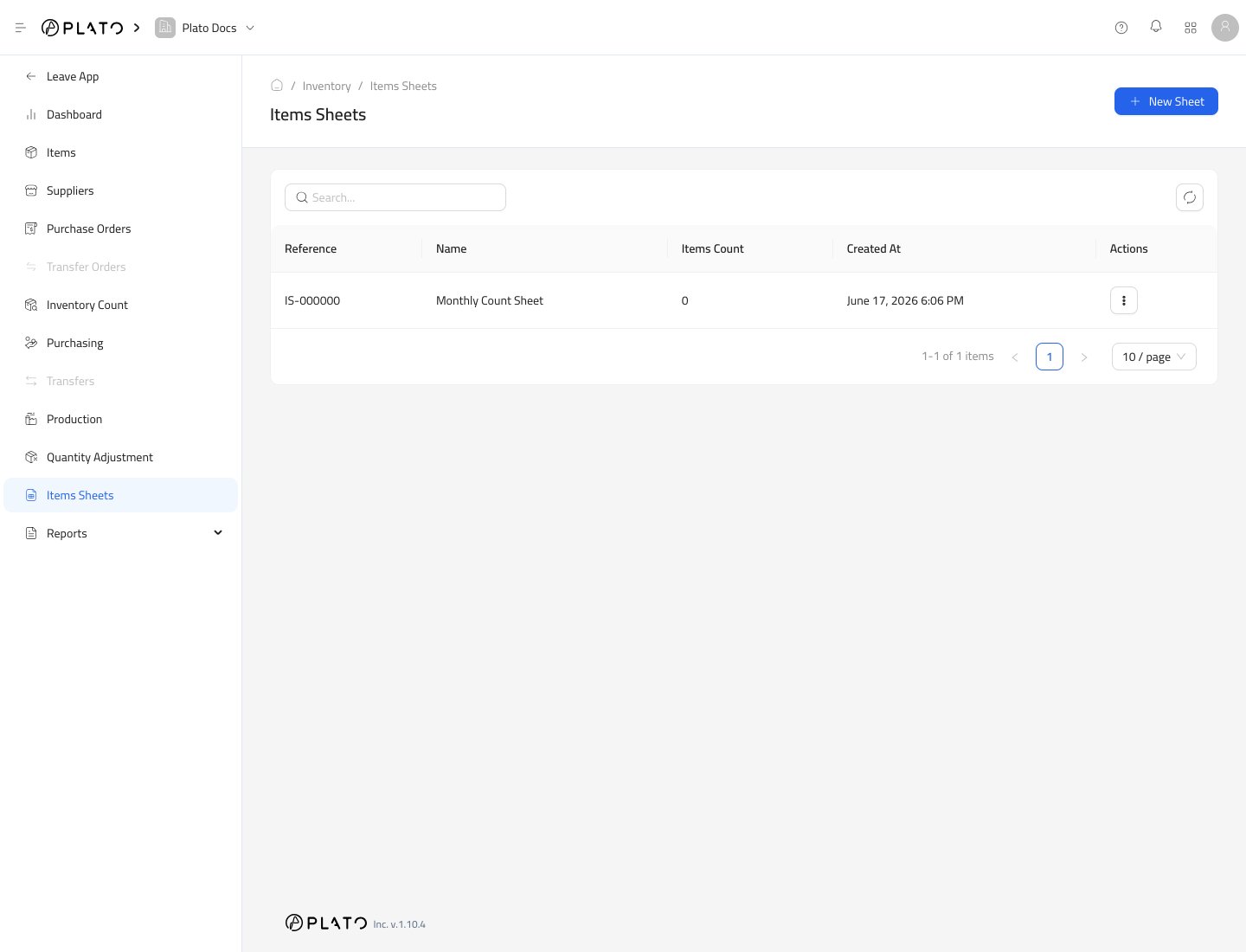
Item Sheets are reusable lists of inventory items. Use them when staff repeatedly select the same group of items, such as a monthly count list or a waste check list. Item sheets list

Create a Sheet

  1. Open Inventory.
  2. Go to Items Sheets.
  3. Click New Sheet.
New sheet action
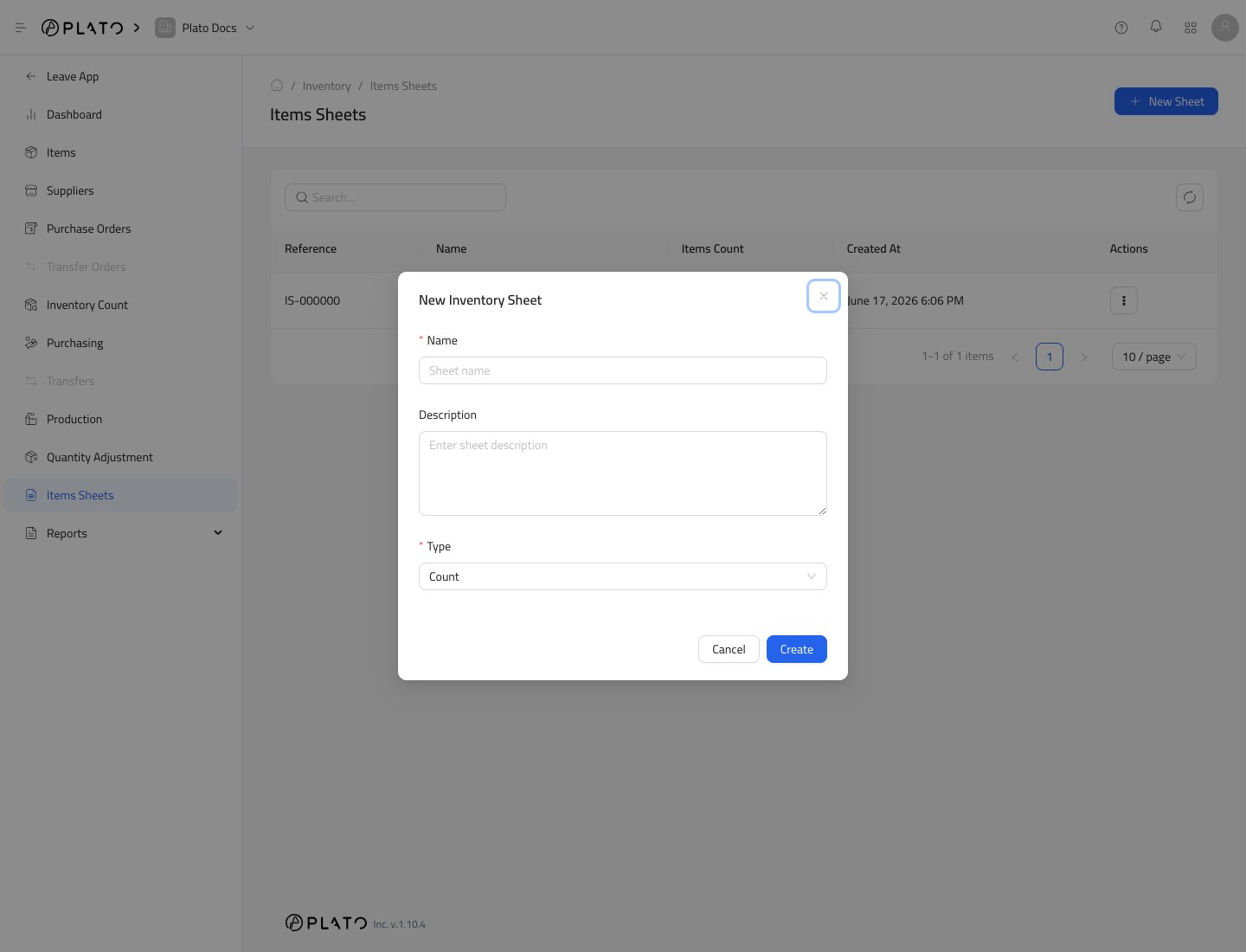
  1. Enter the sheet name.
  2. Add a short description.
  3. Choose the sheet type.
  4. Click Create.
New sheet form Current sheet types include Count, Purchase, Transfer, and Waste.

Open the Sheet

After creating the sheet, Plato opens the sheet detail page. Item sheet detail
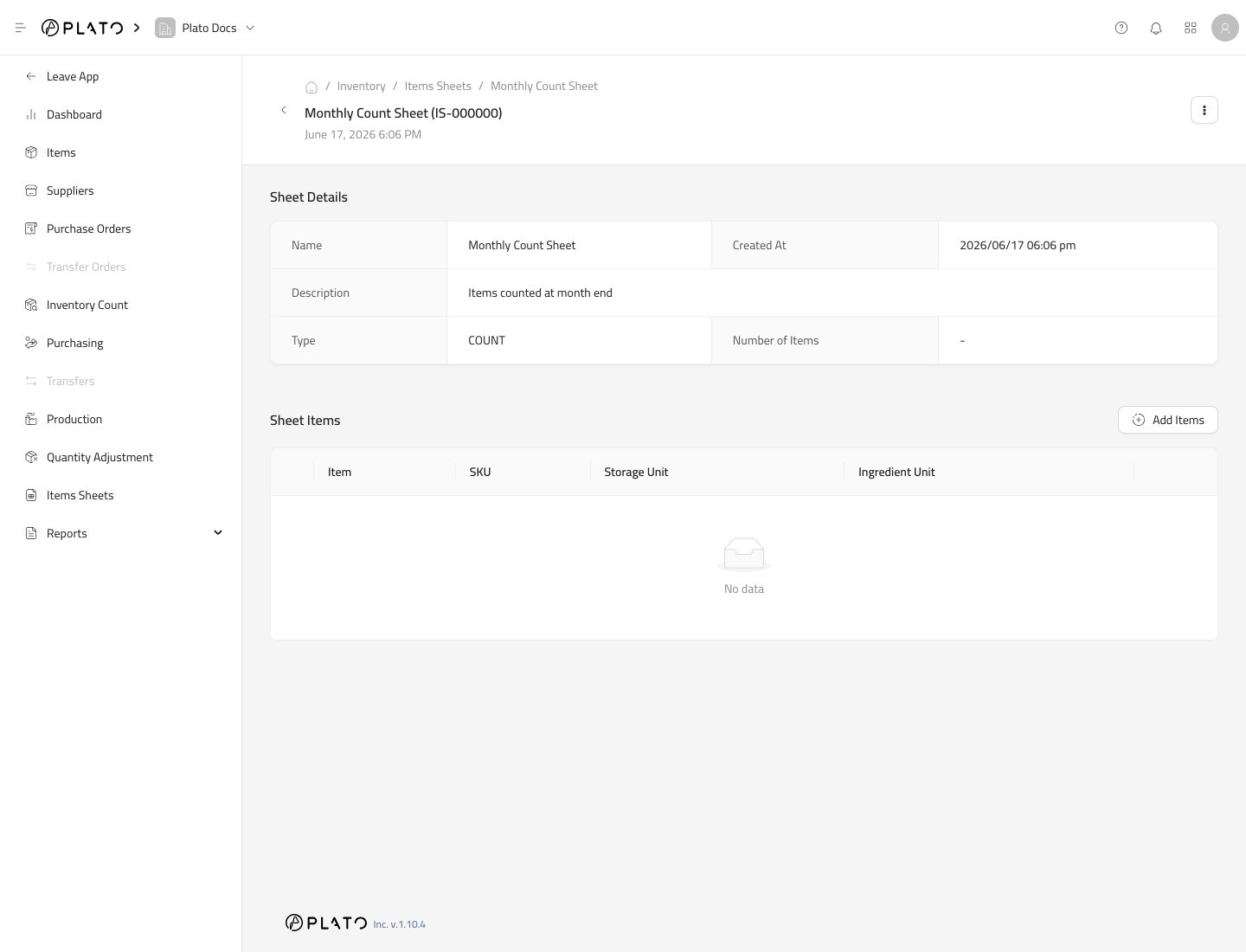
Add Items

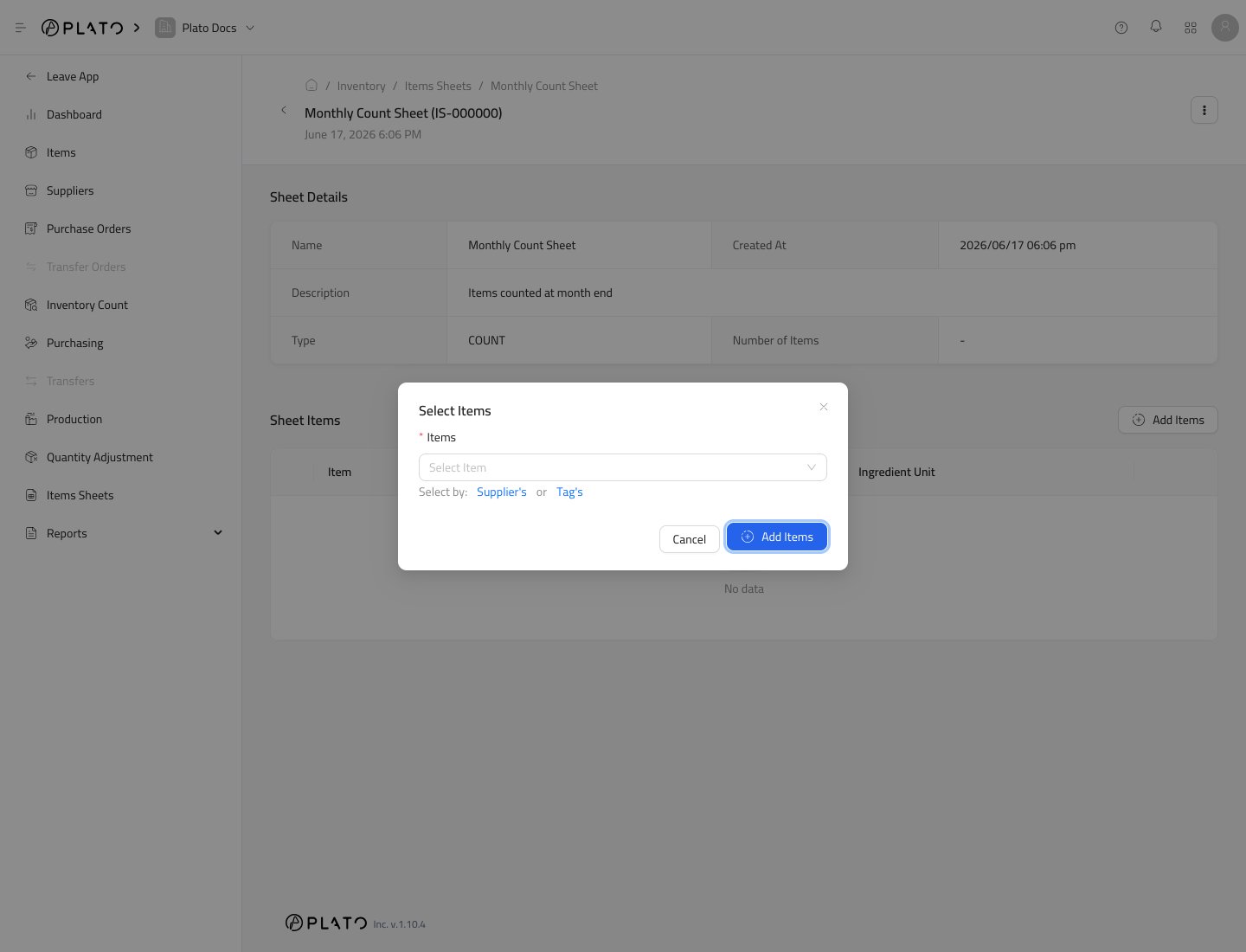
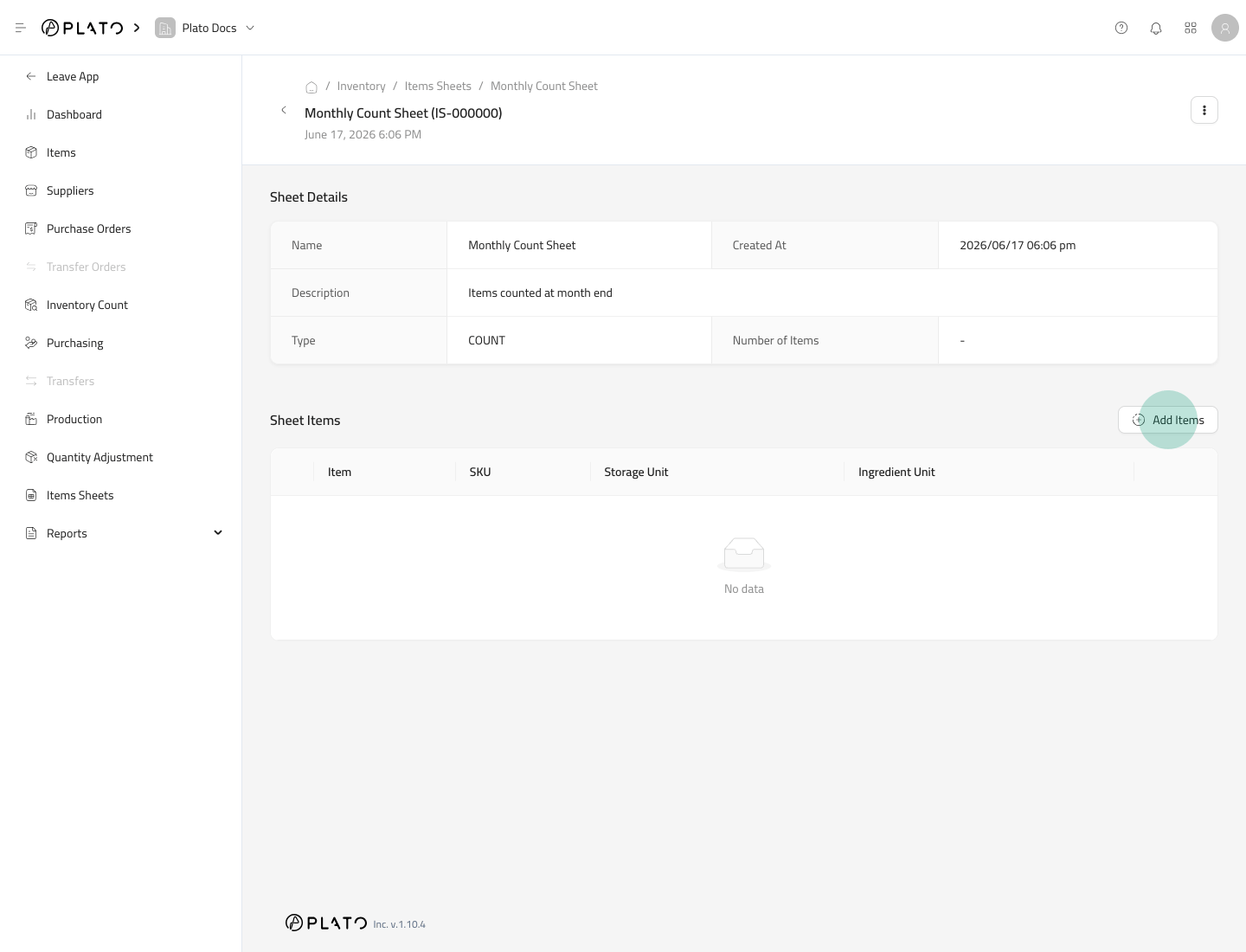
Click Add Items, then select the items that should belong to the sheet. Add sheet items action Use the item selector to choose the items. Sheet item selector
Use the Sheet

When a workflow supports sheets, choose the sheet to add its items quickly. Sheets are helpful for recurring count lists, supplier purchase lists, or repeated waste checks. Use the sheet action menu when you need a printable version for a physical count or review.