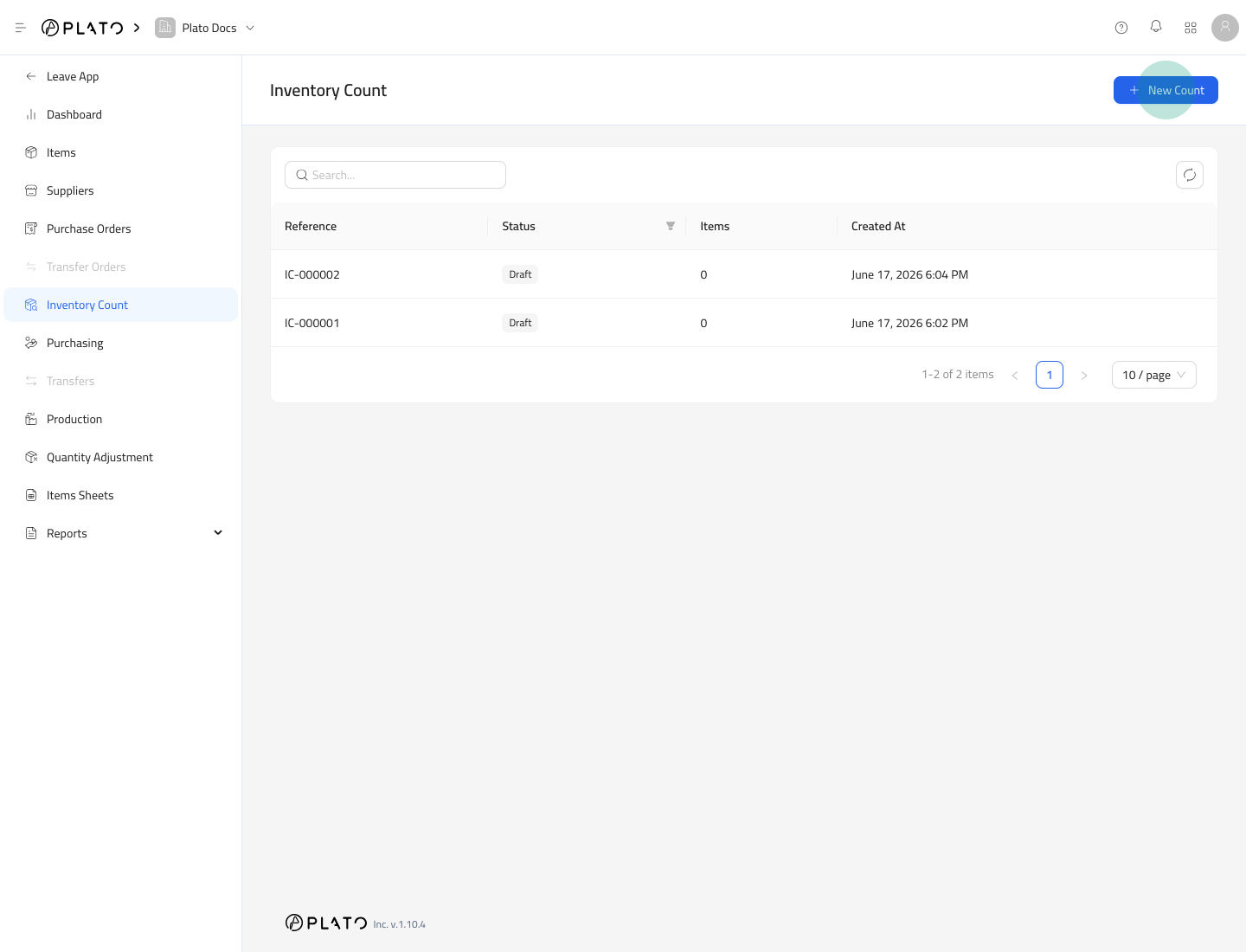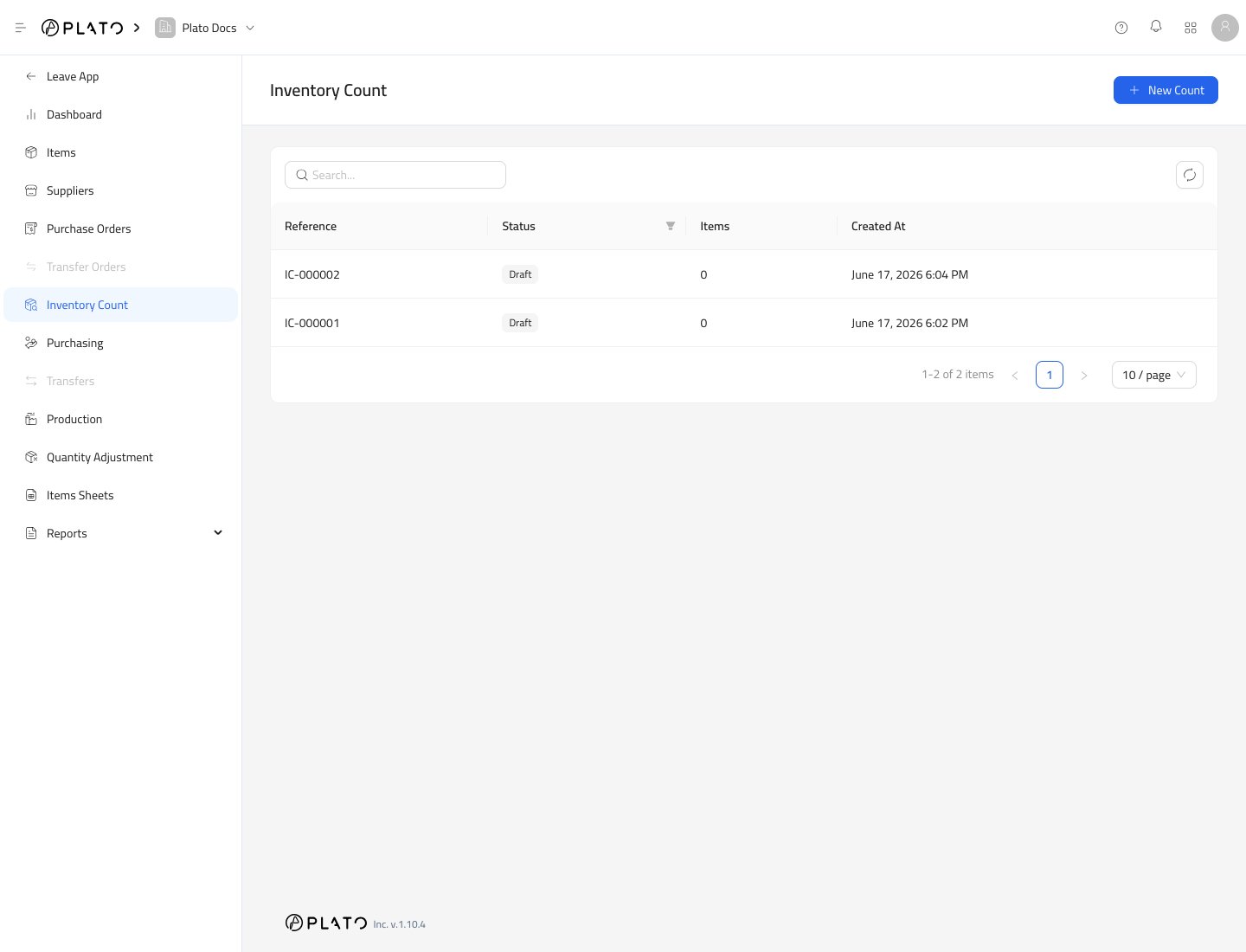
Inventory Count is used when staff physically count stock on hand. Submitting a count resets each selected item to the counted quantity. Inventory count list

Start a Count

  1. Open Inventory.
  2. Go to Inventory Count.
  3. Click New Count.
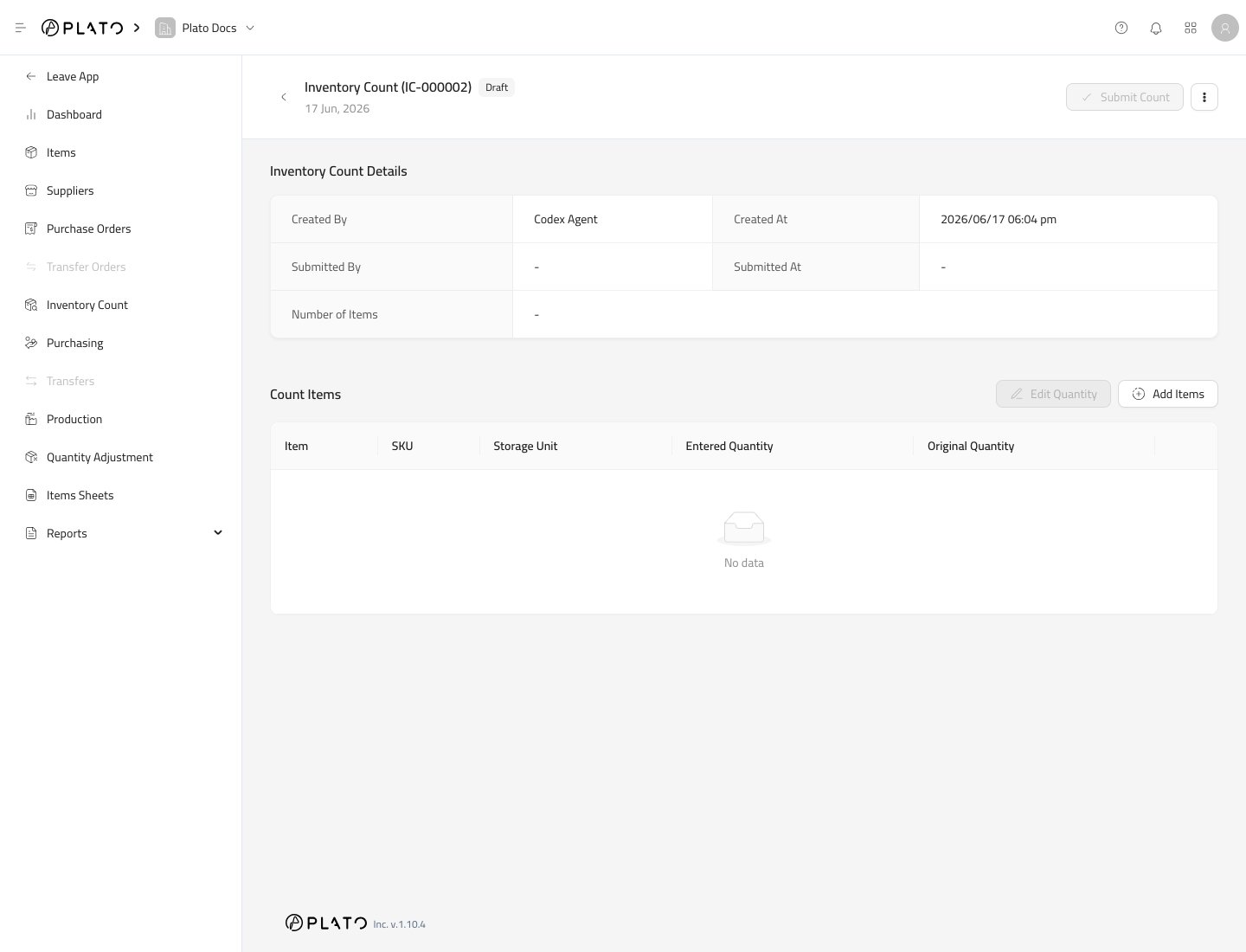
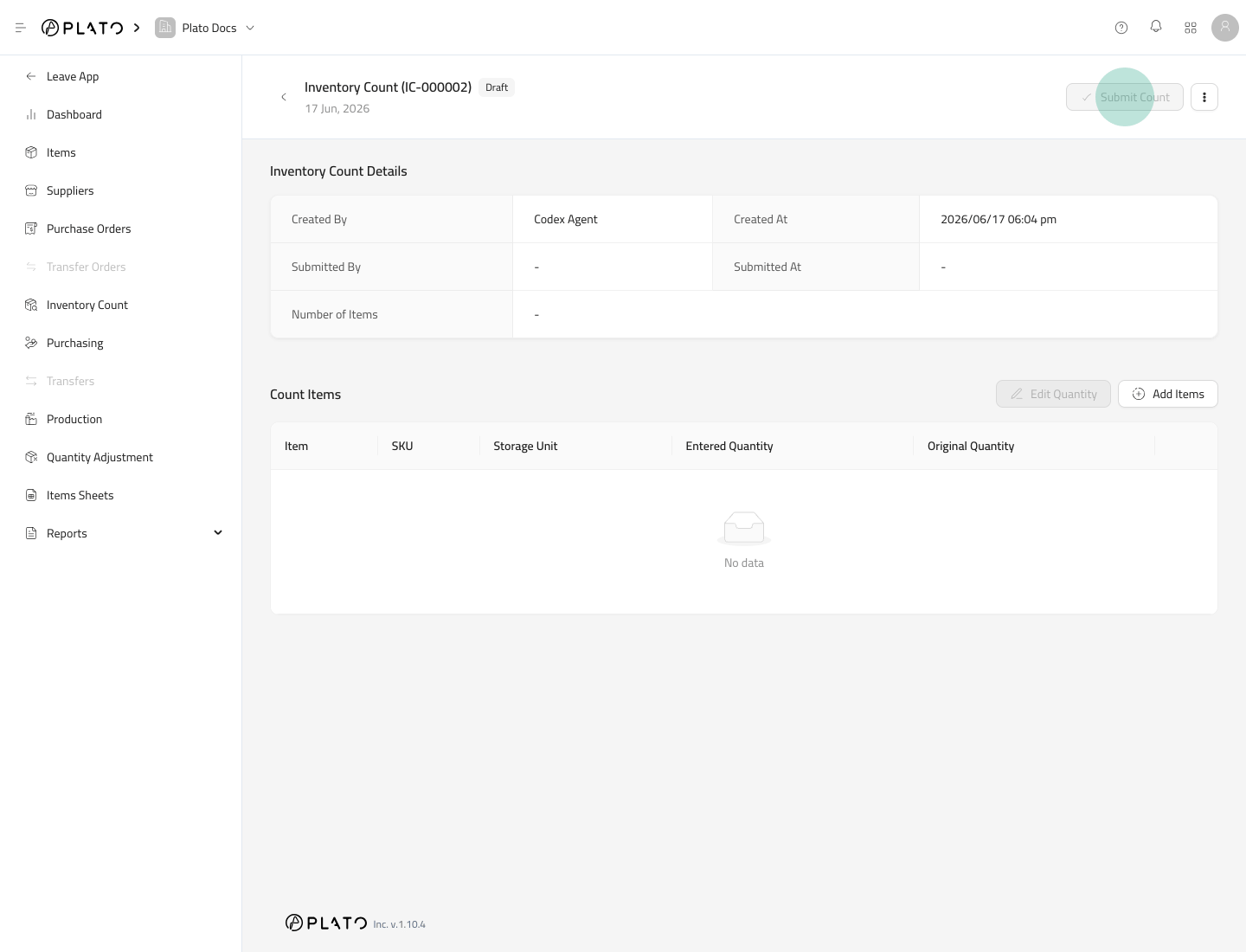
New count action Plato creates a draft count and opens the detail page. Inventory count detail

Add Items to Count

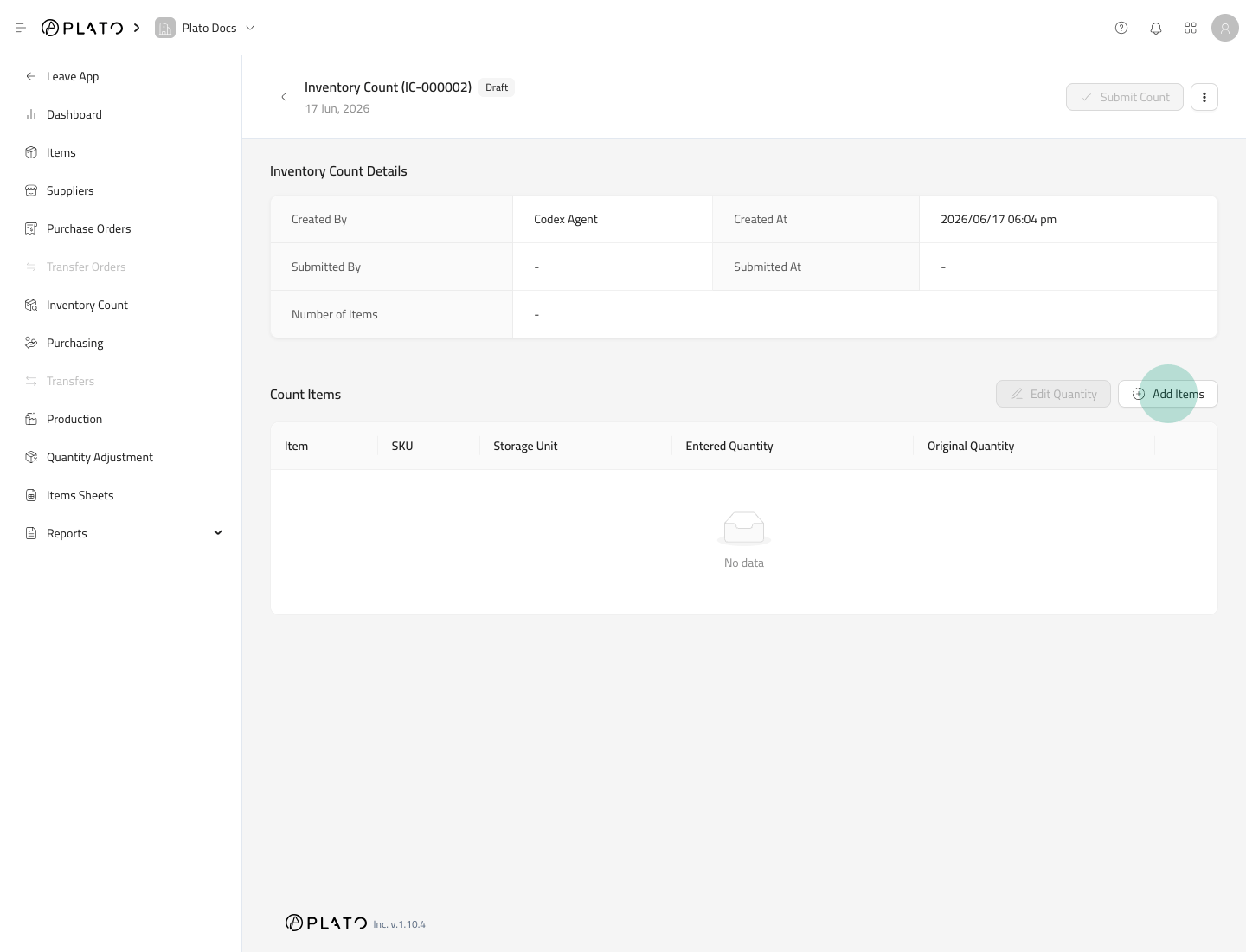
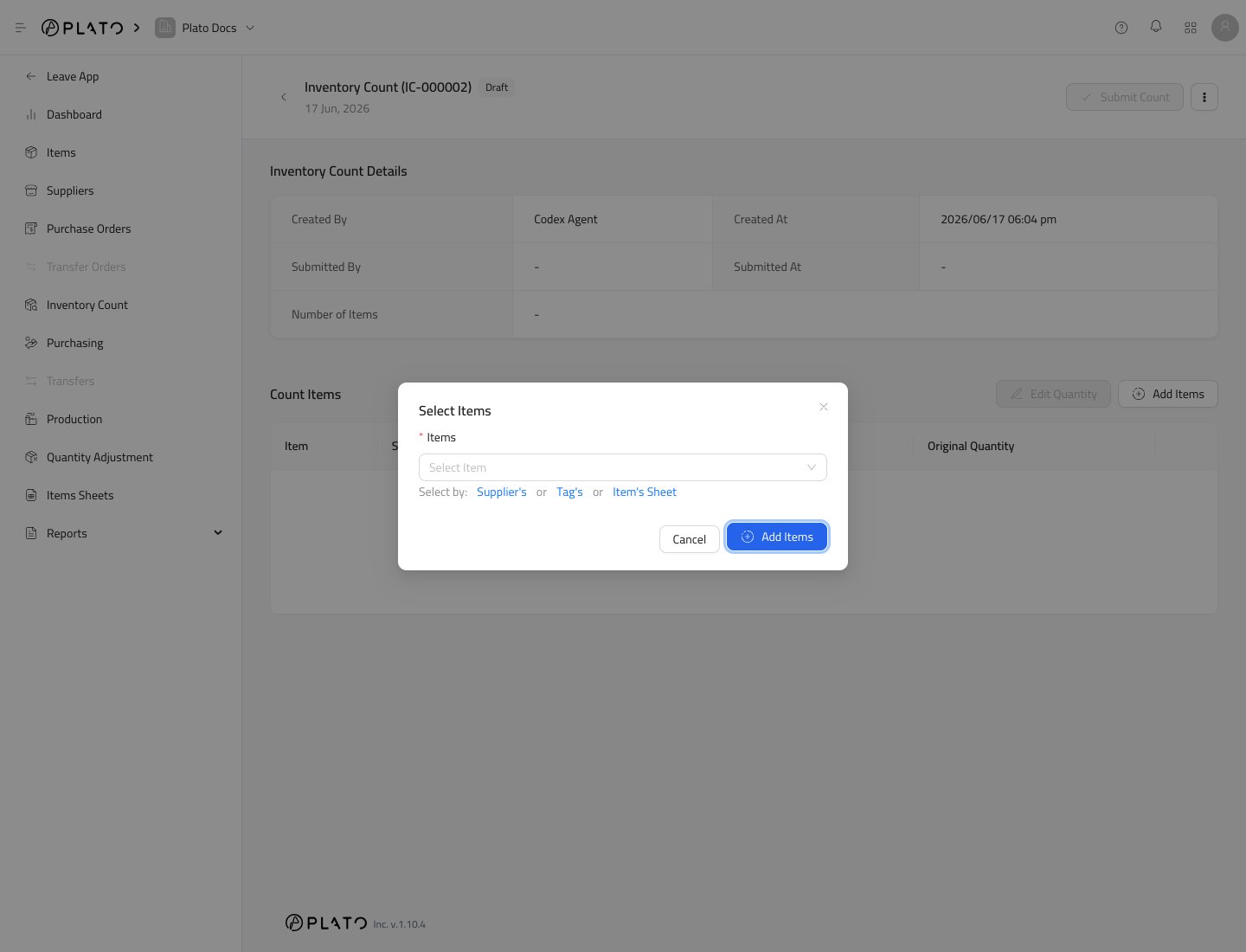
Click Add Items. Add count items action Select individual items or use a sheet when available. Select count items

Enter Counted Quantities

Use Edit Quantity after items are added. Enter the physical quantity counted for each item. Use the storage unit shown in the row.

Submit the Count

When all counted quantities are correct, click Submit Count. Submit count action Submitting a count updates inventory levels for the selected items and records the change in Inventory History.

Count Carefully

Only submit when the count is final. A submitted count becomes part of the stock history.