

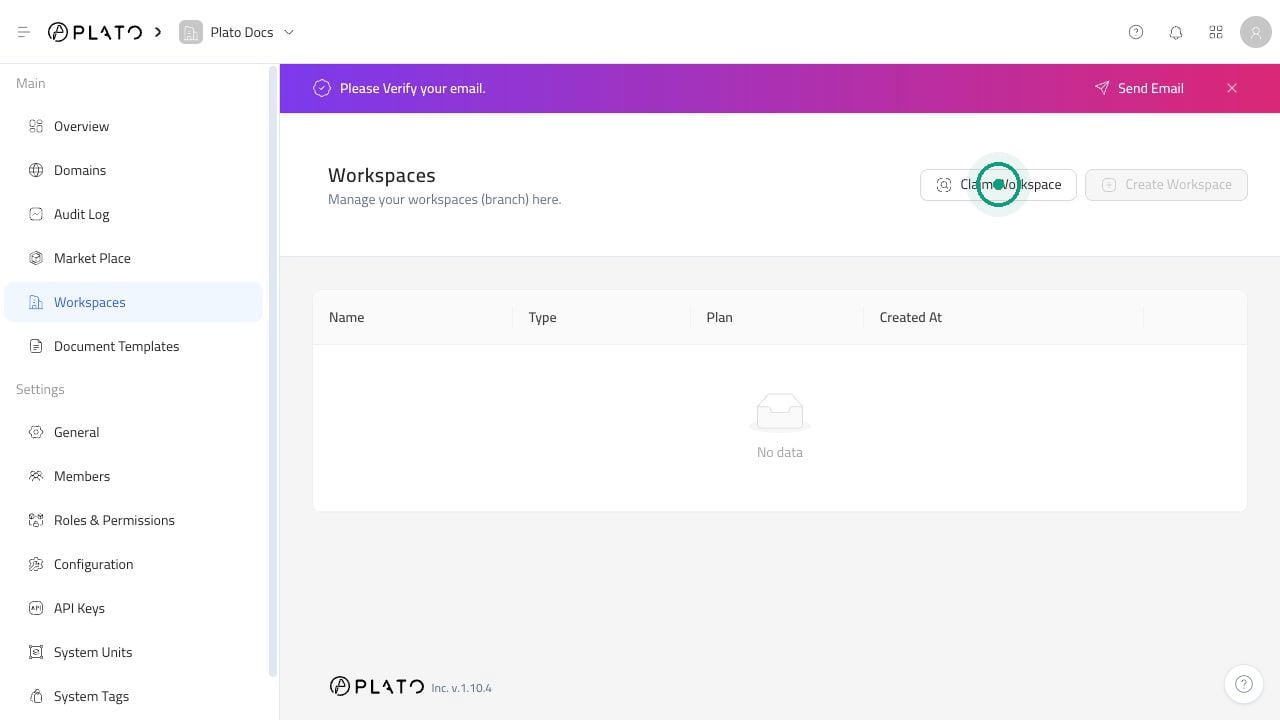
Claim A Workspace
Claiming links another workspace to the current one. This is useful when you manage more than one branch or business workspace.- Open
Workspaces. - Click
Claim Workspace. - Select the workspace you want to link.
- Click
Claim.
Review Linked Workspaces
After a workspace is linked, it appears in the list with its name, type, plan, and creation date.Unclaim A Workspace
Unclaiming removes the connection between workspaces. It does not delete the workspace.- Open
Workspaces. - Find the linked workspace.
- Open the three-dot menu beside it.
- Choose
Unclaim. - Confirm the action.