

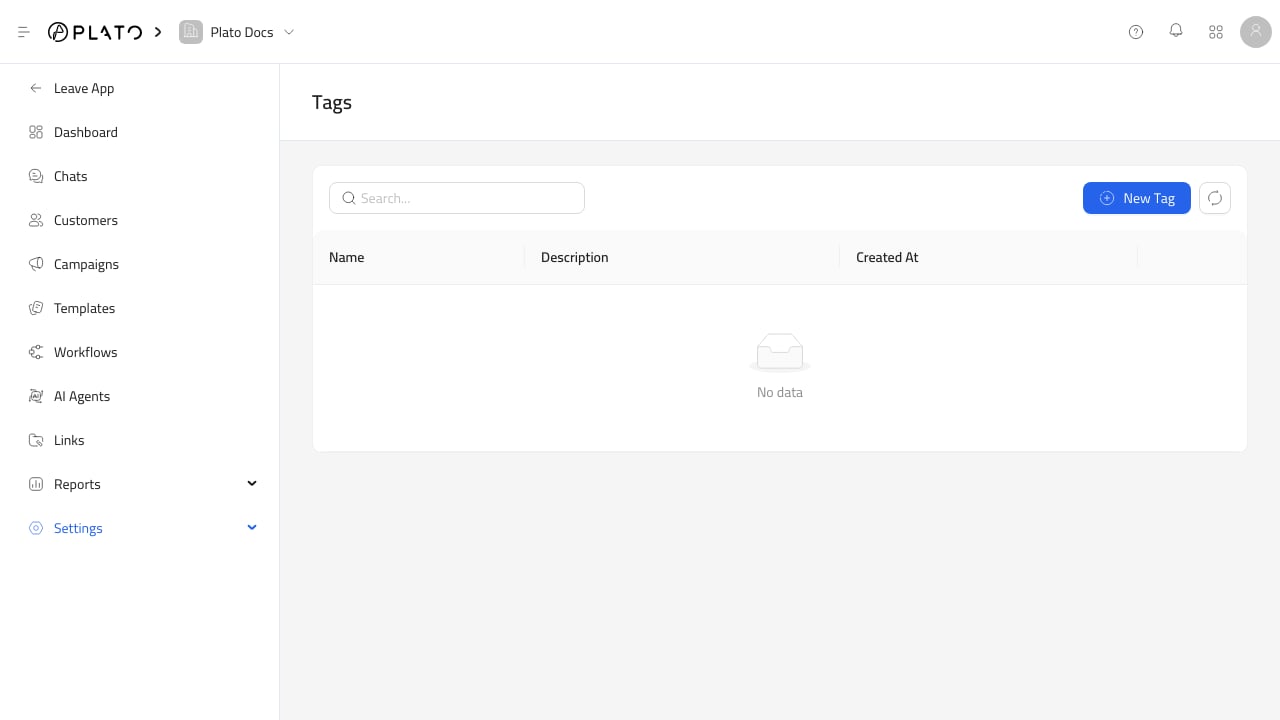
Create The Tag
OpenSettings > Tags, then create a short tag name the team can use consistently.
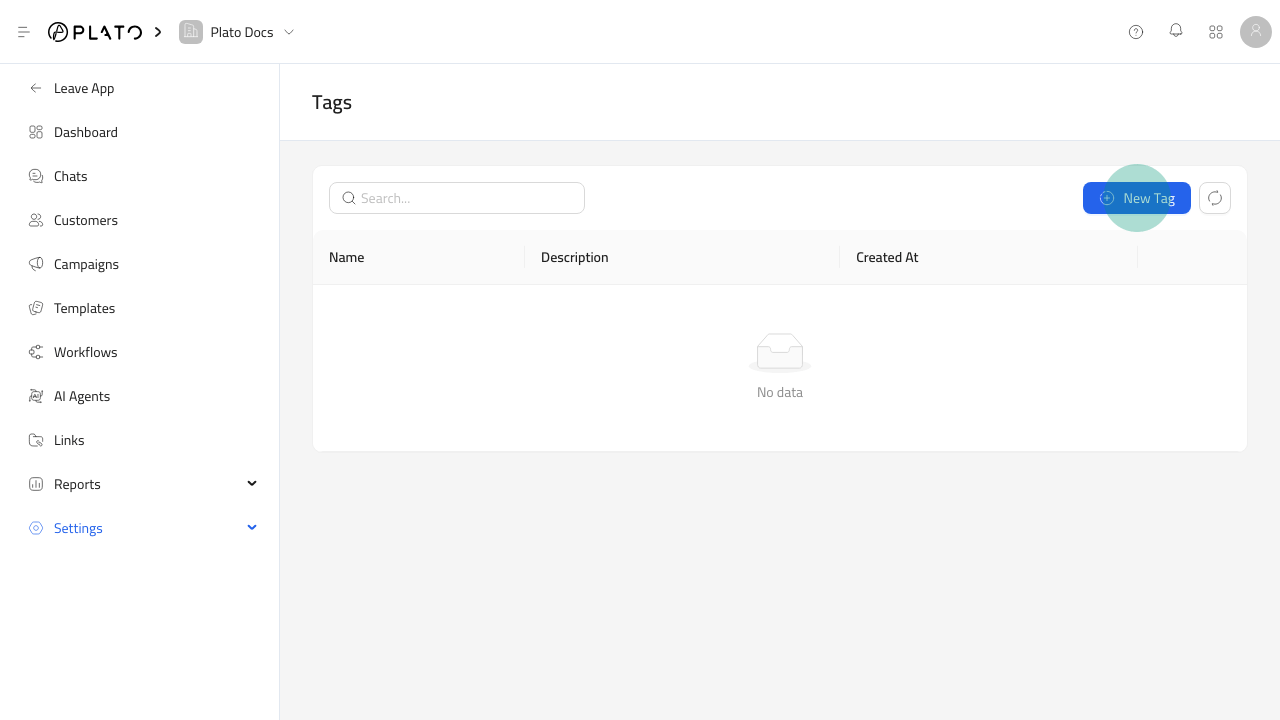
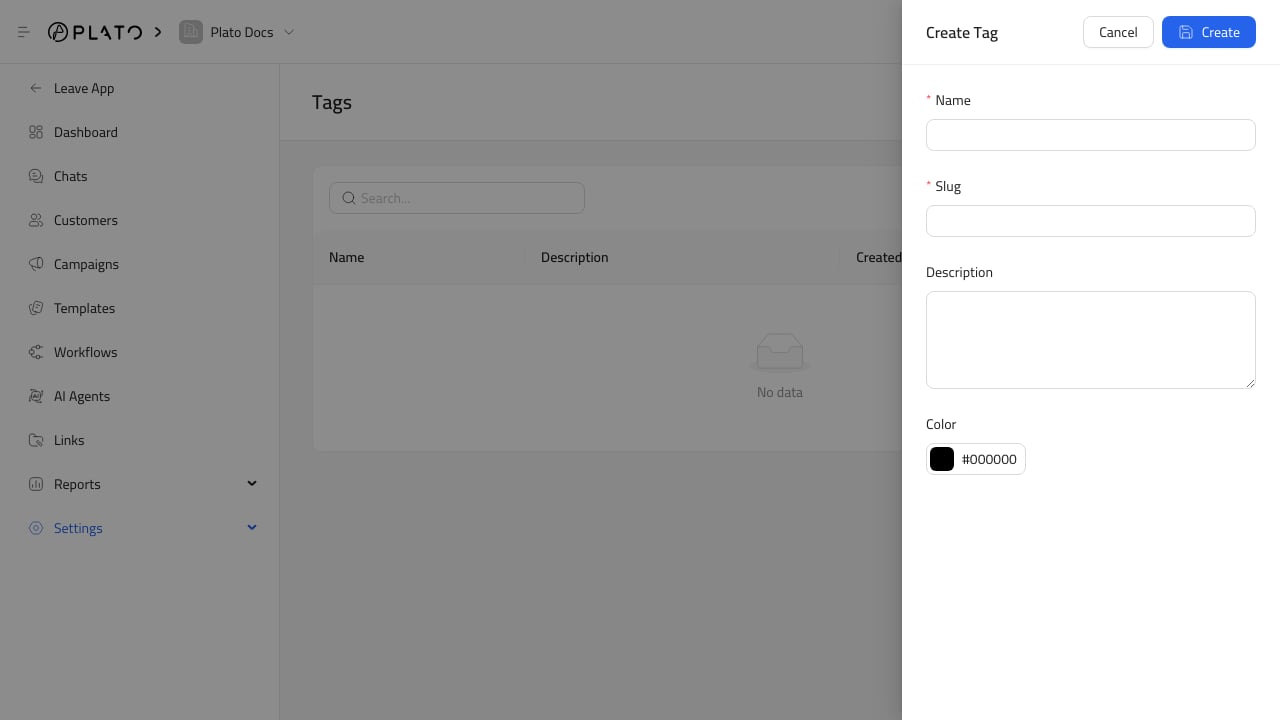
Apply Tags
Use tags for practical segments:- VIP customers.
- Delivery zones.
- Campaign audiences.
- Support priority.
- Repeat buyers.
- Customers who asked for follow-up.
Keep Tags Clean
Avoid duplicates likeVIP, Vip, and Important. Clean tags make customer filters and campaign reports easier to trust.