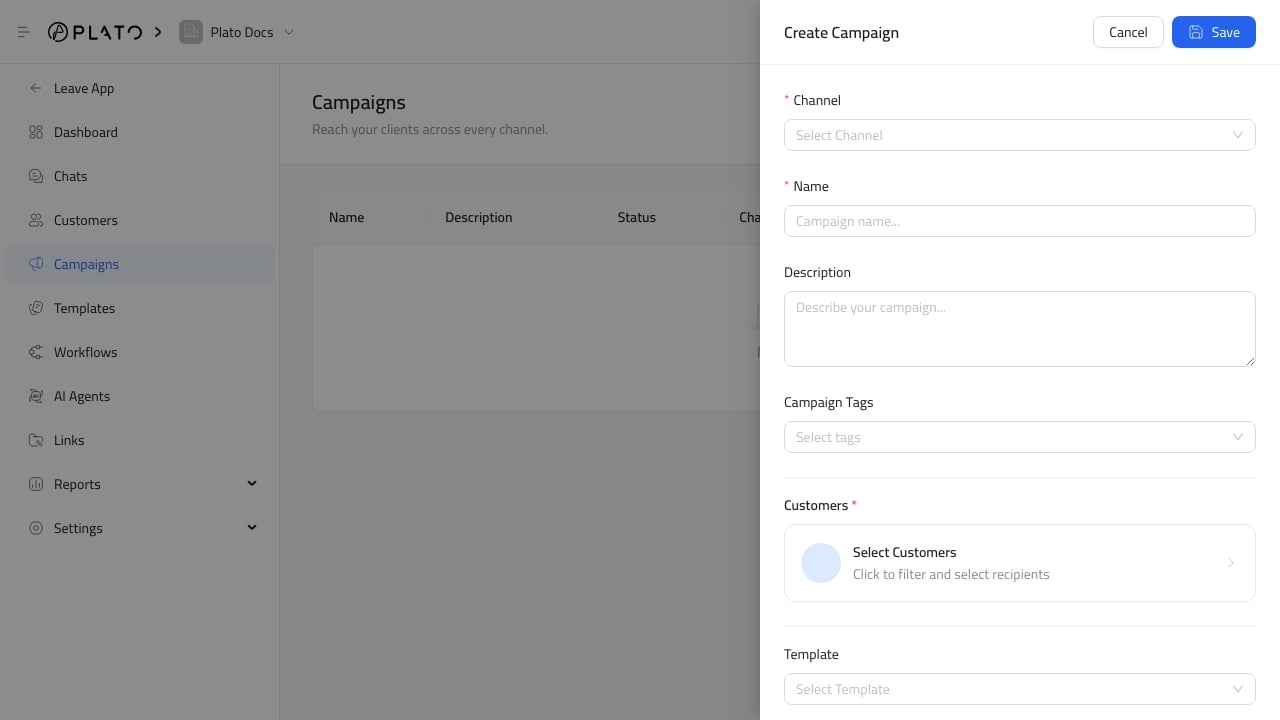
The customer selection step decides who receives the campaign. Connect360 campaign form

Use Filters

Use filters to narrow the audience before sending. Common filters include:
  • Customer tags.
  • Location or address details.
  • Order behavior.
  • Completed orders.
  • Date ranges.
  • Products ordered.
  • Order type.
  • Minimum order count.

Check The Count

Always review the selected customer count before saving. The count should match the campaign goal. If the count is too high, add another filter. If it is too low, check whether customer records have the tags or order history you expected.

Use Safe Test Recipients

Before sending a large campaign, test with a safe customer profile or internal number when the channel supports it.