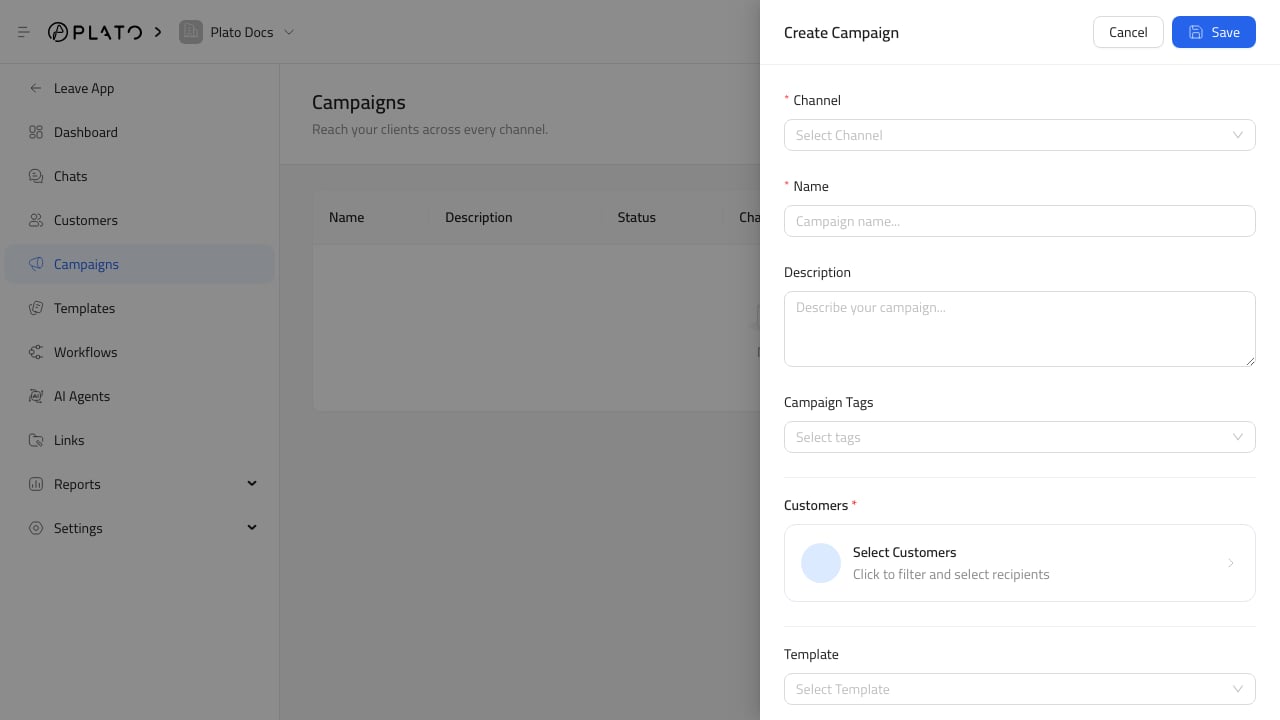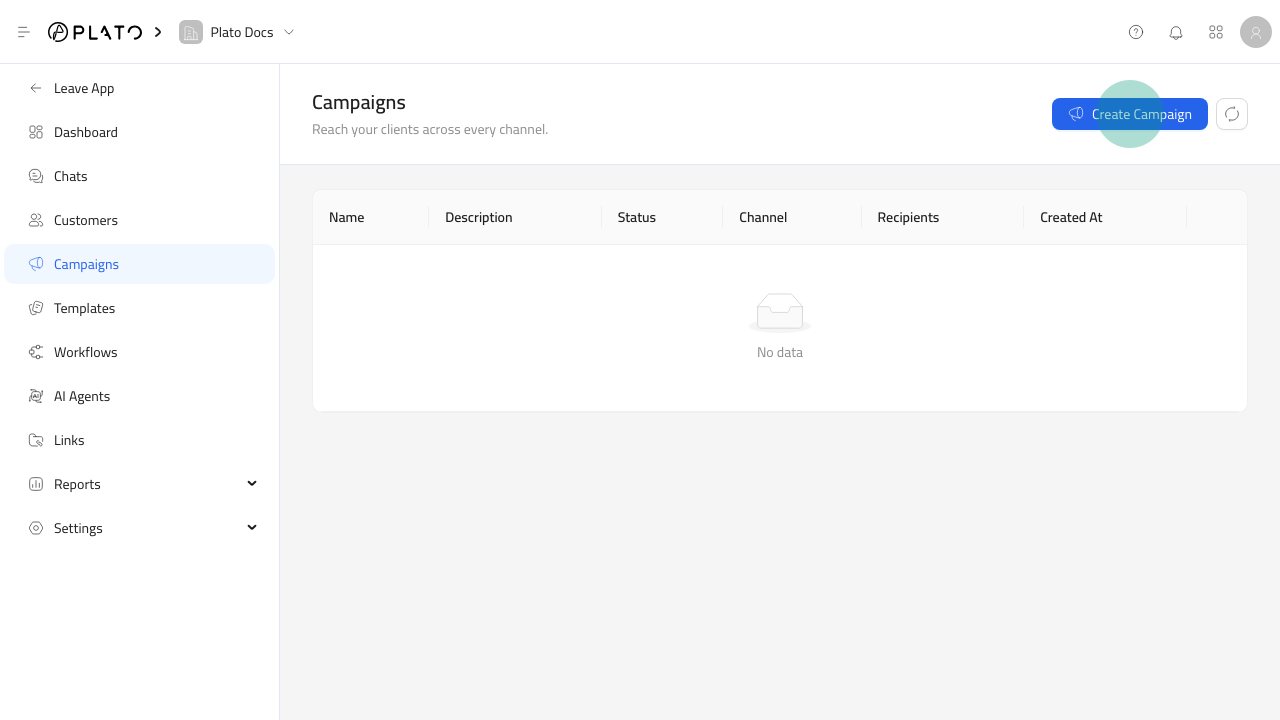
Open The Campaign Form
- Open
Connect360. - Go to
Campaigns. - Click
Create Campaign.
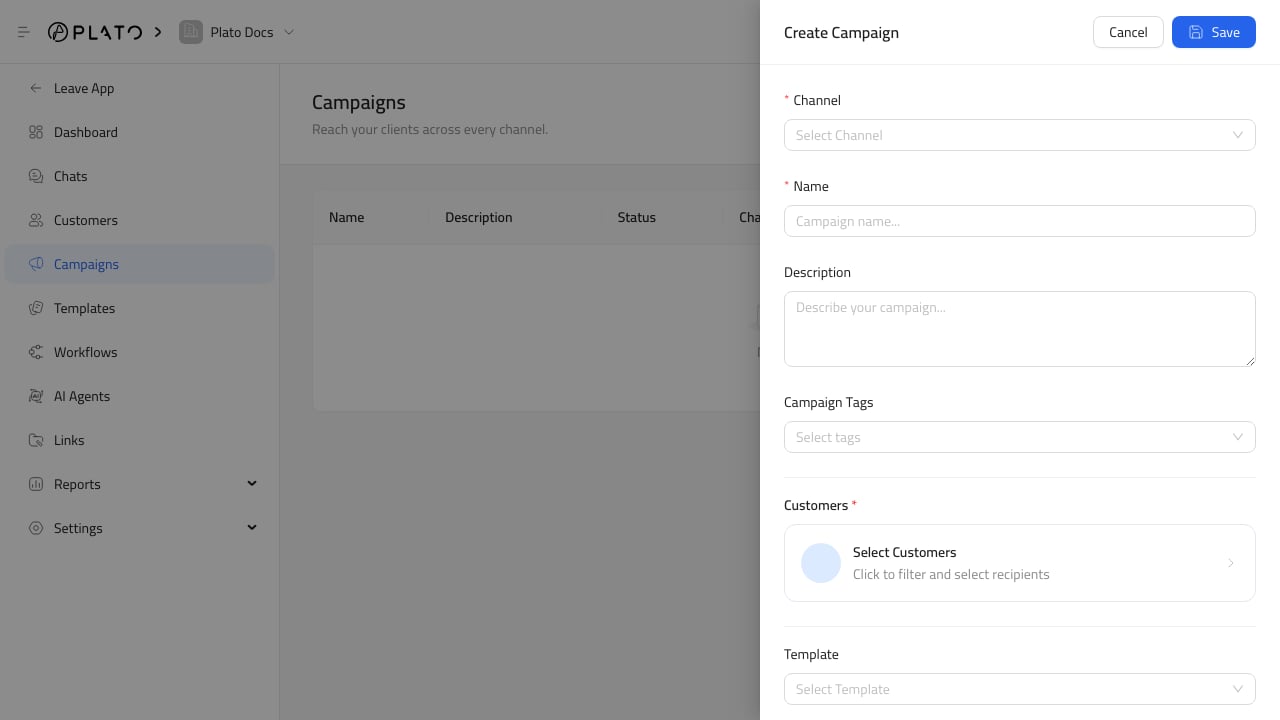
Fill Campaign Details
Add a clear campaign name and description. Choose the channel that should send the message. Use campaign tags when the campaign belongs to a season, audience, or offer group.Choose What The Campaign Does
A campaign can send a template, start a workflow, or do both.