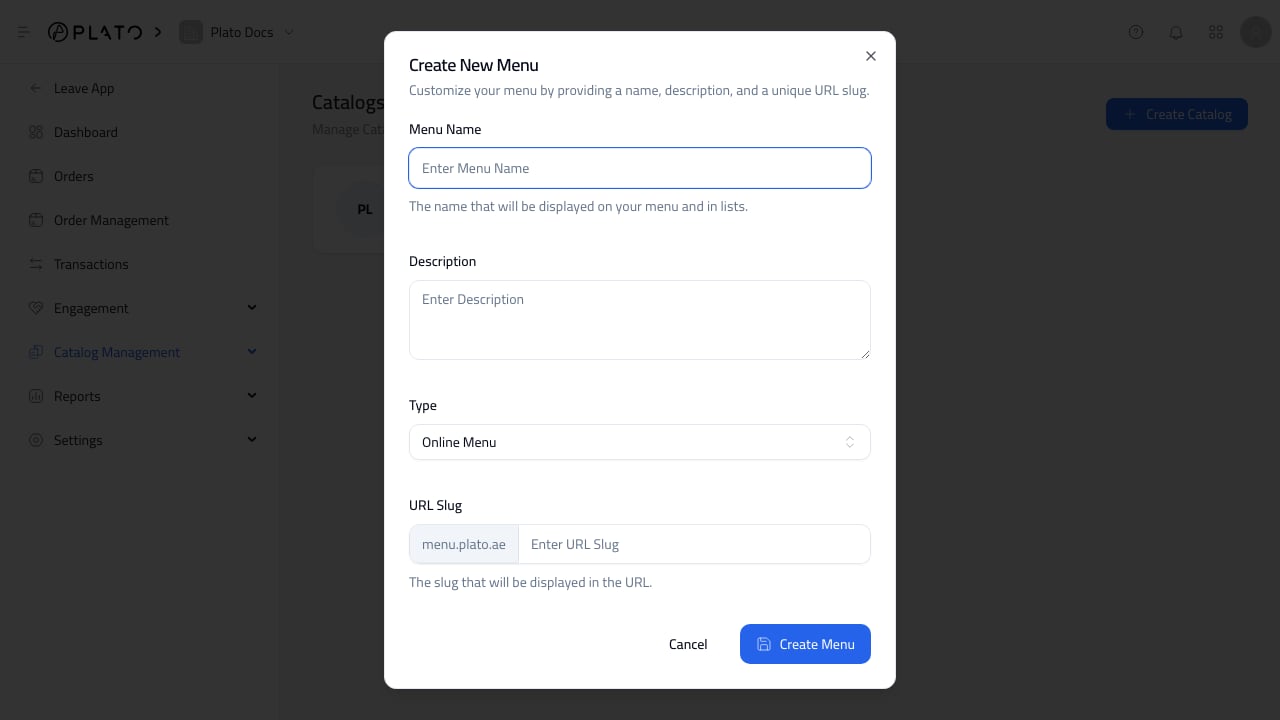
Catalog Management when you need to create a catalog, open an existing catalog, or manage the catalogs available to the workspace.
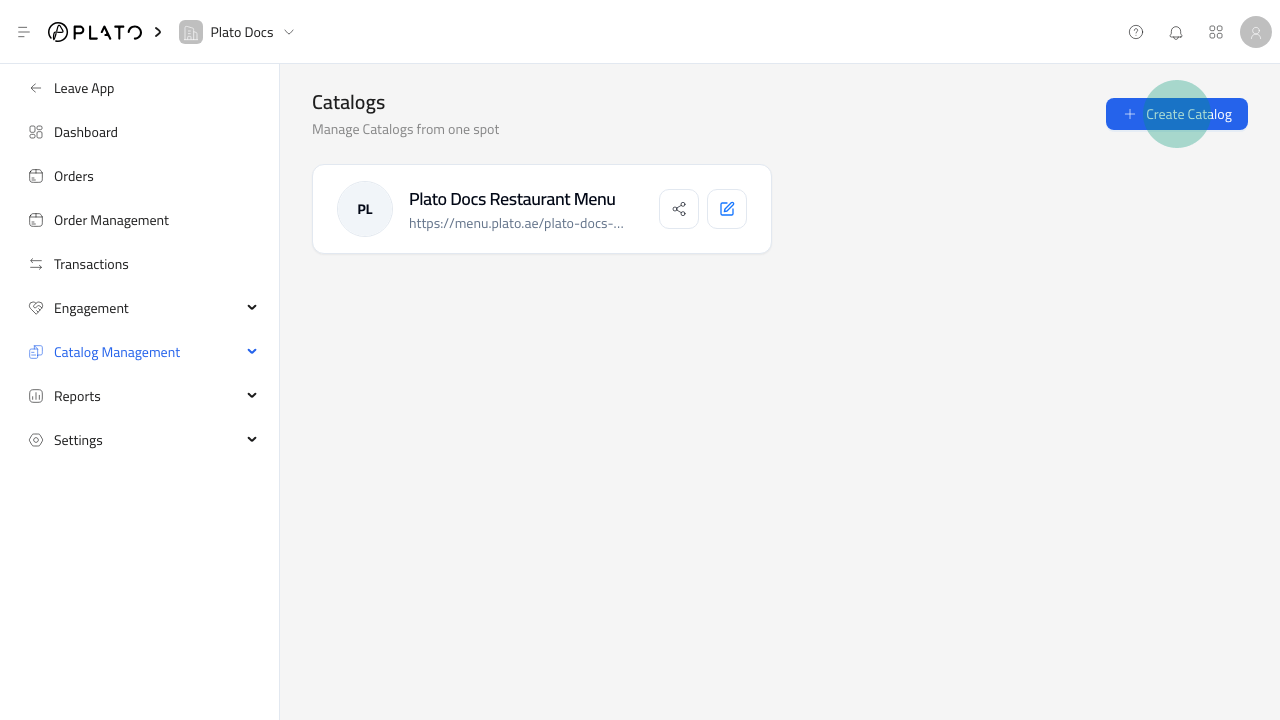
Common Catalog Tasks
- Create a catalog for a store, branch, product line, or seasonal collection.
- Open a catalog to edit its builder.
- Review whether the right products are included.
- Open catalog settings for language, ordering, theme, integrations, and feedback.
- Use the public URL after the catalog has been tested.
Before You Build
Create categories and products before spending time in the catalog builder. The builder is faster when the product catalog already has names, images, prices, categories, and availability set correctly.Naming Catalogs
Use names staff can recognize quickly, such asMain Store, Perfume Catalog, Pharmacy Counter, or a branch name.
Clear catalog names make it easier to open the right builder and avoid updating the wrong public page.