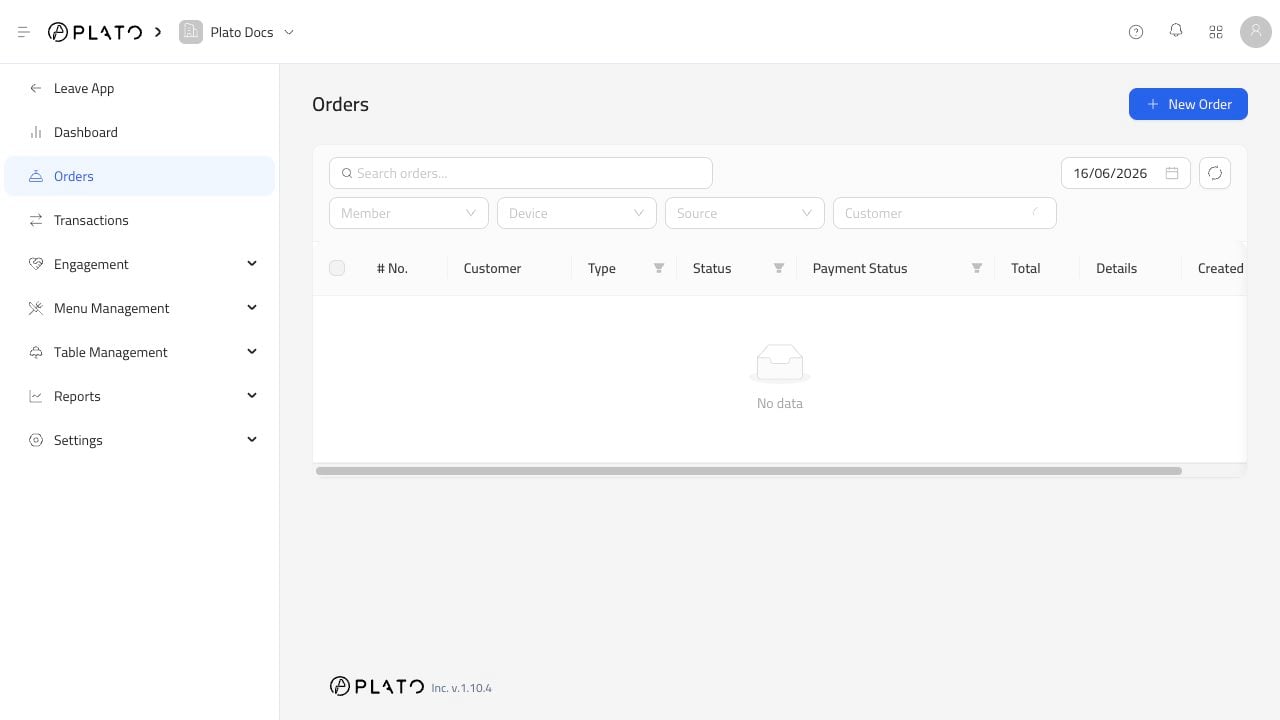
Order status tells the team what still needs attention. Update it as the order moves through the restaurant, especially during busy service. Orders list

Move The Order Forward

Use the status that matches what is really happening:
  1. New orders still need review.
  2. Processing orders are being prepared.
  3. Ready orders can be handed to the customer, runner, or driver.
  4. Completed orders are done.
Do not mark an order complete until it has actually been handed off.

When To Cancel

Cancel only when the order should not continue. Good reasons include customer cancellation, duplicate order, unavailable item, or a payment issue that cannot be resolved. If your team uses void reasons, choose the reason that is easiest for managers to understand later.