

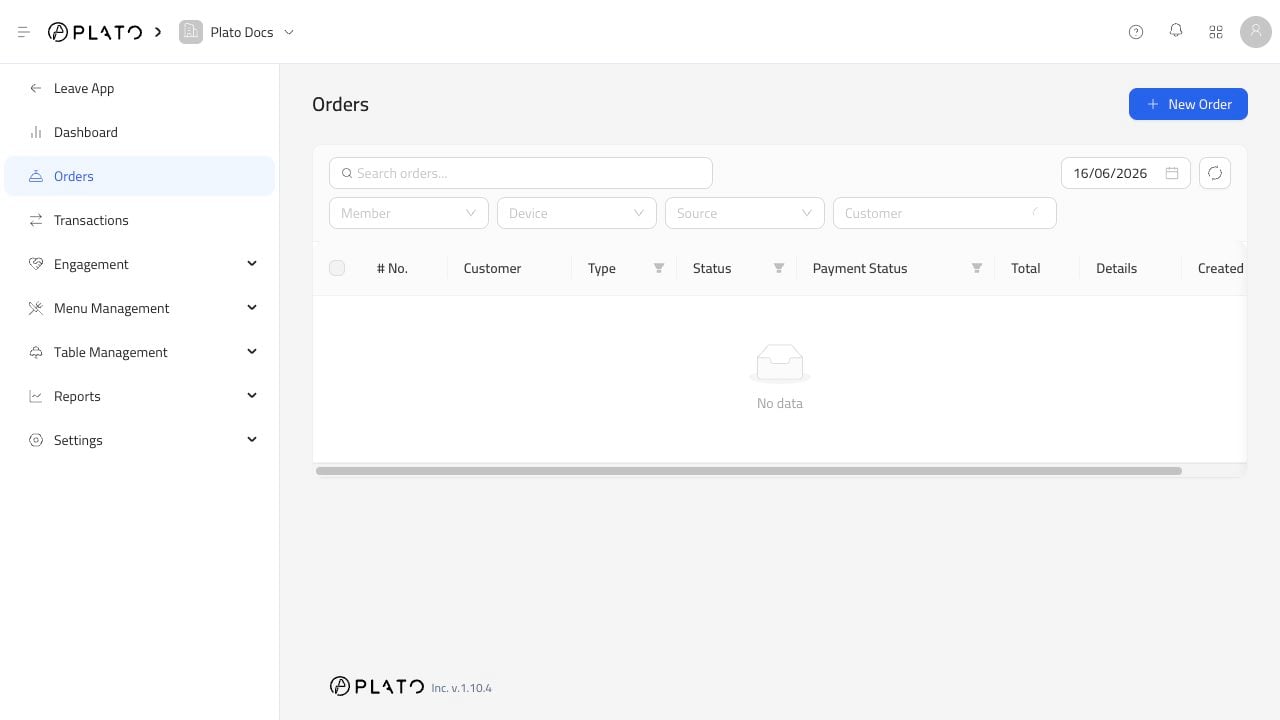
Start With The Simple Search
Search by the detail the team already has: order reference, customer name, phone number, or another visible order detail. If the list is still too busy, narrow it with filters.Use Filters When Service Gets Busy
The useful filters are:- Date.
- Member.
- Device.
- Source.
- Customer.
Open The Order
Once you find the order, open it and check the important details before taking action:- Order type.
- Status.
- Payment status.
- Total.
- Customer details.
- Created time.