

Open An App
- Open the Console at
app.plato.ae. - Confirm the correct workspace in the top-left workspace selector.
- Go to
Overview. - Find the app card you want to use.
- Click
Open App.
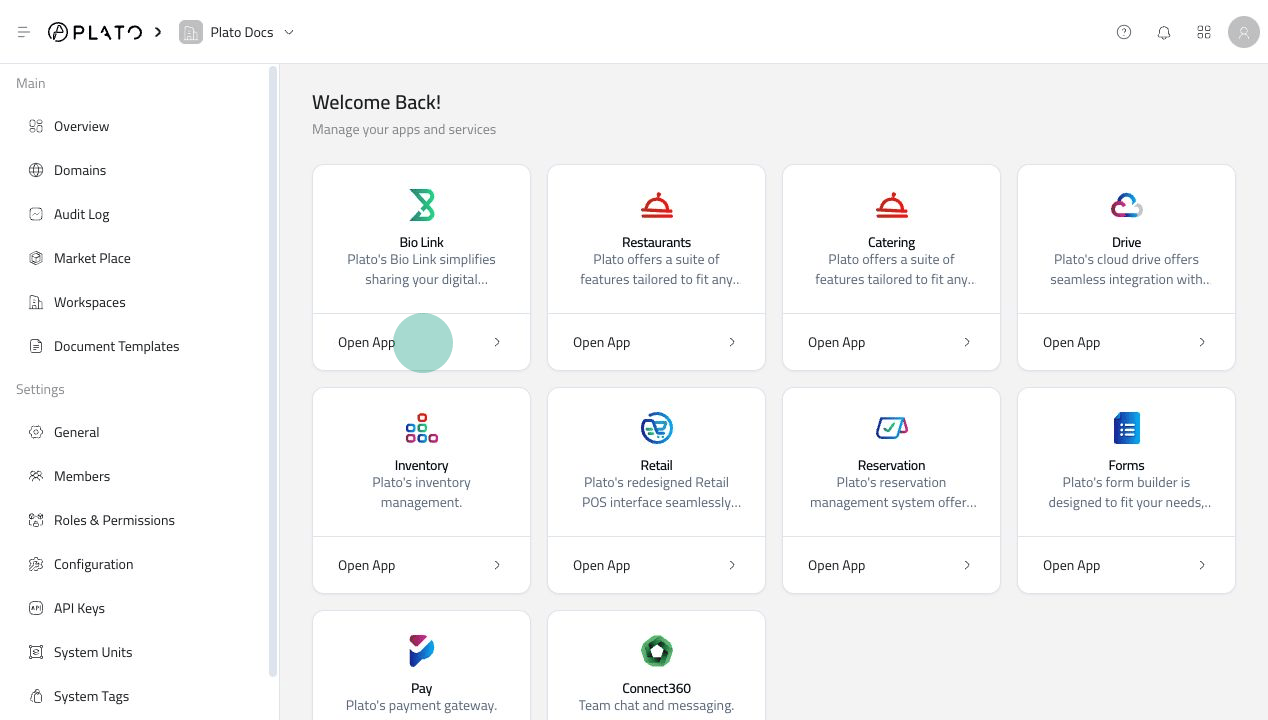
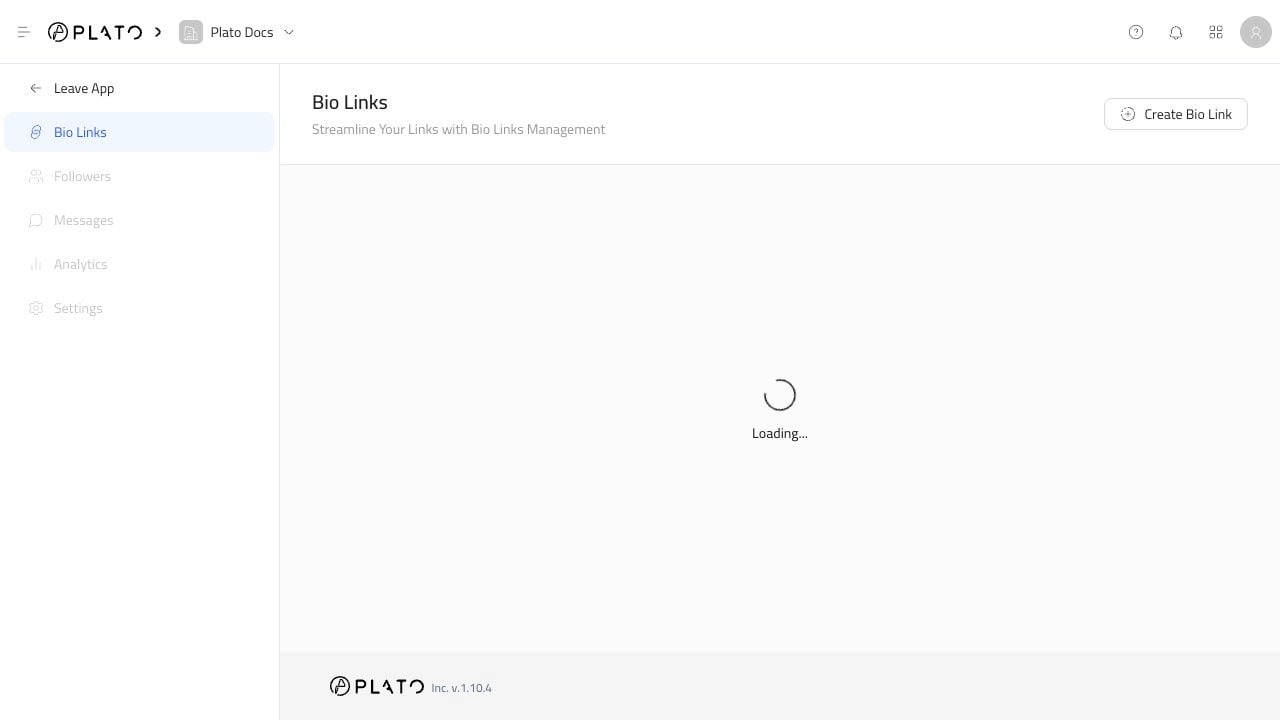
Example: Opening Bio Link
When you open Bio Link, the Console changes from workspace settings to Bio Link pages such as Bio Links, Followers, Messages, Analytics, and Settings.If The App Card Is Missing
Try this:- Confirm you are in the correct workspace.
- Refresh the page.
- Ask the workspace owner to confirm the app is included in the workspace plan.
- Ask the workspace owner to confirm your role can open that app.