

Choose Your Updates
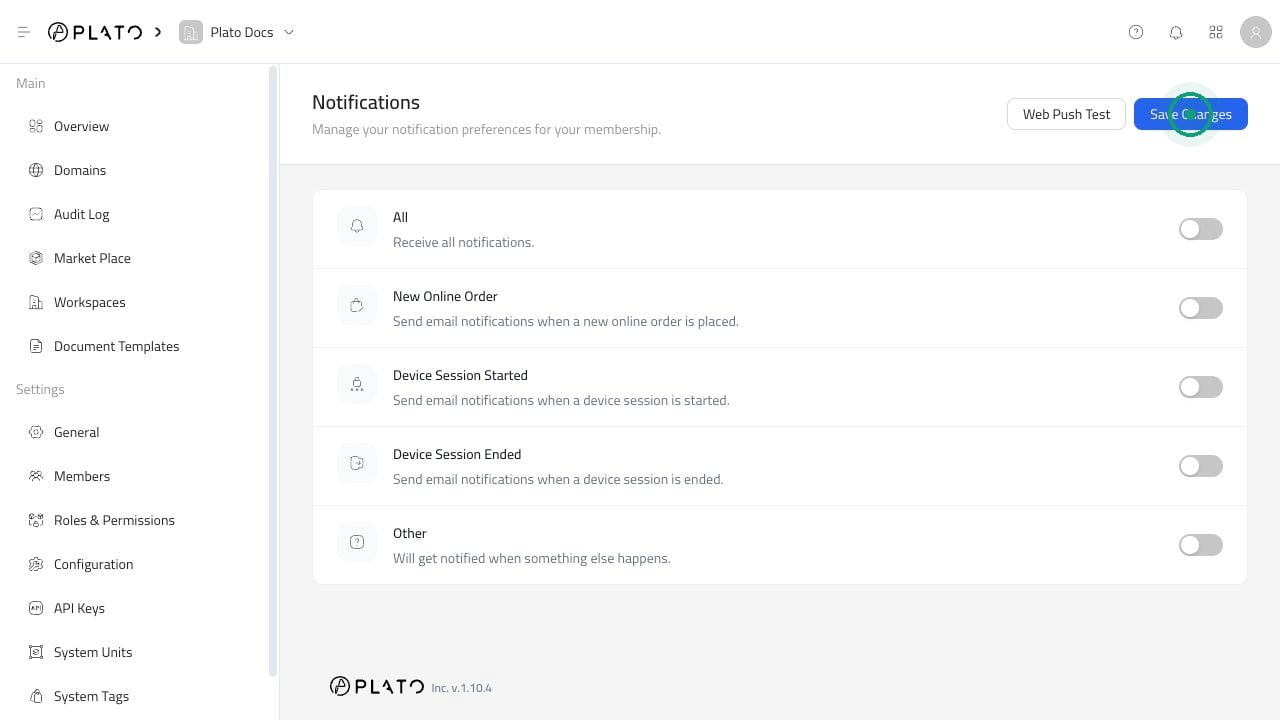
You can turn on updates for:- All notifications.
- New online orders.
- Device sessions starting.
- Device sessions ending.
- Other supported workspace updates.
Save Your Preferences
- Open
Notifications. - Turn the updates you want on or off.
- Click
Save Changes.
Test Browser Notifications
ClickWeb Push Test if you want to confirm browser notifications are working on your device.