

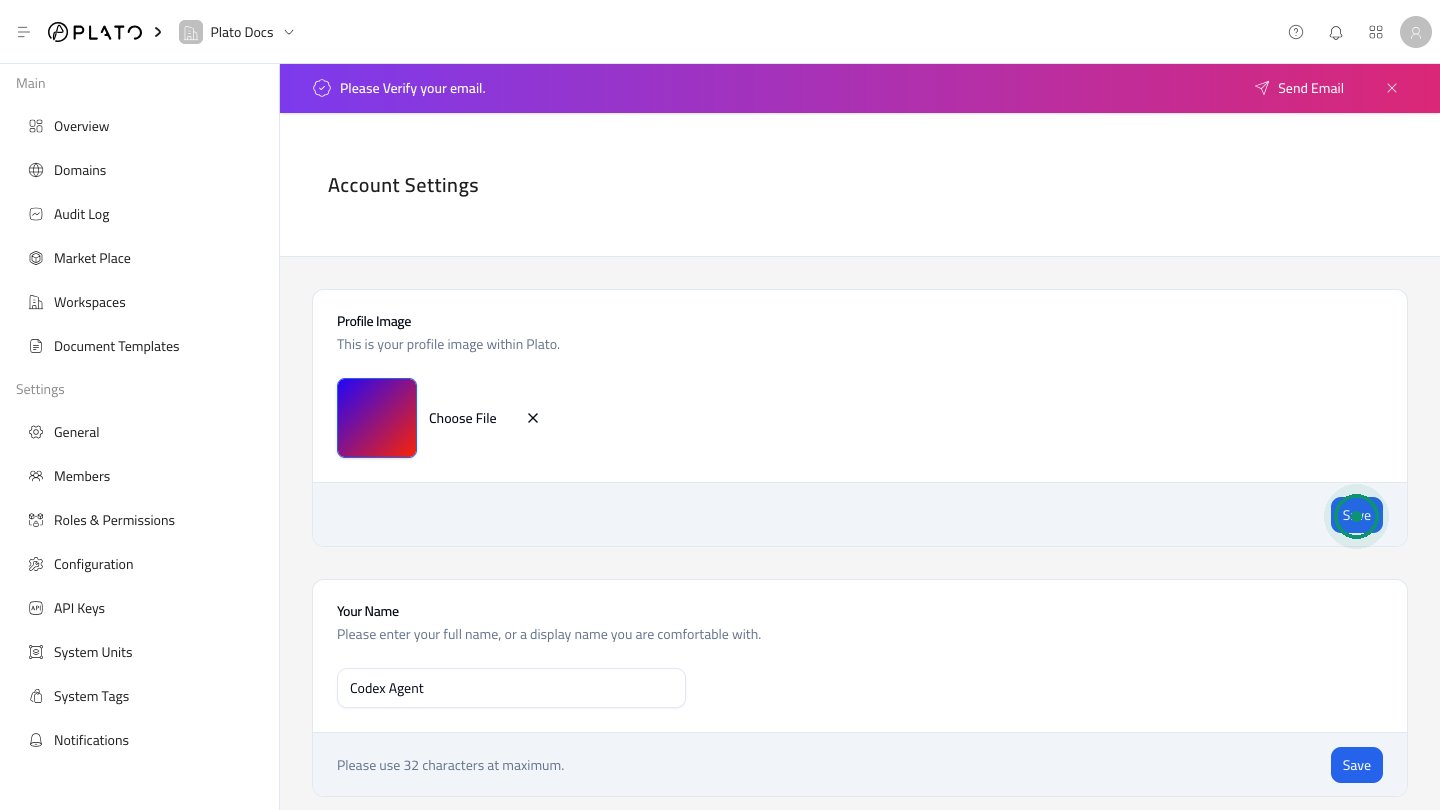
Profile Image
UseProfile Image to upload or change the image shown on your Plato account.
- Open
Account Settings. - Update the image.
- Click
Savein the Profile Image section.
Your Name
Your name appears in member lists and activity areas. Use a clear name your team can recognize. Click theSave button in the Your Name section after editing.
Your Username
The username is used in your Plato account URL. The Console keeps it formatted correctly while you type. Changing the username can redirect the current URL to the new namespace.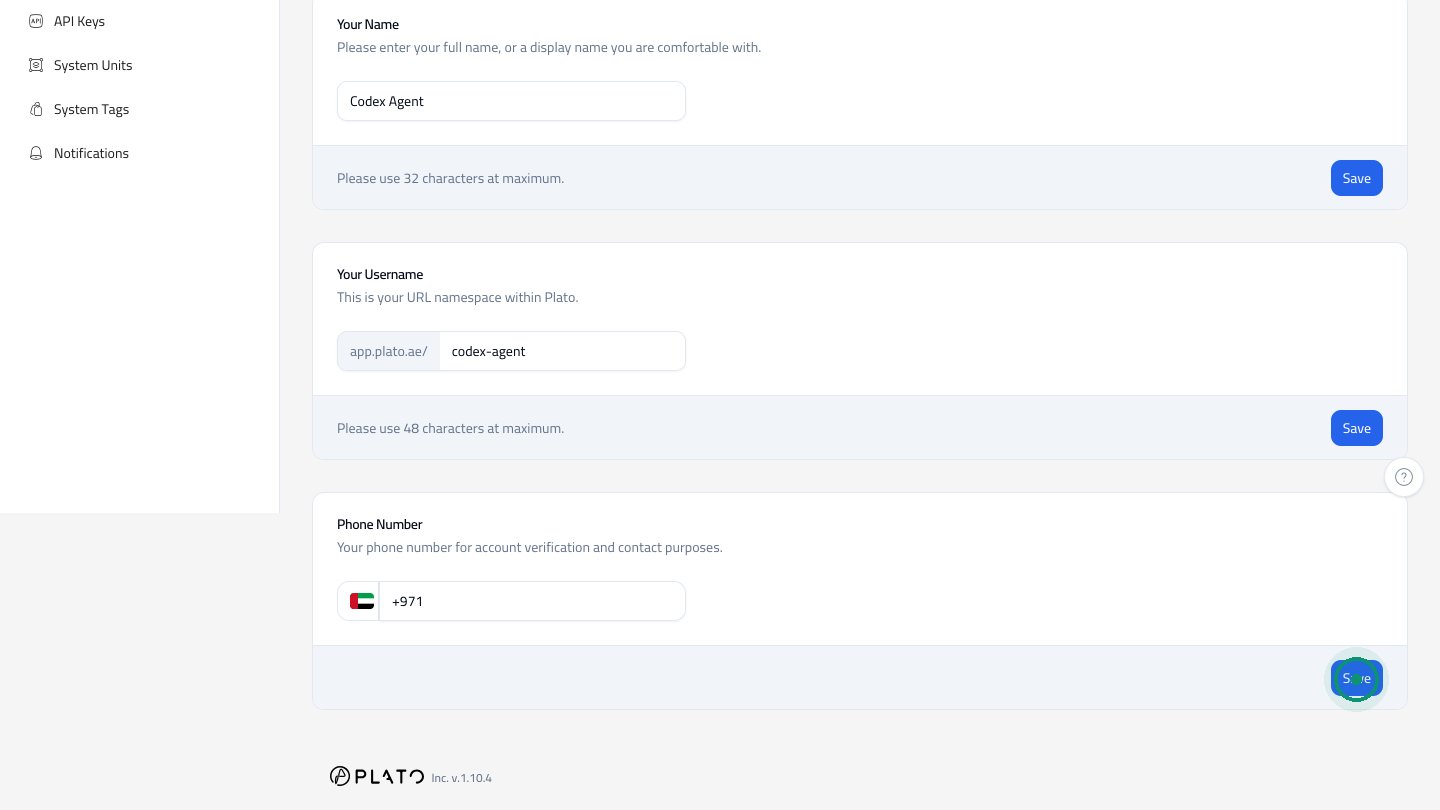
Phone Number
Use the phone section for account verification and contact purposes. Each account setting section has its ownSave button. Save the section you changed before leaving the page.