

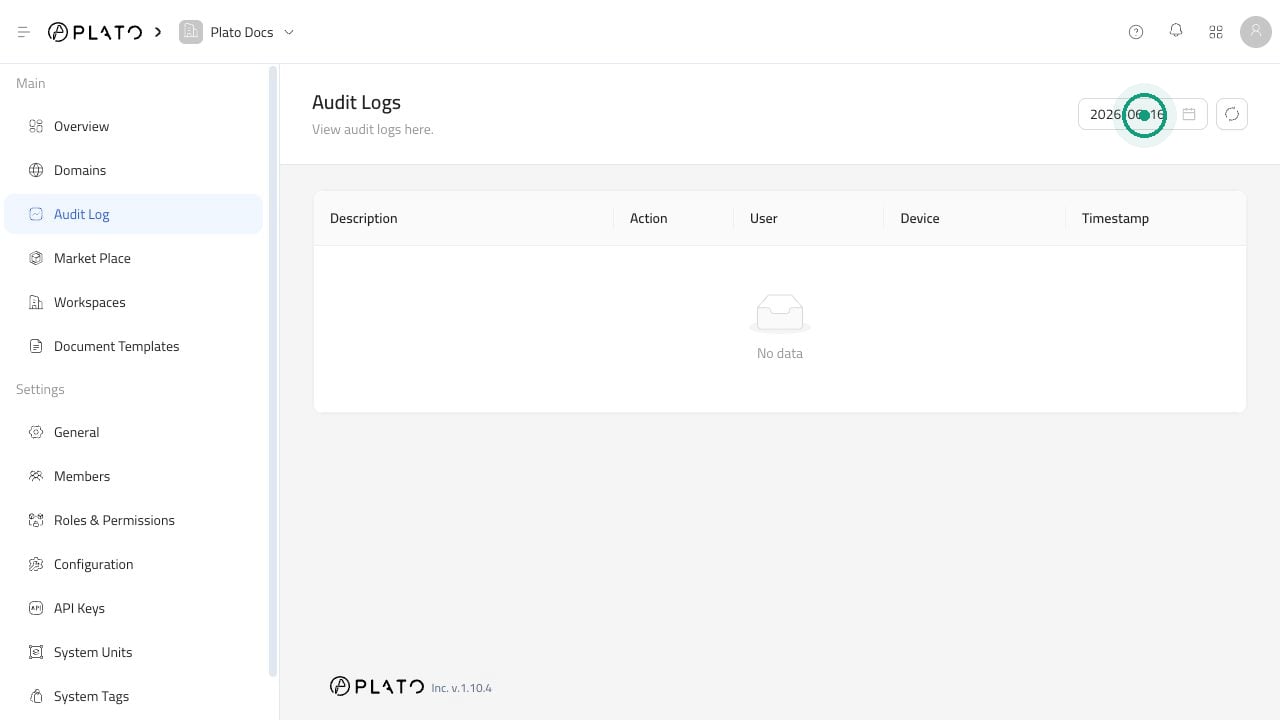
Find Activity For A Day
- Open
Audit Log. - Choose the date you want to review.
- Look through the activity shown for that day.
- Click reload if you want to refresh the list.
Open A Log
Click an activity item when you want more context. The detail drawer can help you understand:- What action happened.
- Which teammate was involved.
- Whether a device was involved.
- When the action happened.
When Audit Logs Are Useful
- Confirm that a change was saved.
- Review account or workspace changes.
- Check a device-related action.
- Understand who made a change before asking your team.
- Review device activity.