

A Table Is Missing From The Sidebar
Check these items:- Open
Databases. - Confirm the database exists.
- Edit the database and confirm
Hiddenis off. - If the database is inside a folder, edit the folder and confirm
Hiddenis off. - Refresh CMS.
The Entry Form Has No Fields
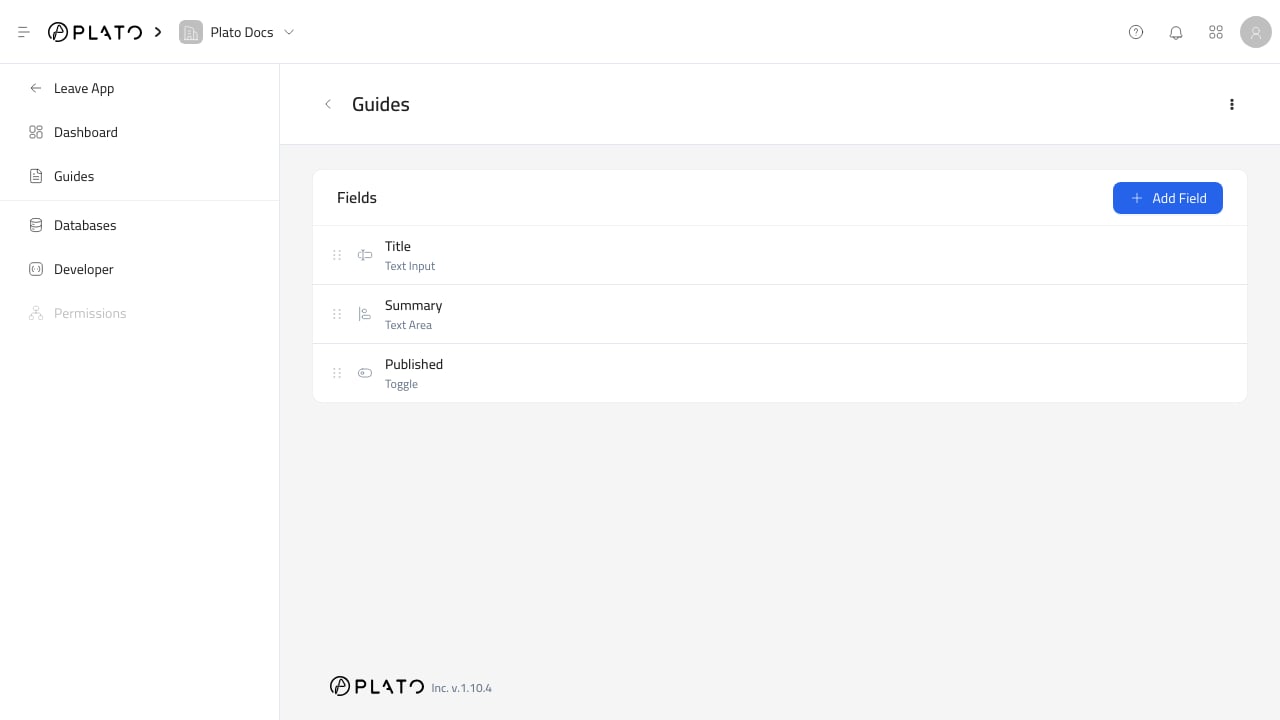
Open the database row menu and clickEdit Schema.
Add fields before creating entries.
A Field Does Not Appear In The Entry Form
Check the field settings:- The field key exists.
- The field is not hidden.
- Conditional visibility rules are not hiding it.
- The field belongs to the correct database.
A Field Does Not Appear In Filters
Open the field’sDisplay tab and confirm Filterable is on.
Hidden fields and fields without keys are not available as normal filters.
Relation Options Are Empty
Check these items:- Confirm the relation field has a related table selected.
- Confirm the related table has entries.
- Set a
Display FieldorDisplay Templateso options have useful labels. - Refresh the entry form.