

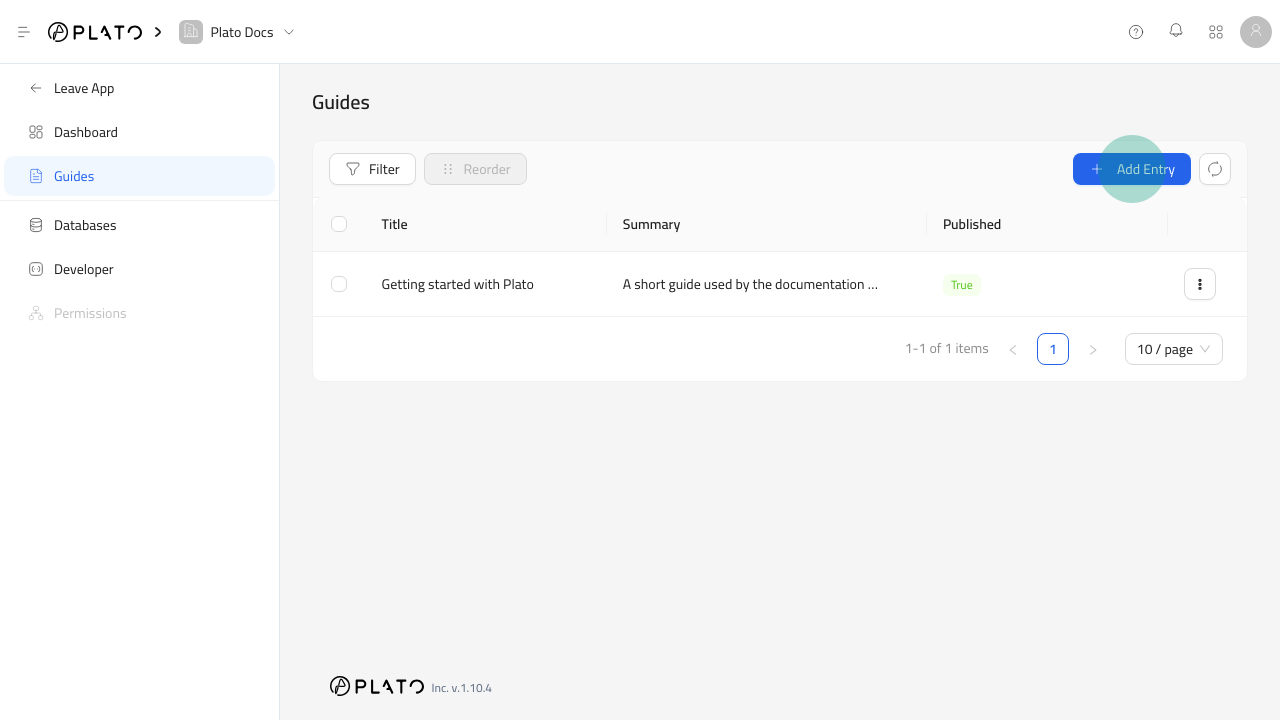
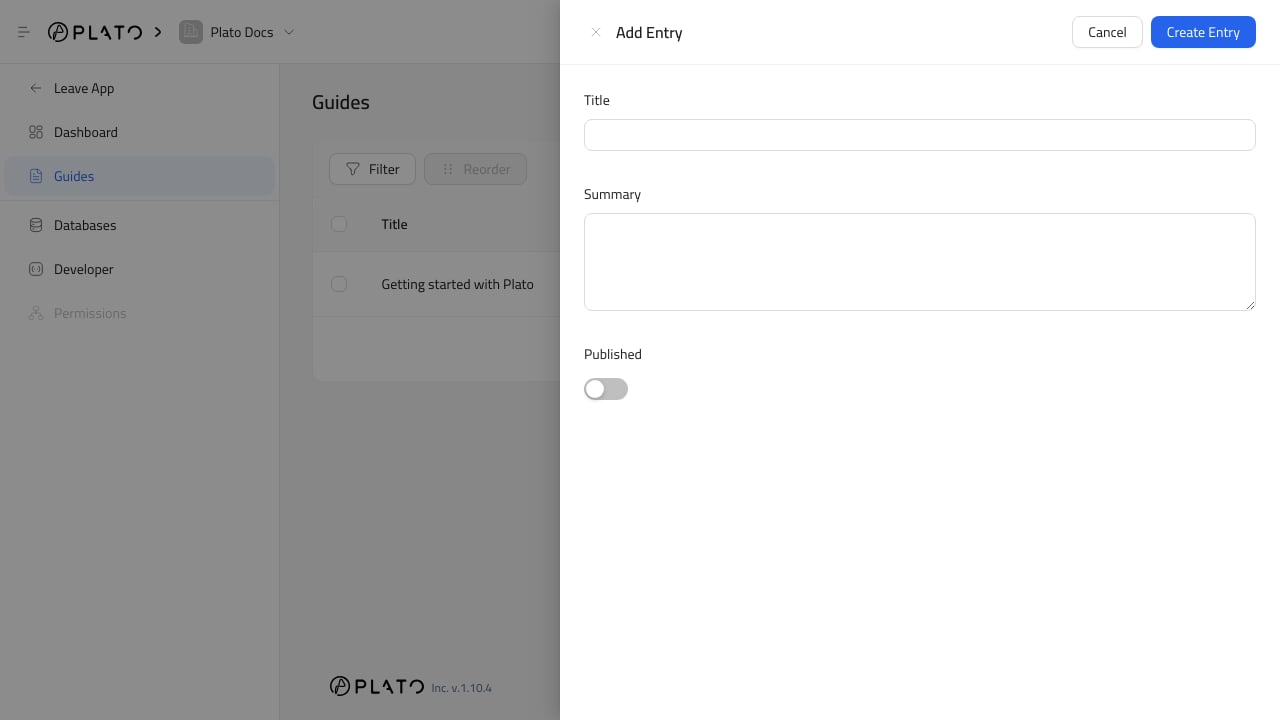
Add An Entry
- Open
CMS. - Open the table.
- Click
Add Entry. - Fill the visible fields.
- Click
Create Entry.
Edit Schema first and add fields.
Edit An Entry
- Open the table.
- Open the row menu.
- Click
Edit Entry. - Update the values.
- Click
Save Changes.