

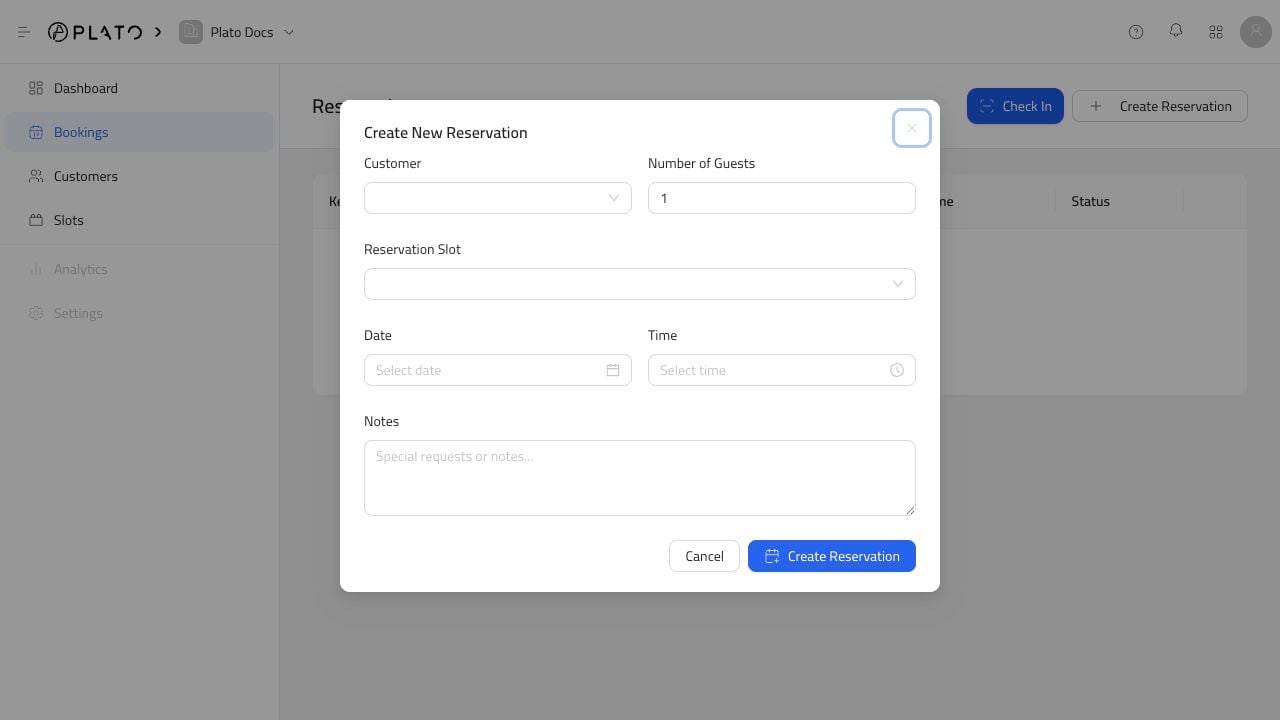
Open The Form
From Reservation Bookings, clickCreate Reservation.
Add The Booking Details
Choose:- Customer.
- Number of guests.
- Reservation slot.
- Date.
- Time.
- Notes, if the host team needs them.
Book a guest into an available reservation slot.
Create Reservation.