

Review Each Option With The Team
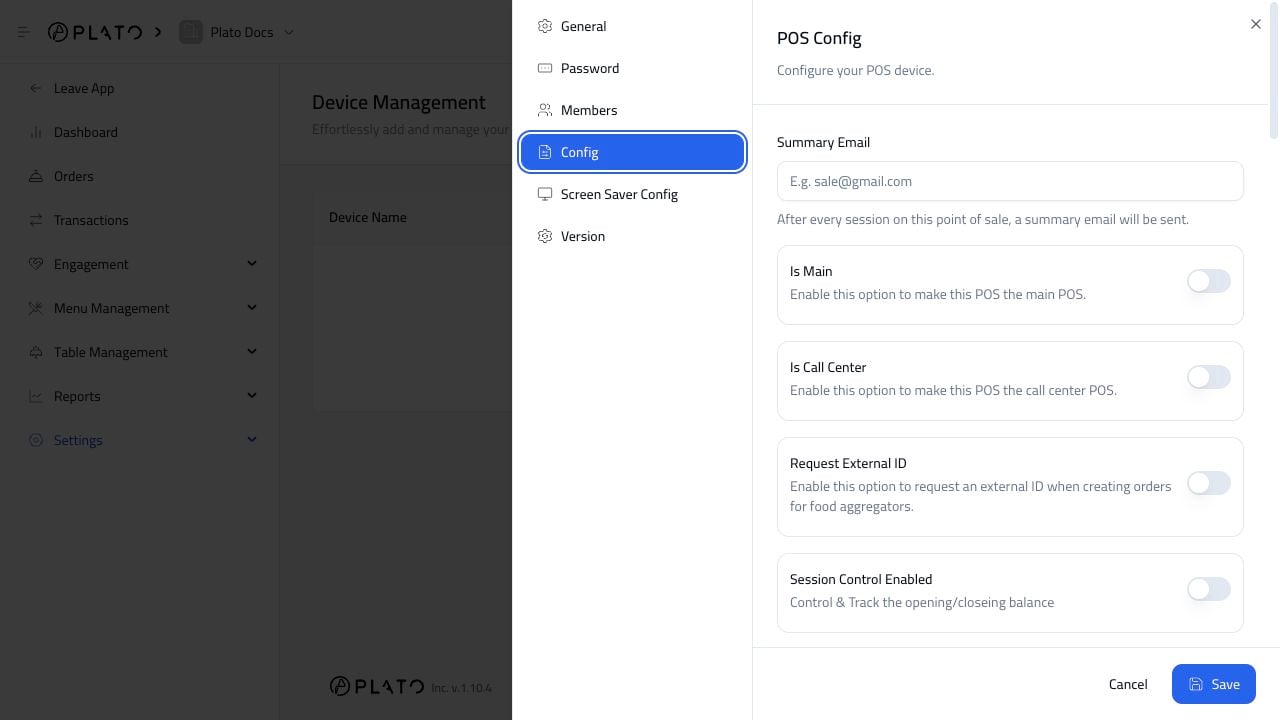
Enable only the behavior your team is ready to use. Common options include:- Summary email after sessions.
- Main POS.
- Call center mode.
- External ID requests for aggregator orders.
- Session control.
- Idle menu display.
- Tables.
- Course management.
- Draft orders.
- Keyboard navigation.
- Online orders.
- Kitchen calls.
- Sending kitchen tickets to KDS.