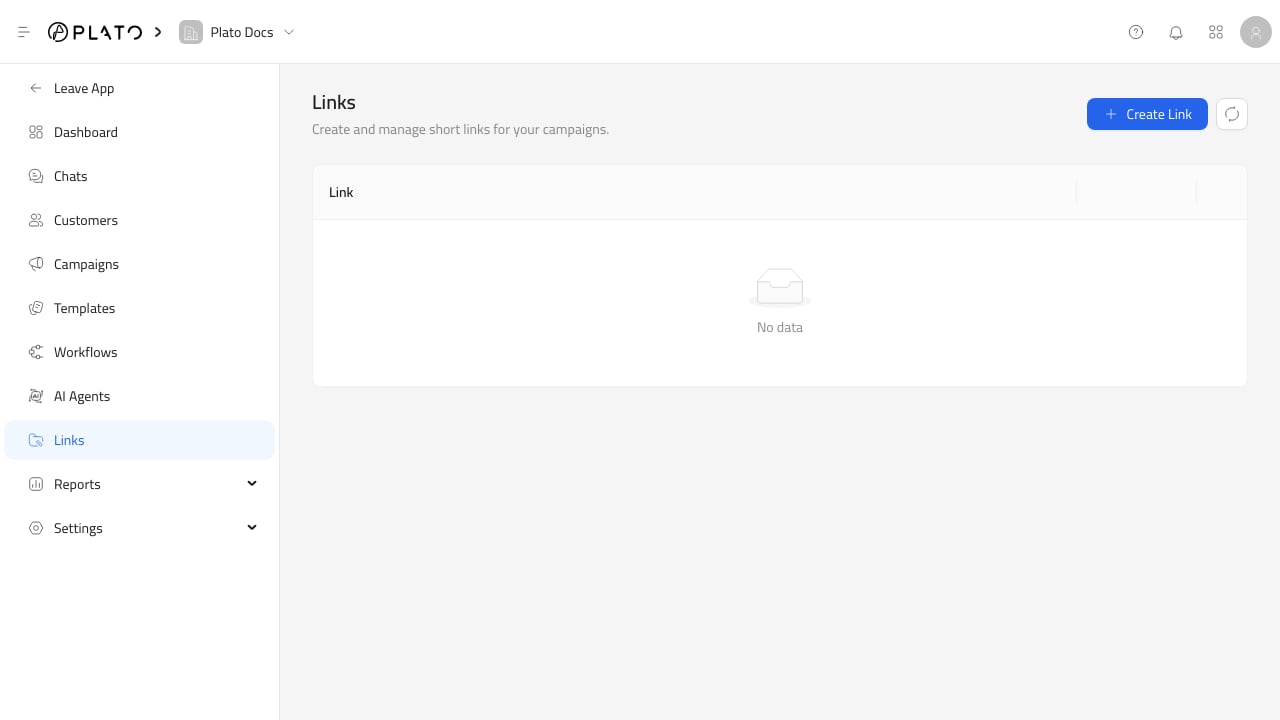
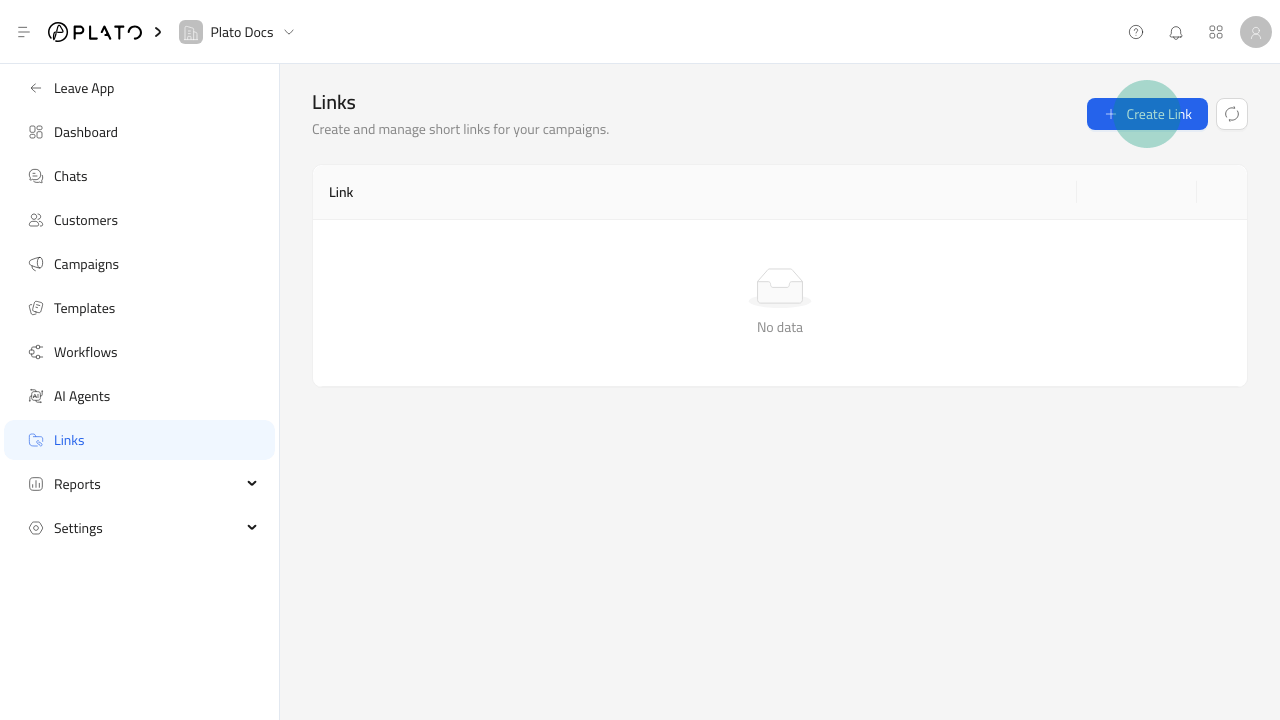
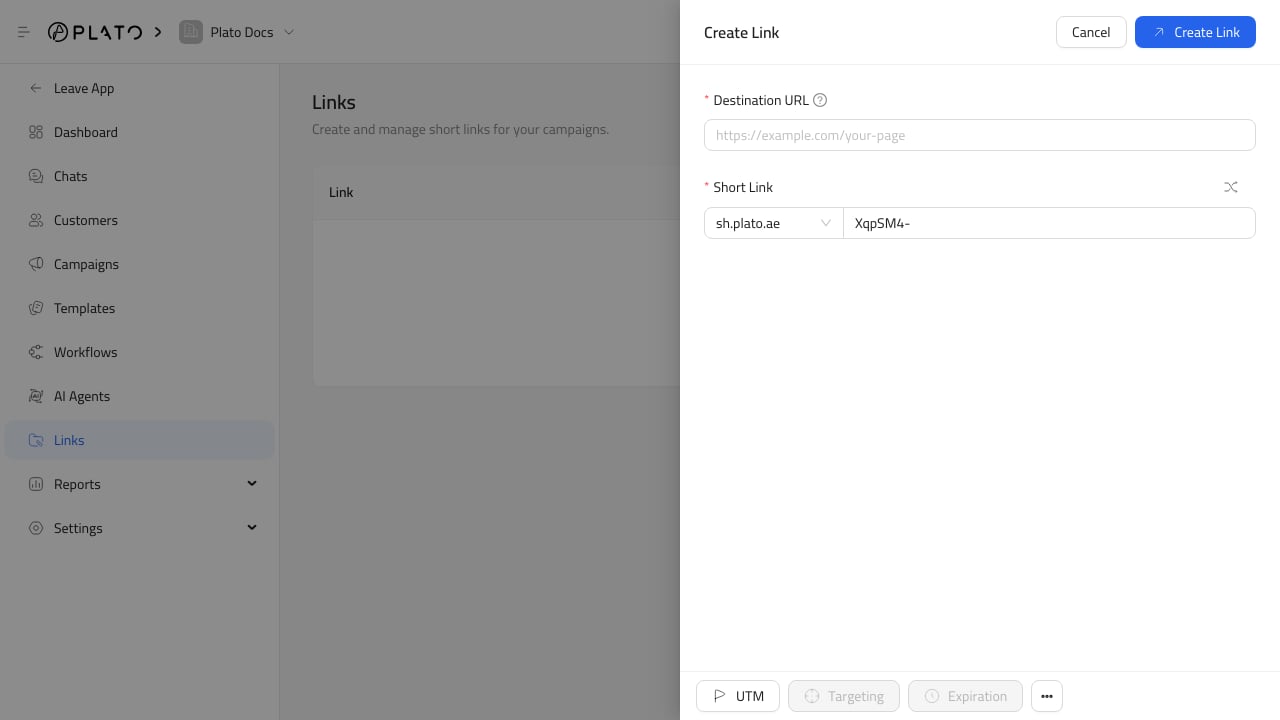
Links are short URLs that Connect360 can use in campaigns, templates, QR codes, and customer messages. Use them when you need a readable URL and click tracking. Connect360 links Create Link button Connect360 link form For the full flow, see Create A Short Link. Click Create Link, then add:
  1. Destination URL, where visitors should land.
  2. Short Link, including the domain and key.
Use the shuffle button when you want Connect360 to generate a random key. Connected domains for the CONNECT360 app can appear as domain options.

Add UTM Parameters

Use UTM to add or edit source, medium, campaign, term, and content values. If the destination URL already contains UTM parameters, Connect360 can extract them into the form. Use consistent UTM names so link reports are easier to compare. For tracking setup, see UTM And Link Options.

Advanced Options

The link form includes options for link cloaking and search engine indexing. Some future options, such as targeting, expiration, A/B testing, password protection, and advanced settings, may appear disabled until they are supported for your workspace. The Links page shows each short link, its destination URL, and click count. From row actions, you can edit, share by copying the short URL, or delete the link. Use Reports for link analytics and event-level click details.