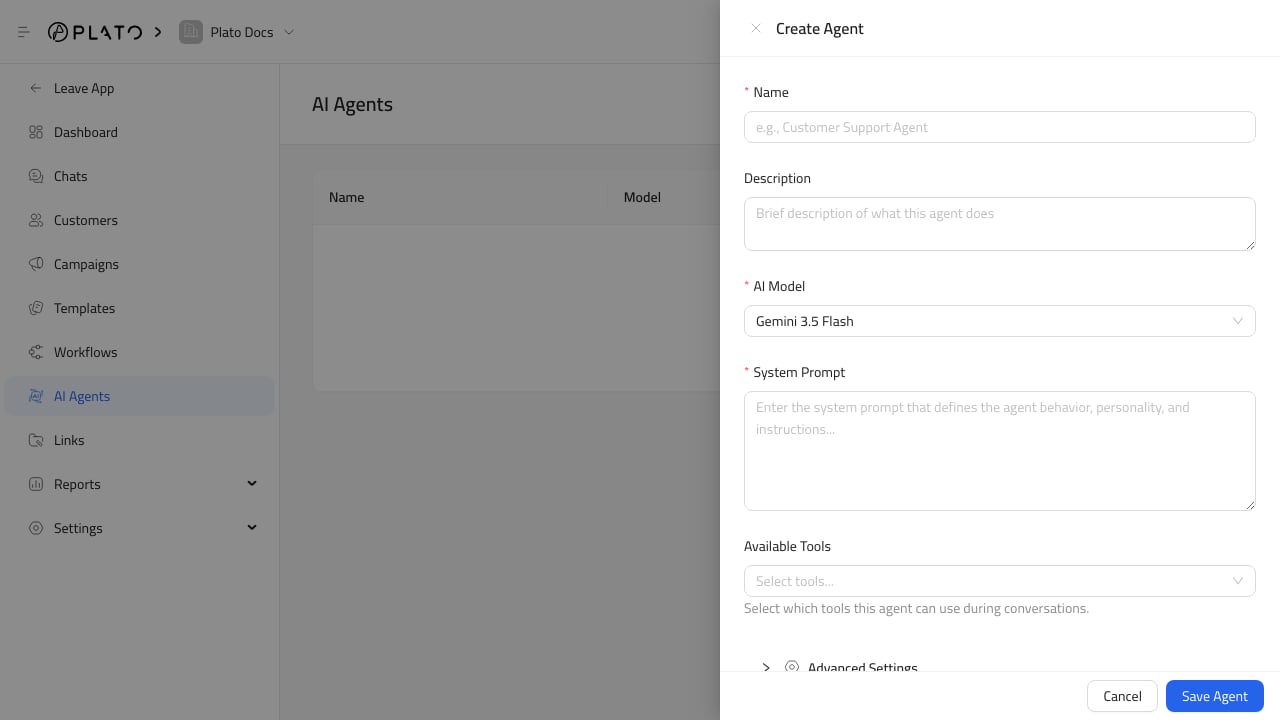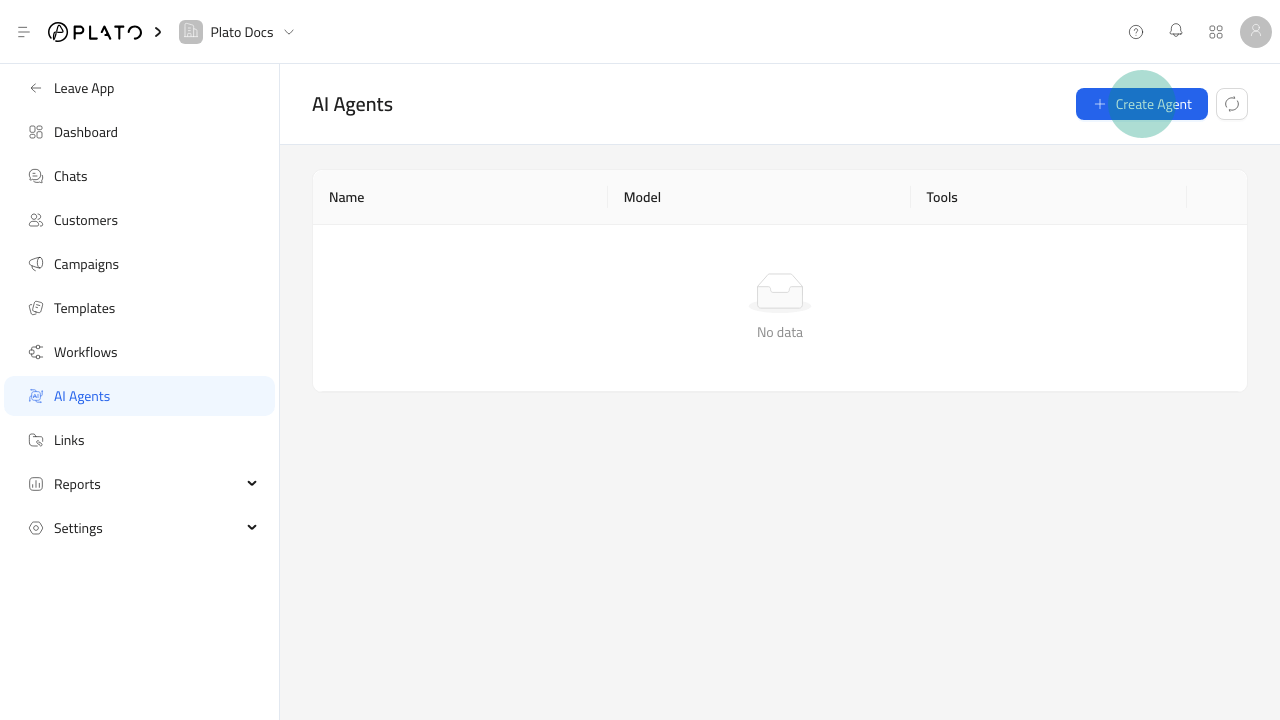
Open The Agent Form
- Open
Connect360. - Go to
AI Agents. - Click
Create Agent.
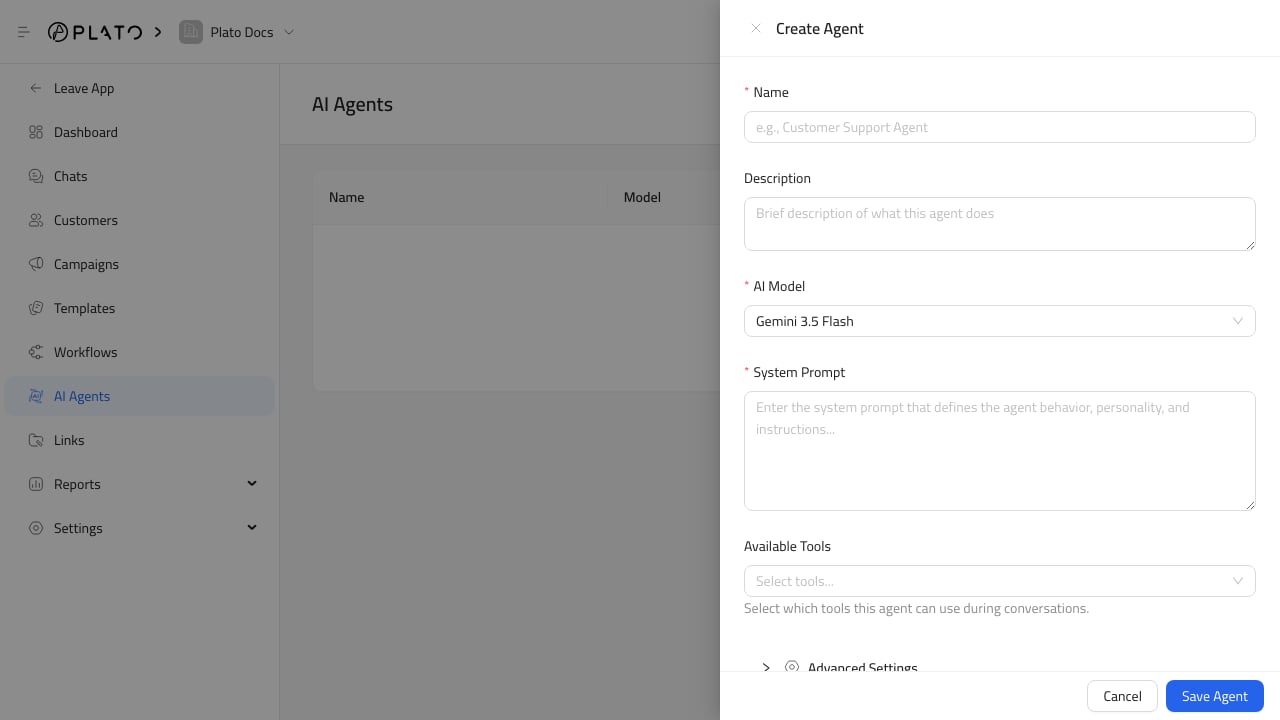
Write The Agent Instructions
Use the system prompt to explain:- The agent role.
- The tone it should use.
- What it can answer.
- When it should ask for a human.
- What it should never promise.
Choose Tools Carefully