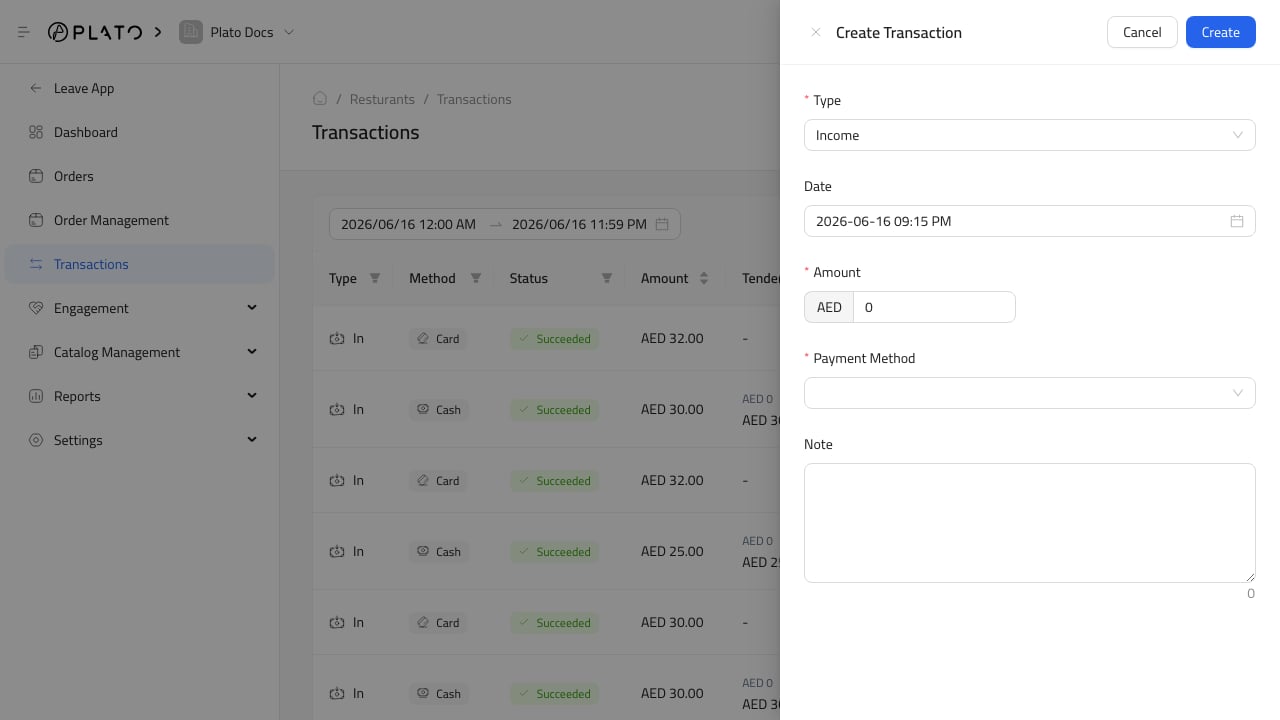
Transactions when you need to review collected amounts, check payment method details, or create a manual transaction record.
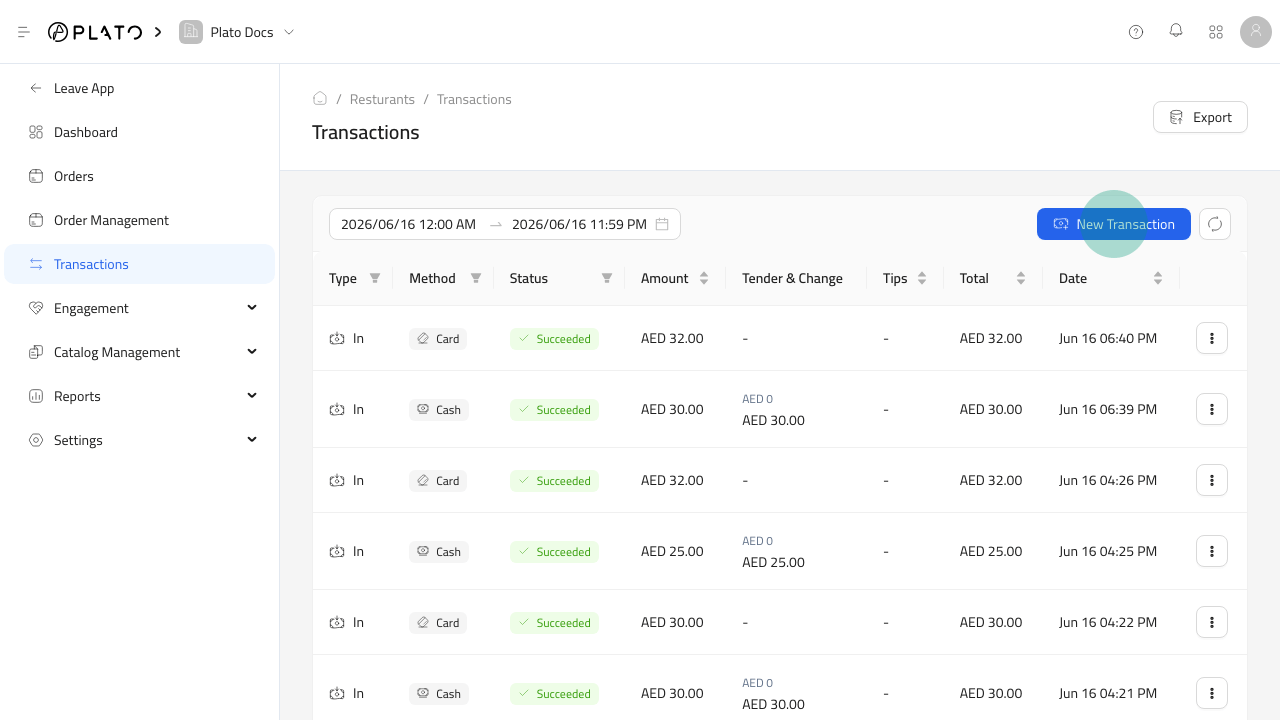
What To Review
When checking a transaction, confirm:- Date and time.
- Order or reference details.
- Customer, when available.
- Payment method.
- Amount.
- Status.
- Staff member or source, when available.
Manual Transactions
Create a manual transaction only when the payment needs to be recorded outside the normal order flow. Keep the note clear enough for a manager or accountant to understand why the transaction exists later.Reconciliation
Use transactions together with payment reports and device session reports when closing the day. If totals do not match, check manual transactions, voided items, discounts, and unpaid or partially paid orders first.