

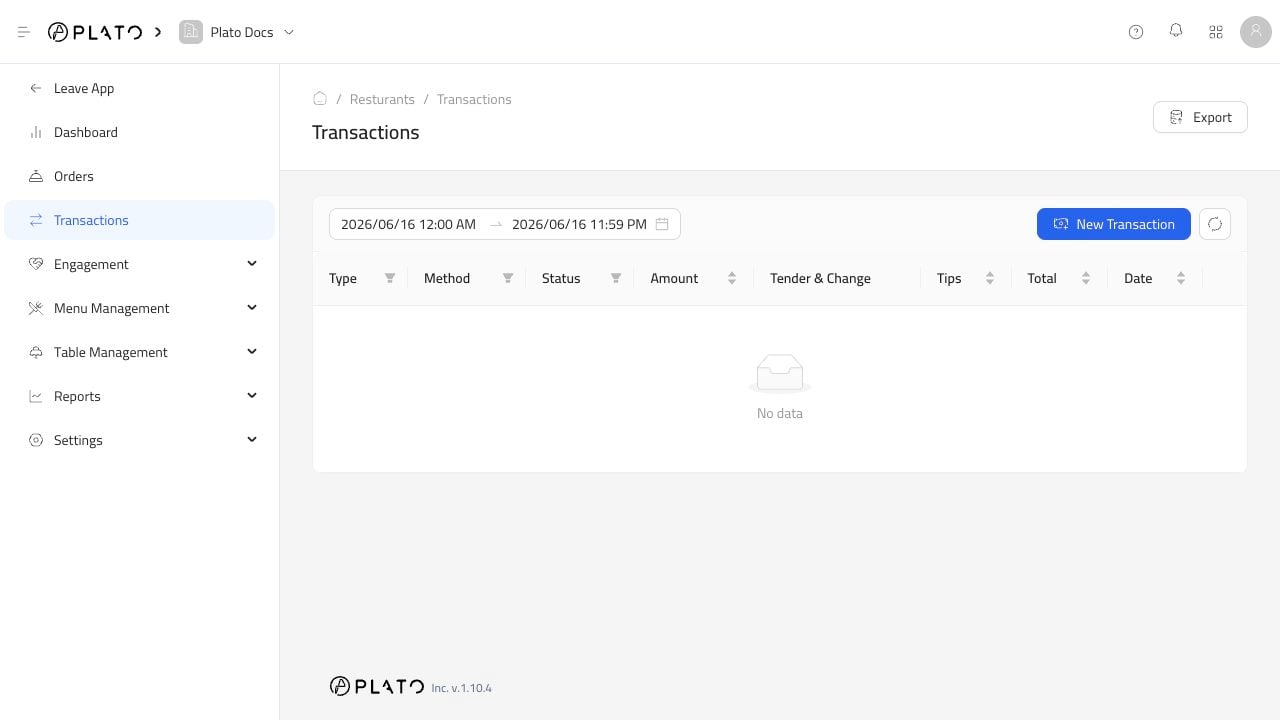
Choose The Date Range
Start with the date range that matches the question. For end-of-day review, choose the service day. For finance checks, choose the full period finance asked for.Read The Transaction
Each row gives the details needed to understand the payment:- Transaction type.
- Payment method.
- Status.
- Amount.
- Tender and change.
- Tips.
- Total.
- Date.
Export When Needed
UseExport when finance or management needs a spreadsheet copy.
Before exporting, check that the date range is correct.