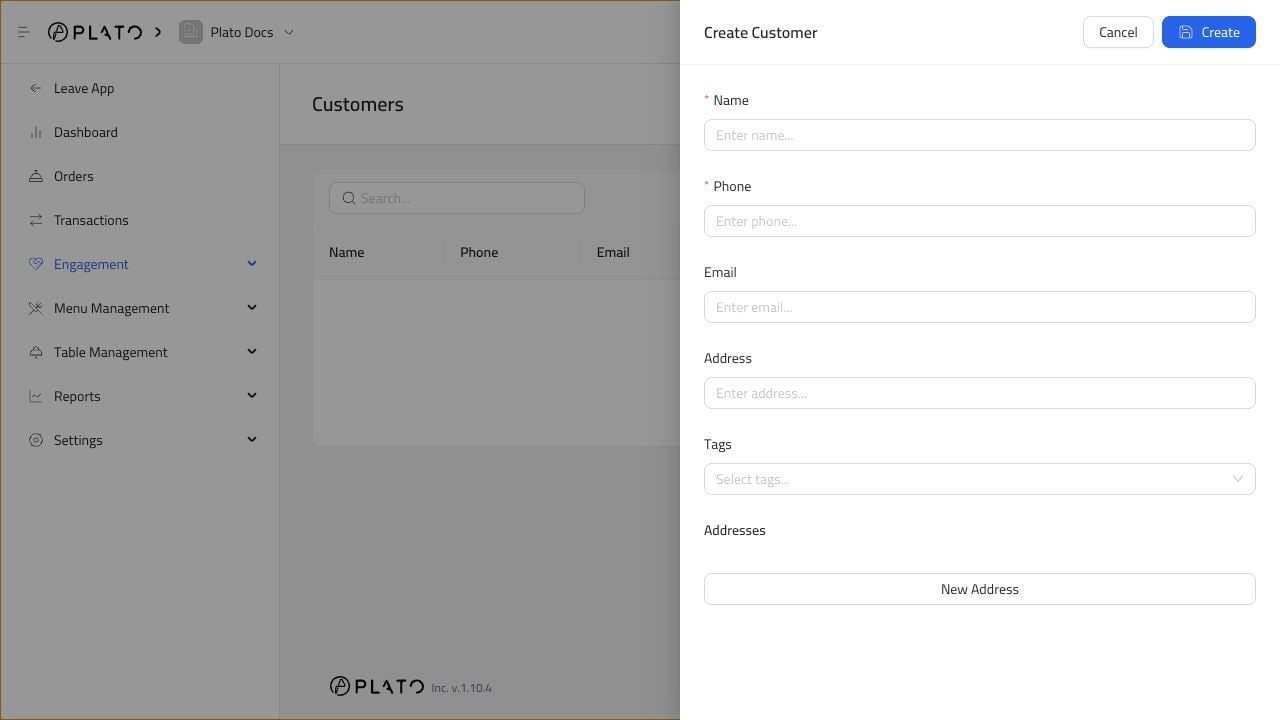
Create a customer when staff need to save contact details, delivery addresses, or service notes. Customer form

Open The Form

From Customers, click Add Customer.

Fill The Profile

Add the details that help the team serve the customer:
  1. Name.
  2. Phone number.
  3. Email, if available.
  4. Address.
  5. Tags, when useful.
  6. Additional addresses, when the customer orders to more than one place.
For delivery, keep the address easy to read. Add building, floor, apartment, or landmark details when they help the driver.

Save And Reuse

After saving, the customer can be selected in manual orders and future restaurant workflows.