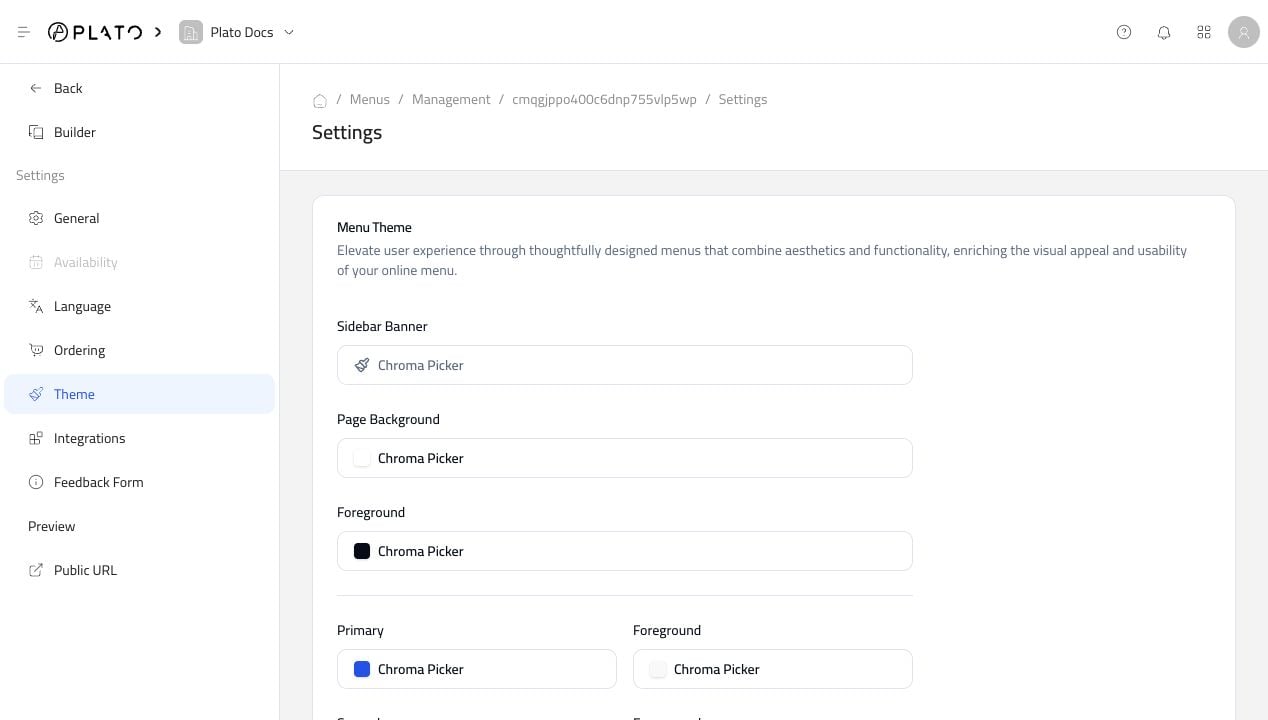
Colors And Borders
Use the color pickers to adjust the menu background, primary color, card colors, borders, and other visual parts of the public menu. Keep contrast high so customers can read product names, prices, and checkout buttons easily.Fonts, Radius, And Placeholder
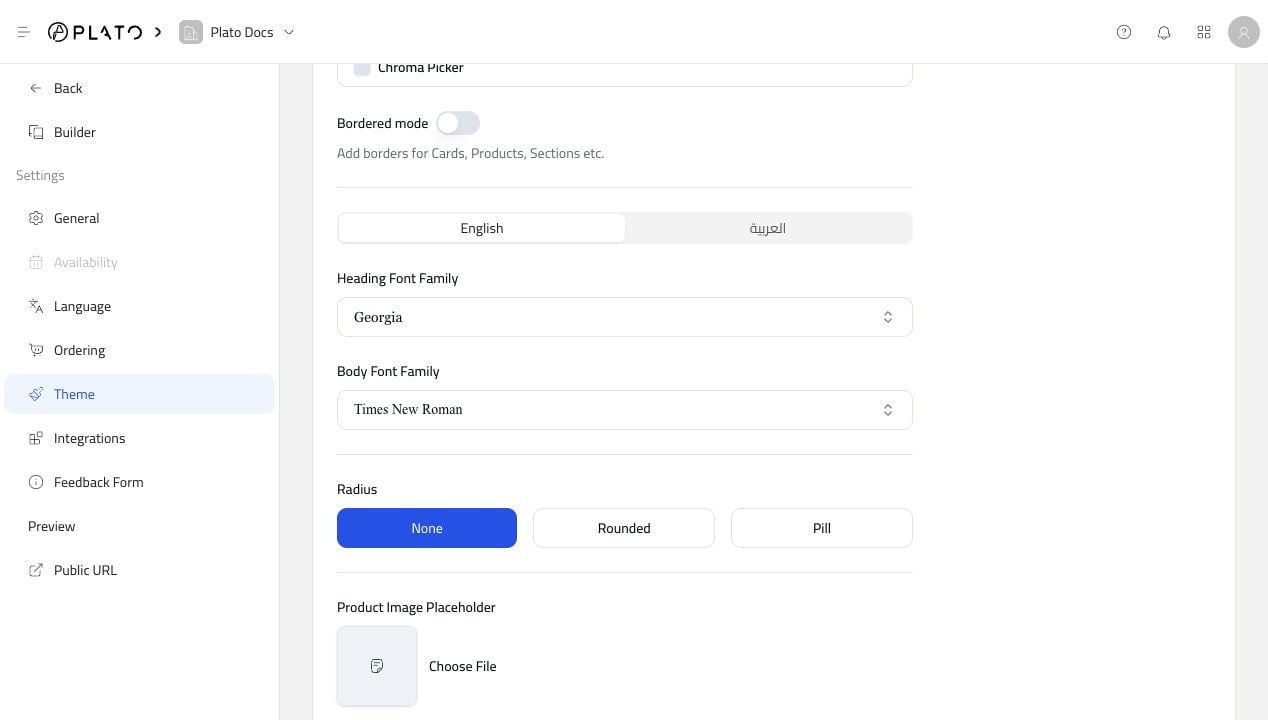
Use the lower theme settings for fonts, rounded corners, and the product image placeholder.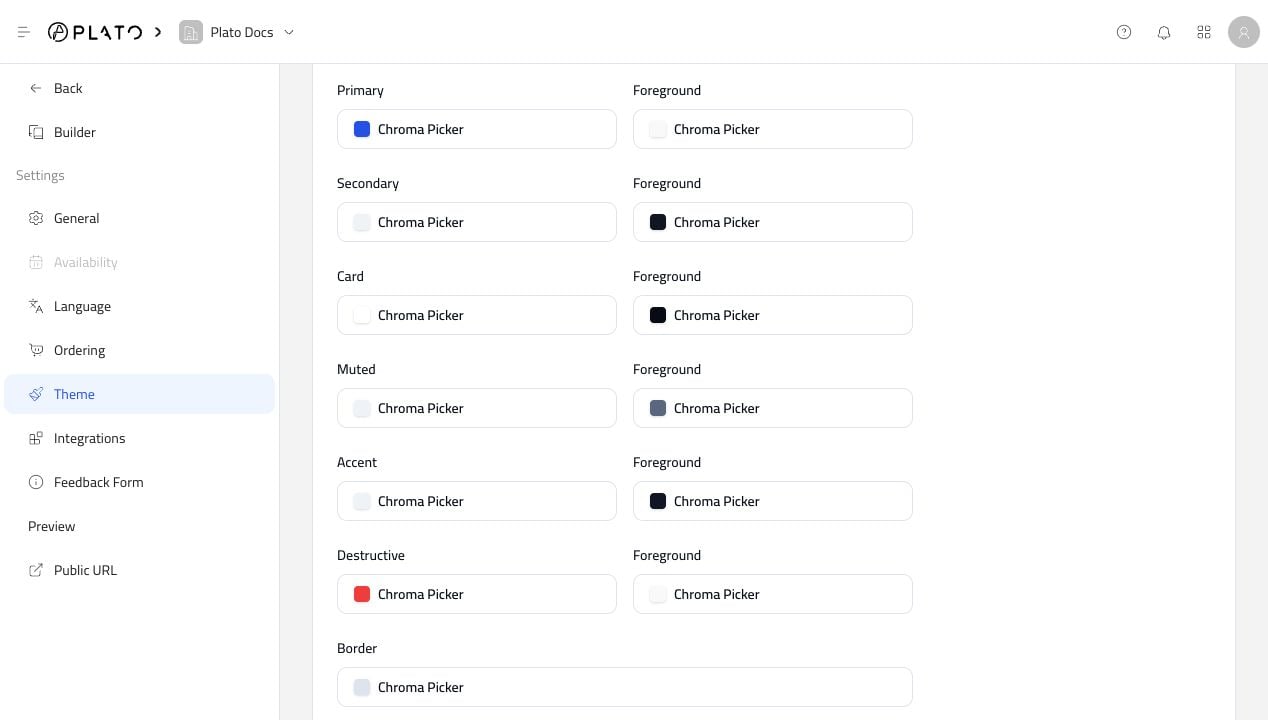
Welcome Page
The Welcome Page gives customers a first screen before entering the menu.