Order Types
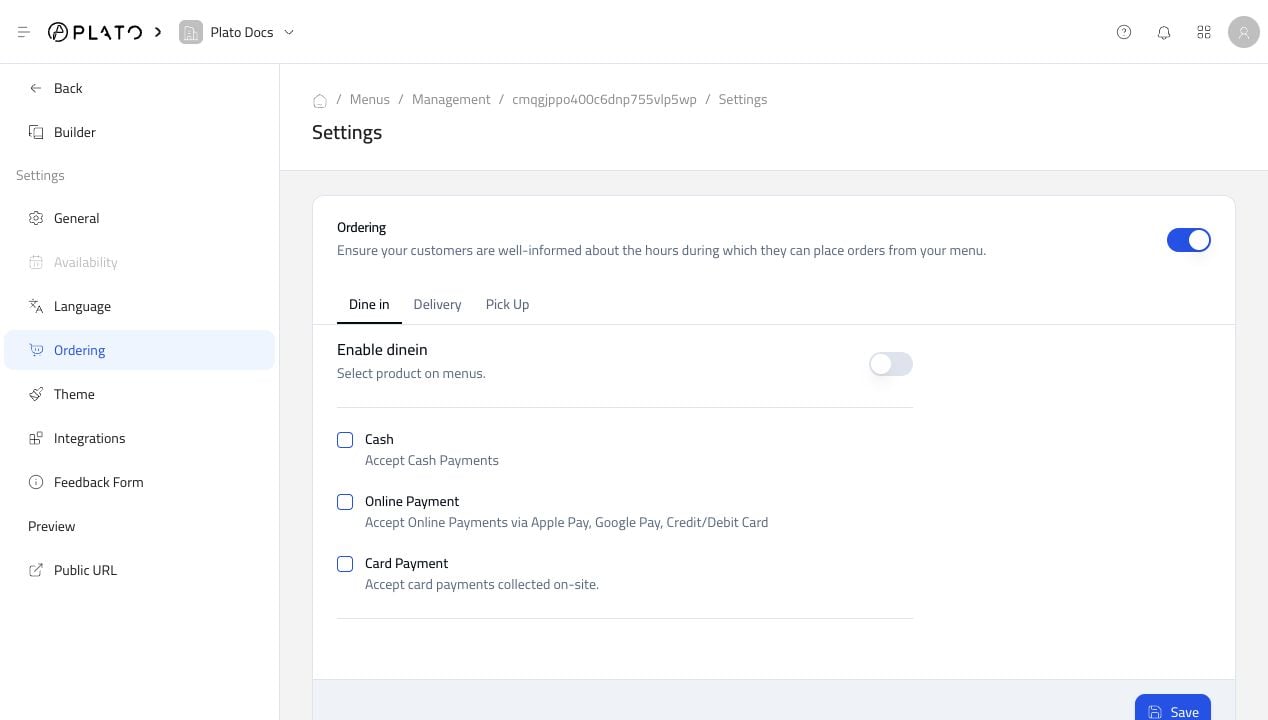
Use the tabs forDine in, Delivery, and Pick Up to configure each flow separately.
For each order type, decide:
- Whether that order type is enabled.
- Which payment options are accepted.
- Whether customers can pay online, on-site, or with cash.
Customer Fields
Use Customer Form Option to ask for extra information during checkout.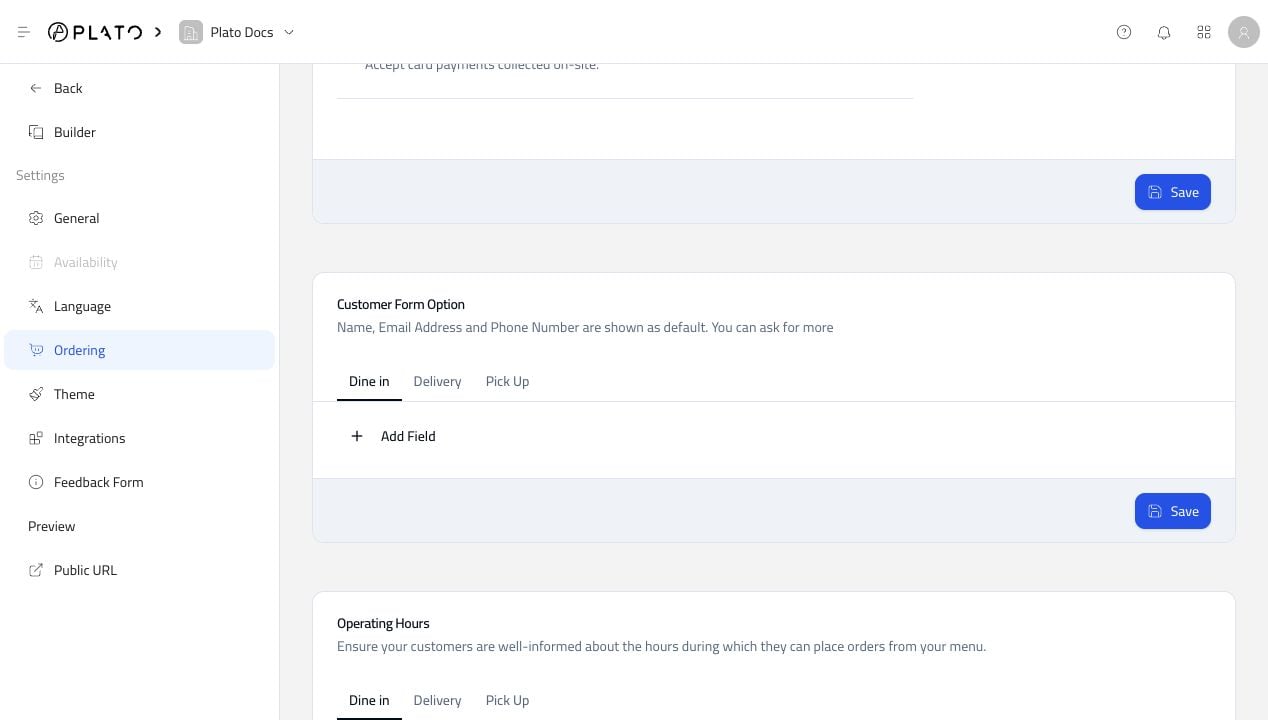
Operating Hours
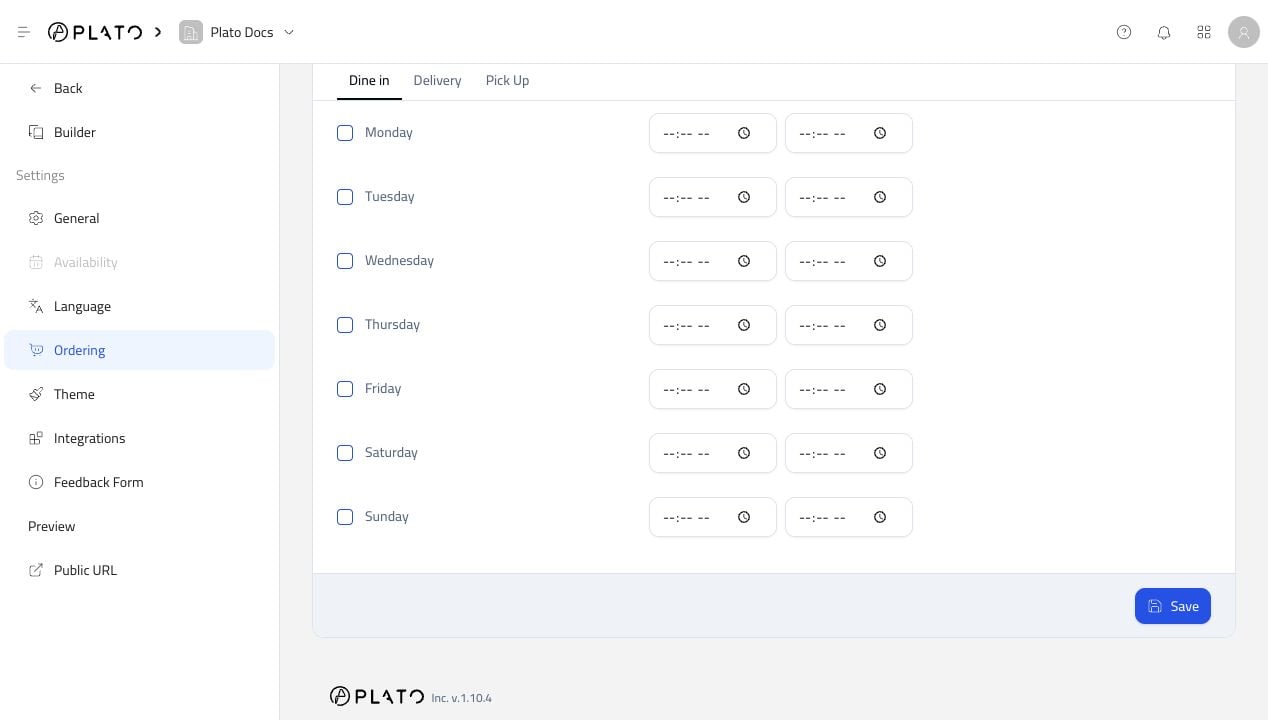
Operating hours control when customers can place orders.