

What You Can Do
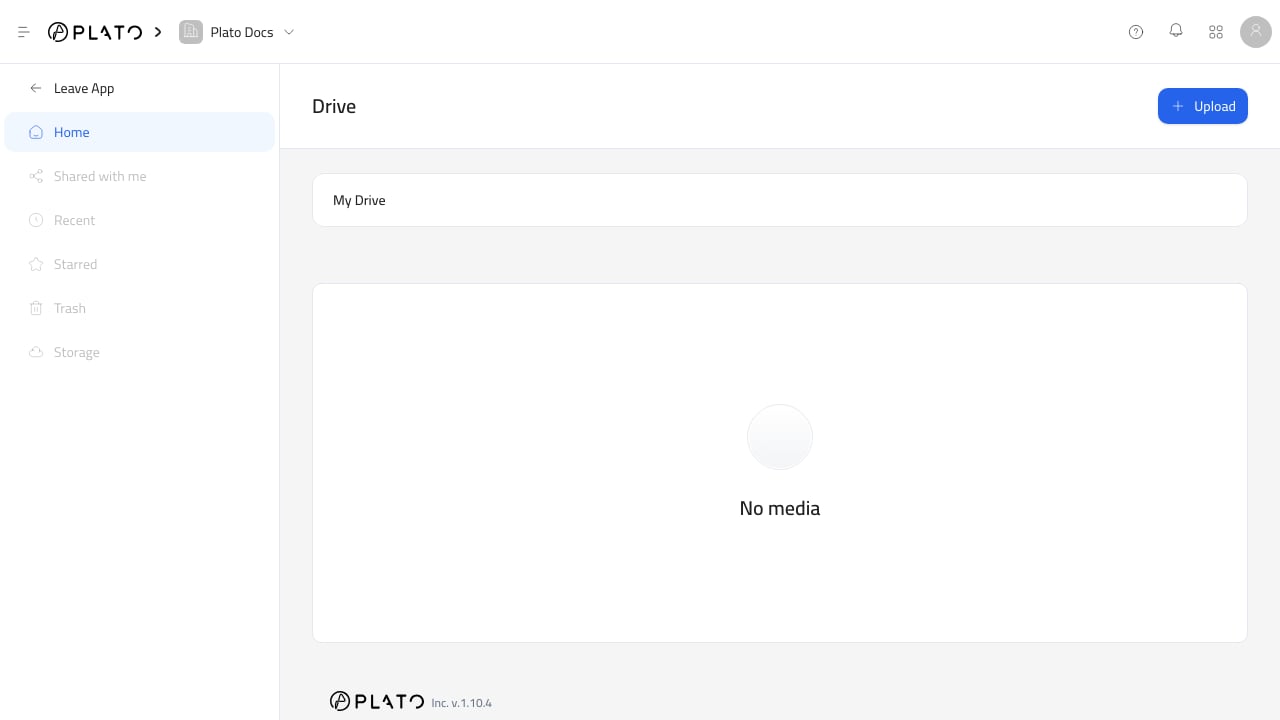
With Drive, you can:- Upload images, PDFs, videos, audio, documents, spreadsheets, presentations, text files, zip files, and other file types.
- Create folders and subfolders.
- Browse folders from the Drive app or from a Drive picker.
- Preview supported files.
- Download files.
- Copy an asset URL.
- Delete files that are no longer needed.
- Choose existing Drive files from supported fields in other Plato apps.
Start Here
Files And Folders
Browse Drive, create folders, and keep reusable assets organized.
Upload Files
Upload images, videos, PDFs, documents, and other supported file types.
Preview And Download
Preview supported files, download assets, copy URLs, or delete unused files.
Use Drive Picker
Select Drive files from forms, editors, menus, messages, and other apps.
Storage And Limits
Understand workspace storage limits and plan-based behavior.
Troubleshooting
Fix common upload, preview, permission, and deletion problems.