

What You Can Do
With Connect360, you can:- Reply to customer chats from a shared inbox.
- Start conversations with customers and team members.
- Send text, attachments, internal notes, and approved templates.
- Use AI writing tools, AI auto-reply, and automatic translation.
- Manage customers from the same customer records used by Restaurant.
- Create campaigns for selected customer groups.
- Build templates for WhatsApp, SMS, and other messaging apps.
- Create workflows that send messages, notify team members, wait, branch, or stop.
- Create short links for campaigns and QR codes.
- Review chat, campaign, template, link, and customer distribution reports.
- Manage channels, chat defaults, tags, AI agents, and messaging wallets.
Start Here
Open Connect360
Enter the app, understand the sidebar, and read the messaging dashboard.
Work The Inbox
Reply to customers, add notes, send attachments, and use templates in chat.
Customers
Manage customer records, profiles, tags, and conversation history.
Campaigns
Send approved templates or workflows to selected customer groups.
Templates And Workflows
Build reusable messages and automations for repeated customer journeys.
Reports
Review conversations, campaigns, templates, links, and customer distribution.
A Good Daily Rhythm
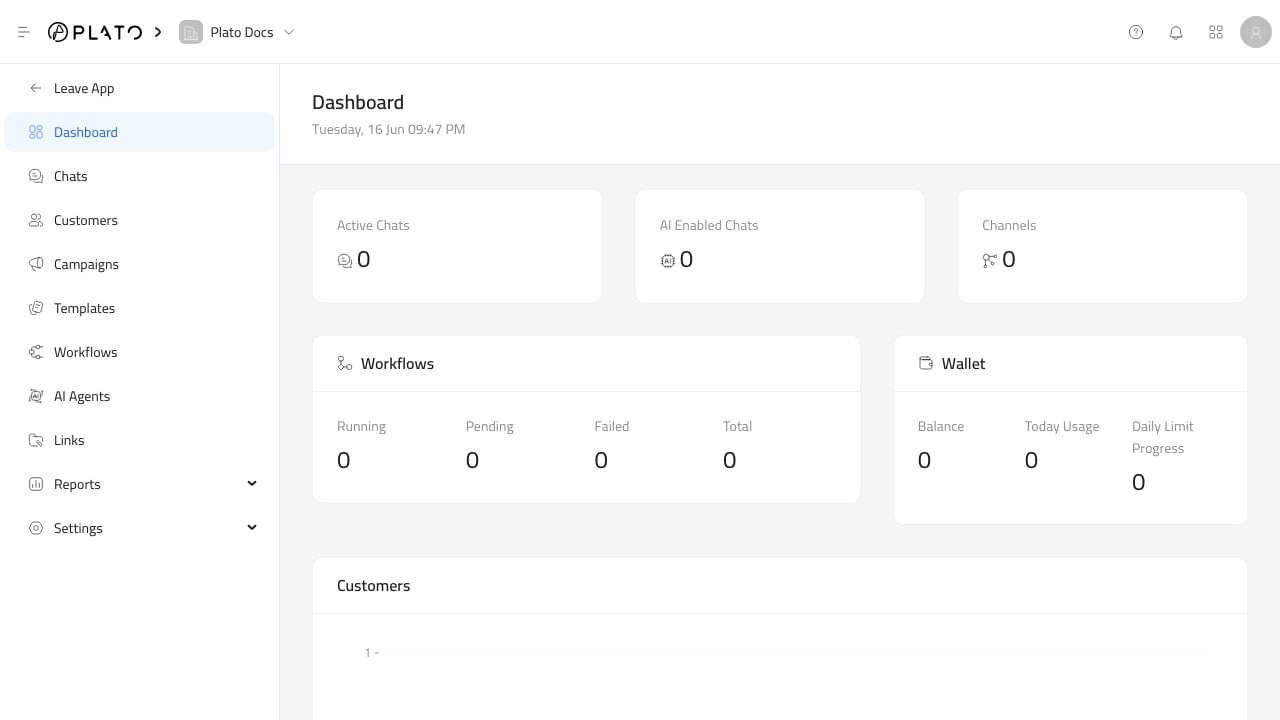
- Check the dashboard for active chats, AI-enabled chats, channels, workflows, wallet usage, and new customers.
- Work the inbox from newest conversations first.
- Use templates for re-engagement, campaign messages, and repeated answers.
- Keep customer profiles and tags clean while chatting.
- Review campaign, template, and link reports after sending.