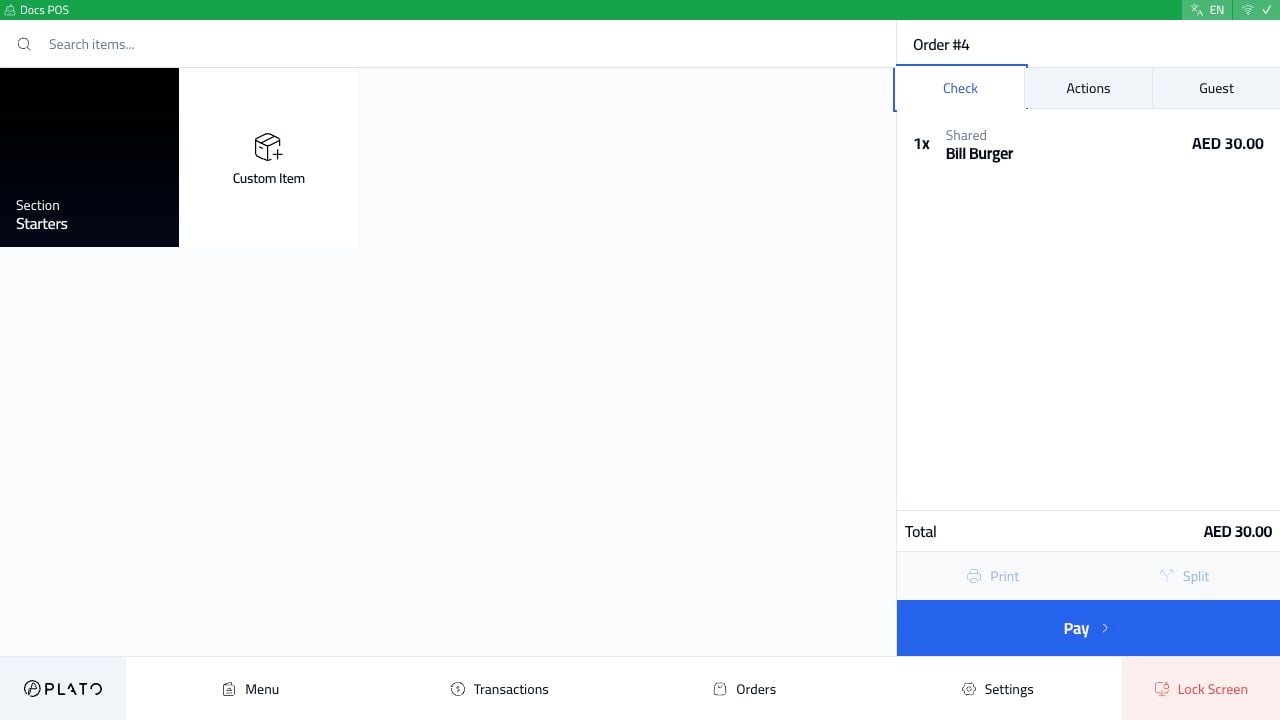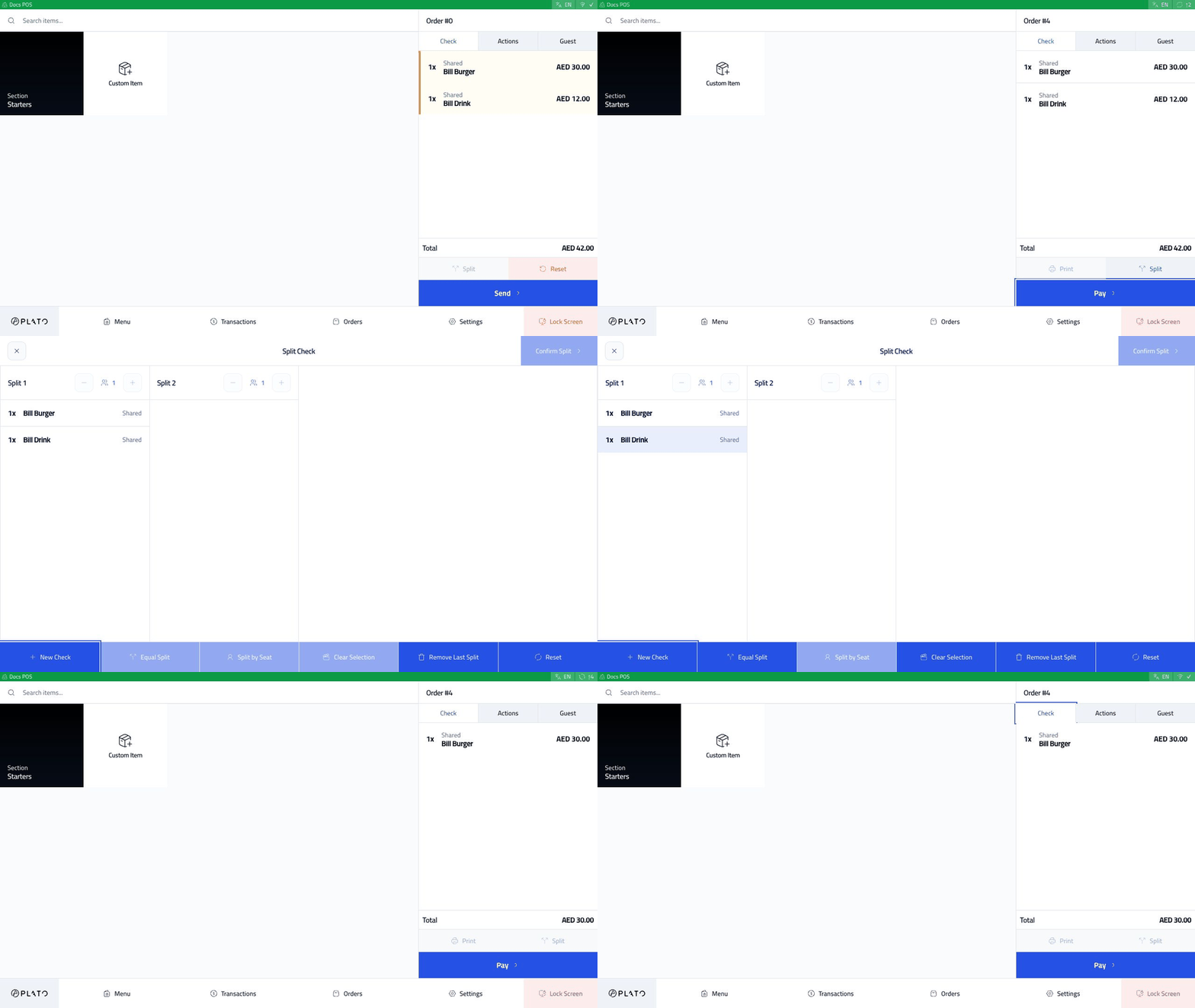
Use bill split when guests at the same table want separate checks. This is different from split payment: bill split separates items into checks, while split payment divides the amount due on one check. Split bill walkthrough

Start With A Sent Dine-In Order

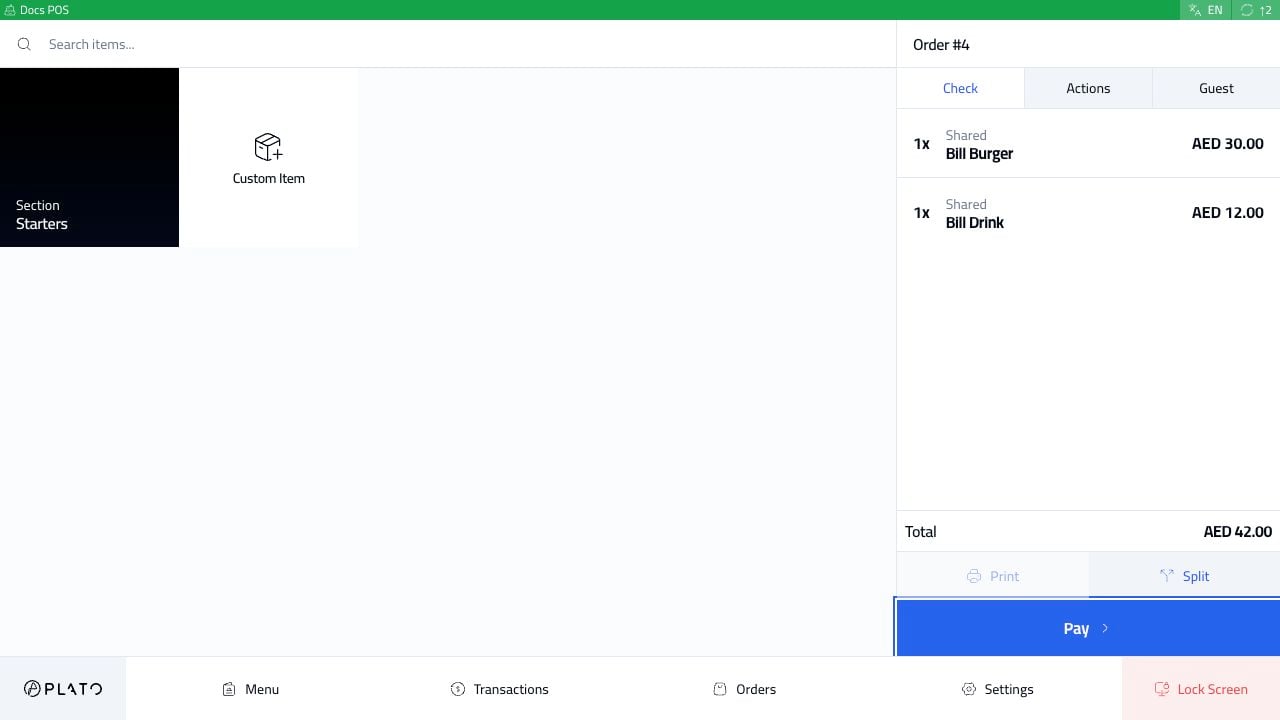
The order must be dine-in, sent, synced, and have more than one item before the Split button becomes available. Split bill order sent

Open Split

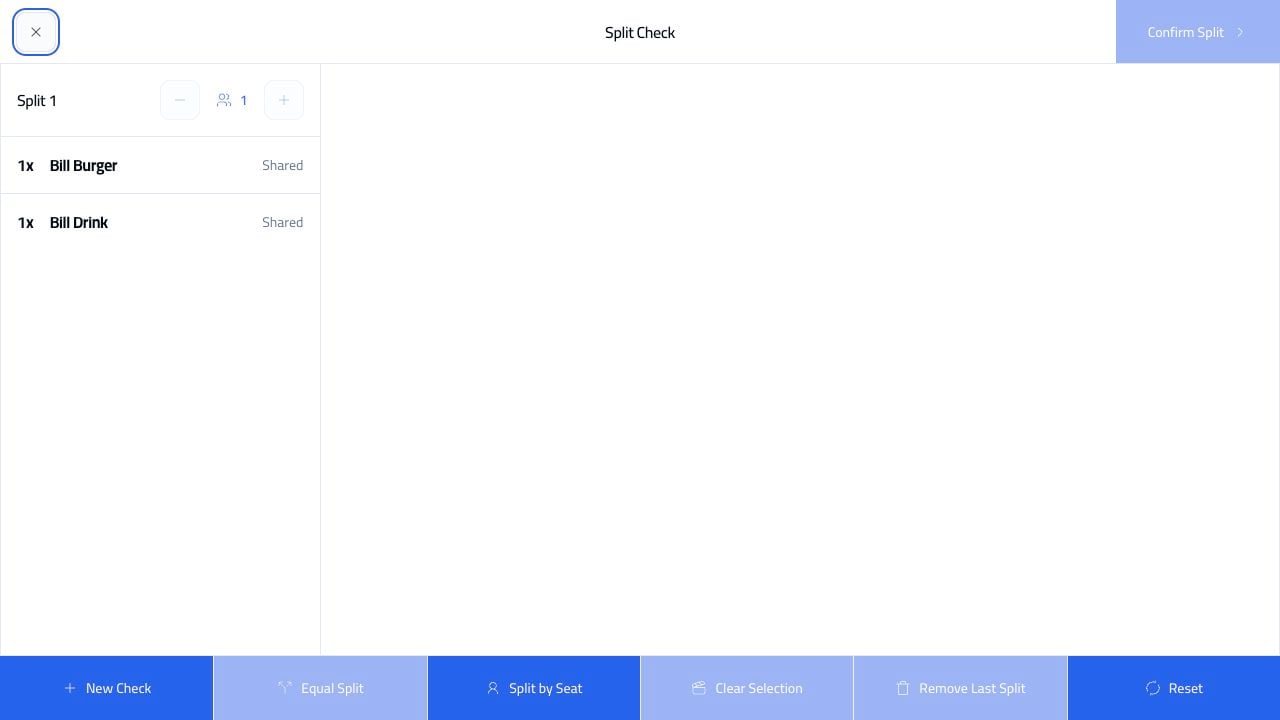
Click Split. Split bill screen The first view shows all items in Split 1.

Add Another Check

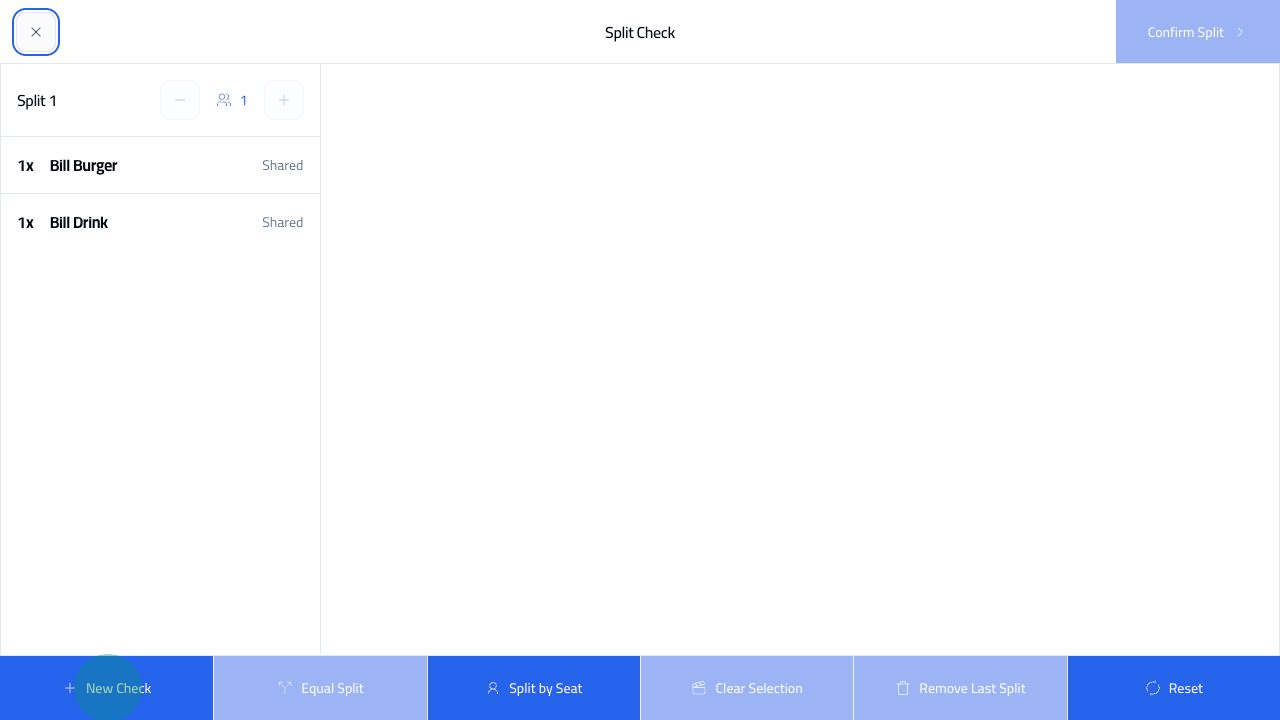
Click New Check. Split bill new check Plato adds Split 2 next to the original check.

Move Items

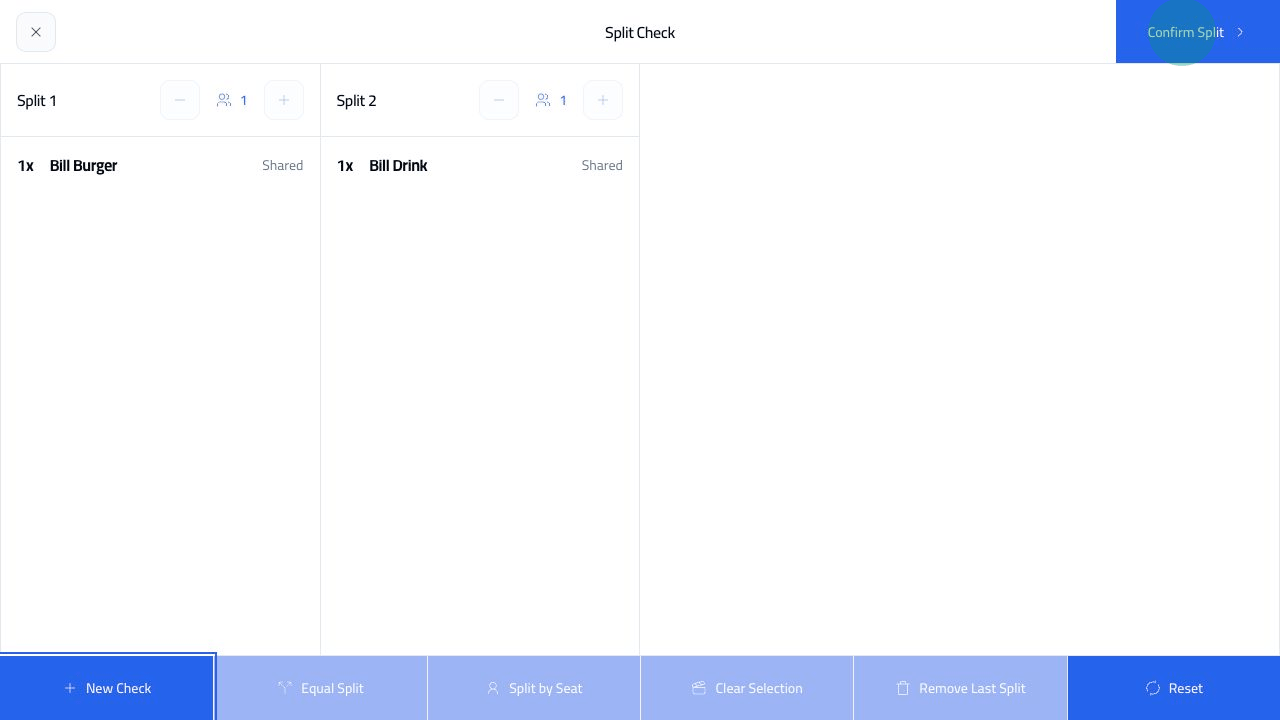
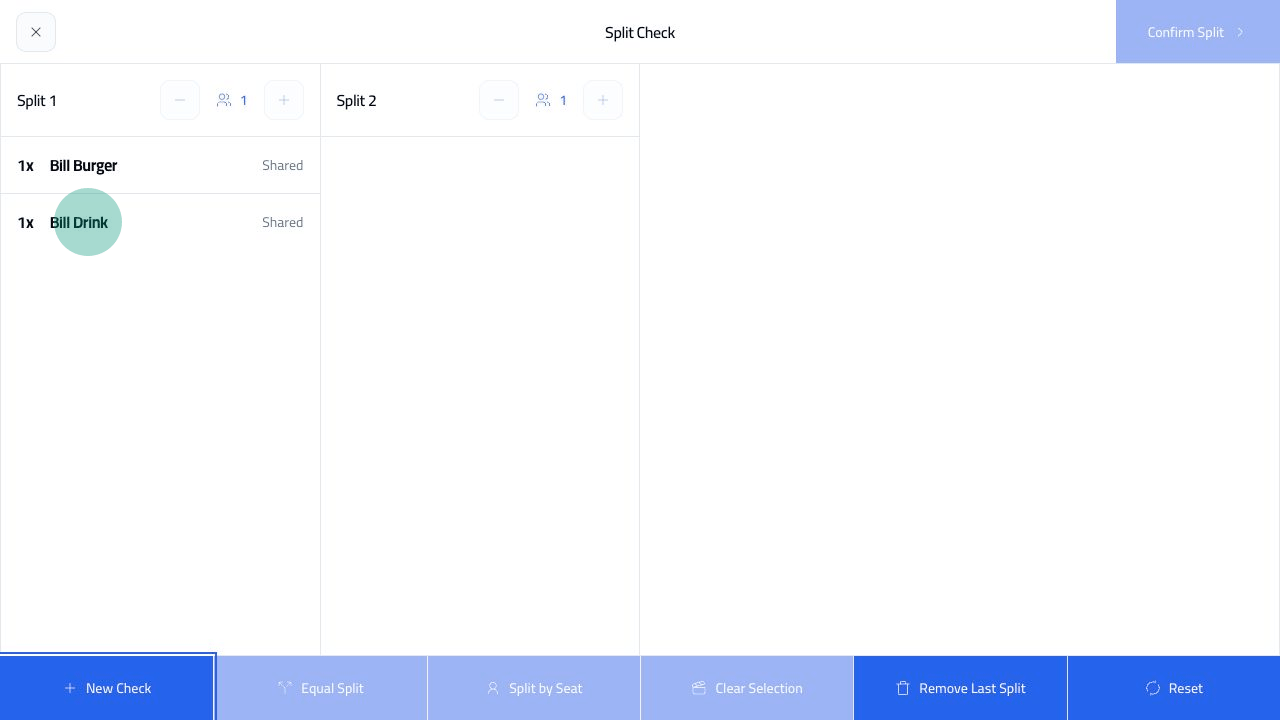
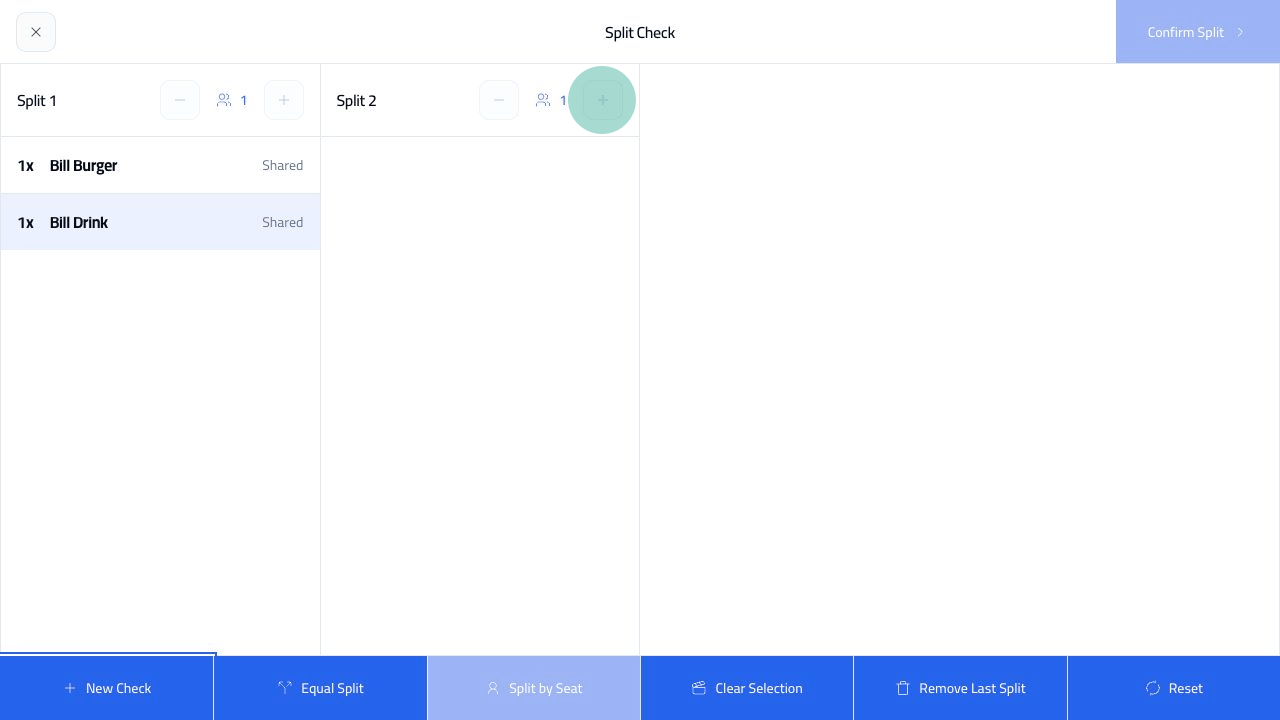
Select the item you want to move. Split bill item selected Click the plus button on the destination check. The selected item moves into that check. Split bill item moved
Confirm The Split

Click Confirm Split. Split bill confirmed After confirmation, each check can be handled separately. Split bill result check