

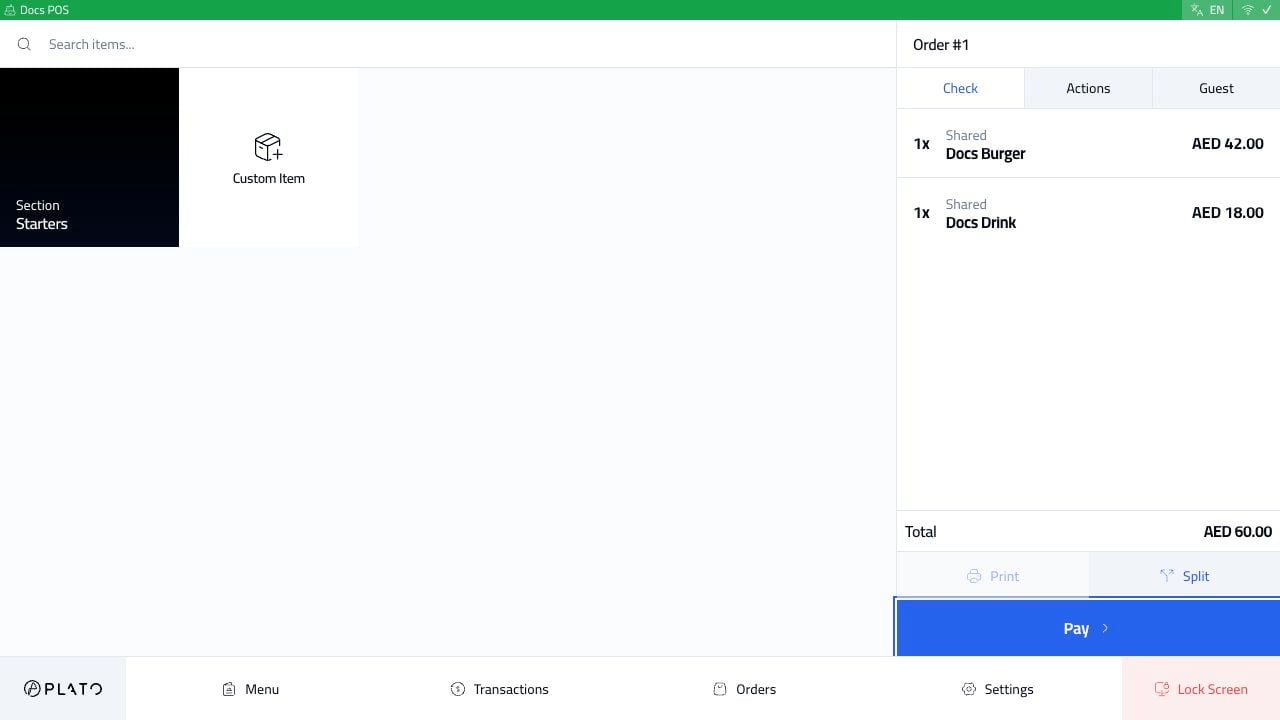
Check
UseCheck to review items, quantities, modifiers, notes, seats, and totals.
For dine-in service, this is also where staff can review seats or split-related details when enabled.
Actions
UseActions for order-level changes such as notes, discounts, promo codes, charges, guests, table, order type, status, merge order, payments, and related orders.
The available actions depend on the POS config and the order state.
Guest
UseGuest to review or update customer details when the workflow needs them, such as delivery, call center, or customer-linked orders.
Bottom Buttons
The bottom of the sidebar changes with the order state:- Draft orders can be saved, deleted, or sent.
- Sent dine-in orders can be printed, split, reset, or paid.
- Closed orders can be printed or reopened by an authorized user.