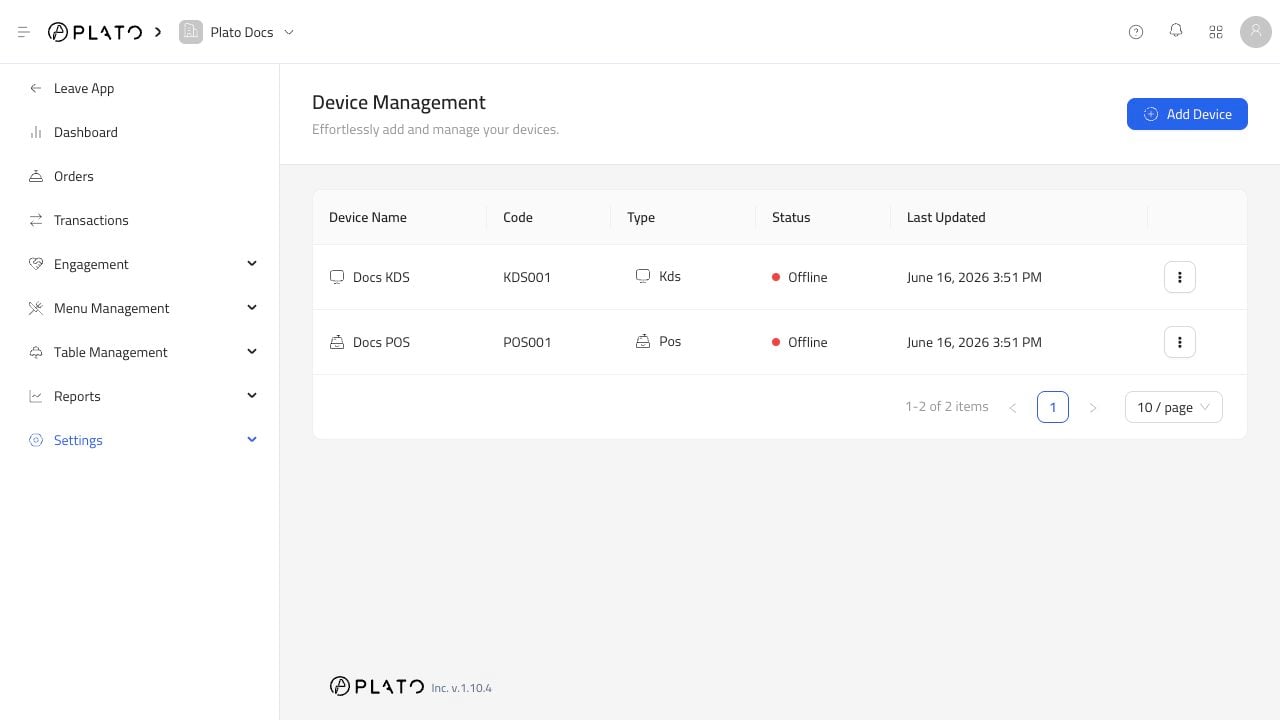
Choose the device type based on where the device will be used during service. Device family list

Main POS

Use Main POS for the primary cashier or service station. It is usually the device that creates dine-in, pick-up, delivery, and drive-thru orders, handles payments, prints receipts, and connects to KDS or printers.

Call Center POS

Use Call Center POS when a team takes orders by phone or from a central delivery desk. Call Center POS focuses on customer details, delivery orders, branch selection, and order handoff. It is normally separate from the Main POS.

KDS

Use KDS for kitchen preparation. Kitchen staff see tickets, tap items forward through the preparation flow, filter by item, and mark items ready or completed.

Printer

Use Printer for physical output. A printer can be used for receipts, order tickets, void tickets, reports, and cash drawer commands.

Display Screen

Use Display Screen when a station needs a customer-facing or kitchen-facing secondary screen.

Plato Mesh

Use Plato Mesh when devices need a local signaling bridge, usually for setups that rely on local printer or device communication.