

Restaurant > Settings > Device Management, then click Add Device.
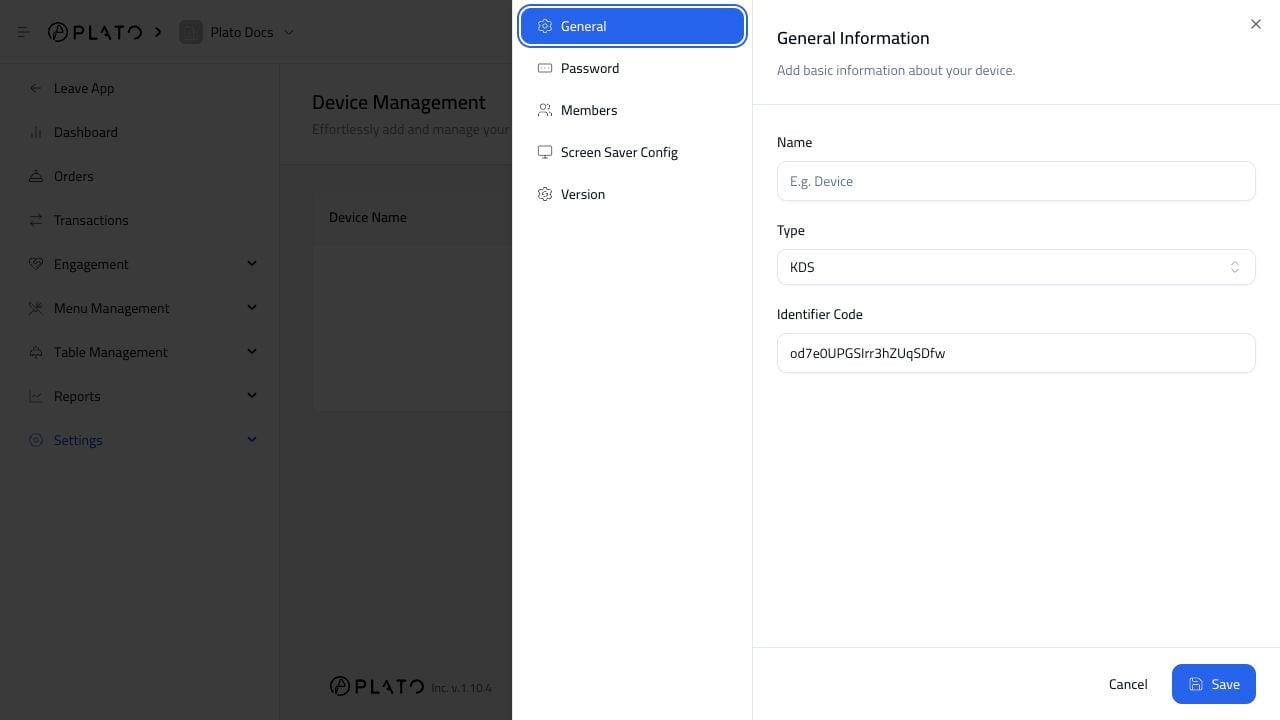
Add The Main Details
Fill in:- Device name.
- Device type.
- Identifier code.
Main POS, Call Center POS, Kitchen KDS, or Receipt Printer.
Keep Identifier Codes Short
The identifier code is used when binding or unbinding the device. Use a short code your team can read easily, such asPOS001, KDS001, or PRN001.
Choose The Right Type
ChoosePOS for Main POS or Call Center POS.
Choose KDS for the kitchen screen.
Choose Printer for receipt or ticket printers.