

Device Link. Use that link on the tablet, cashier computer, or kitchen screen where the device will run.
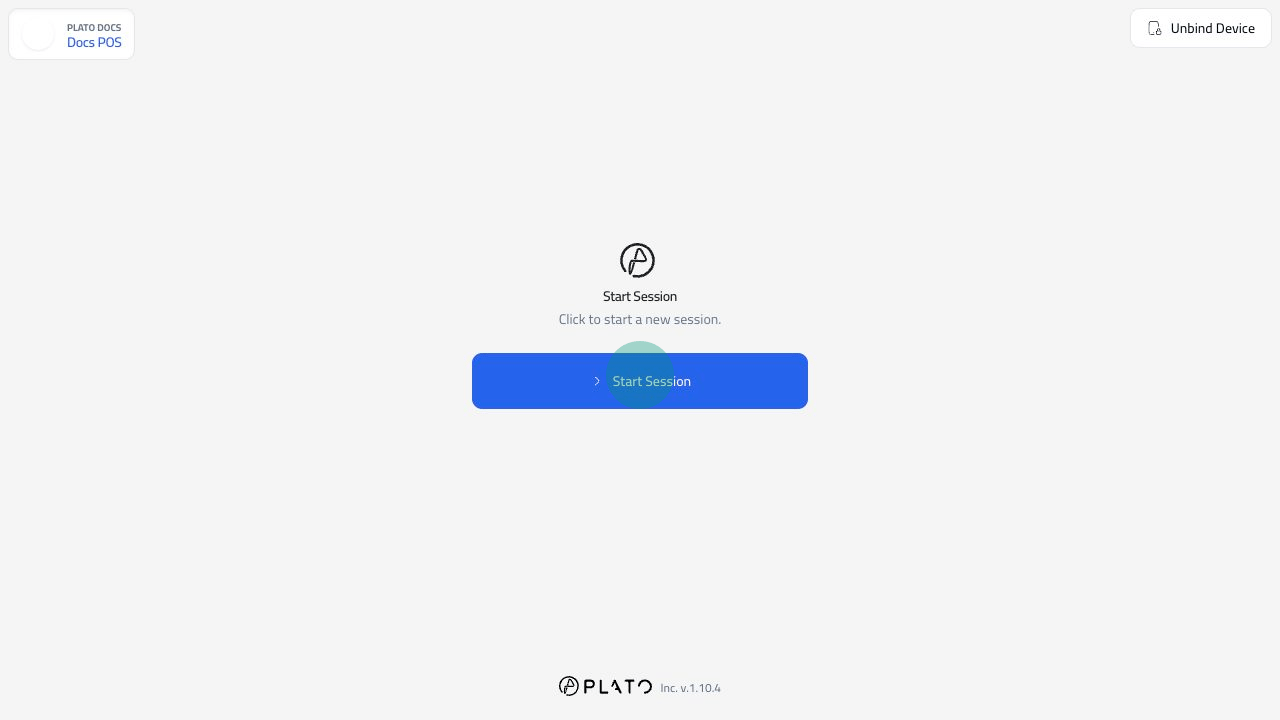
Start The Session
On the device screen, clickStart Session.
If the device uses password protection or member passcodes, staff will enter the required code before the session opens.
Lock When Leaving The Station
UseLock Screen when staff leave the device unattended.
Locking keeps the device bound, but returns it to the start screen.
End The Session
UseEnd Session from POS or KDS settings when the service period is finished.
For POS devices with session control enabled, review the ending cash details before closing.