

Config, then use Menu and Connected Devices.
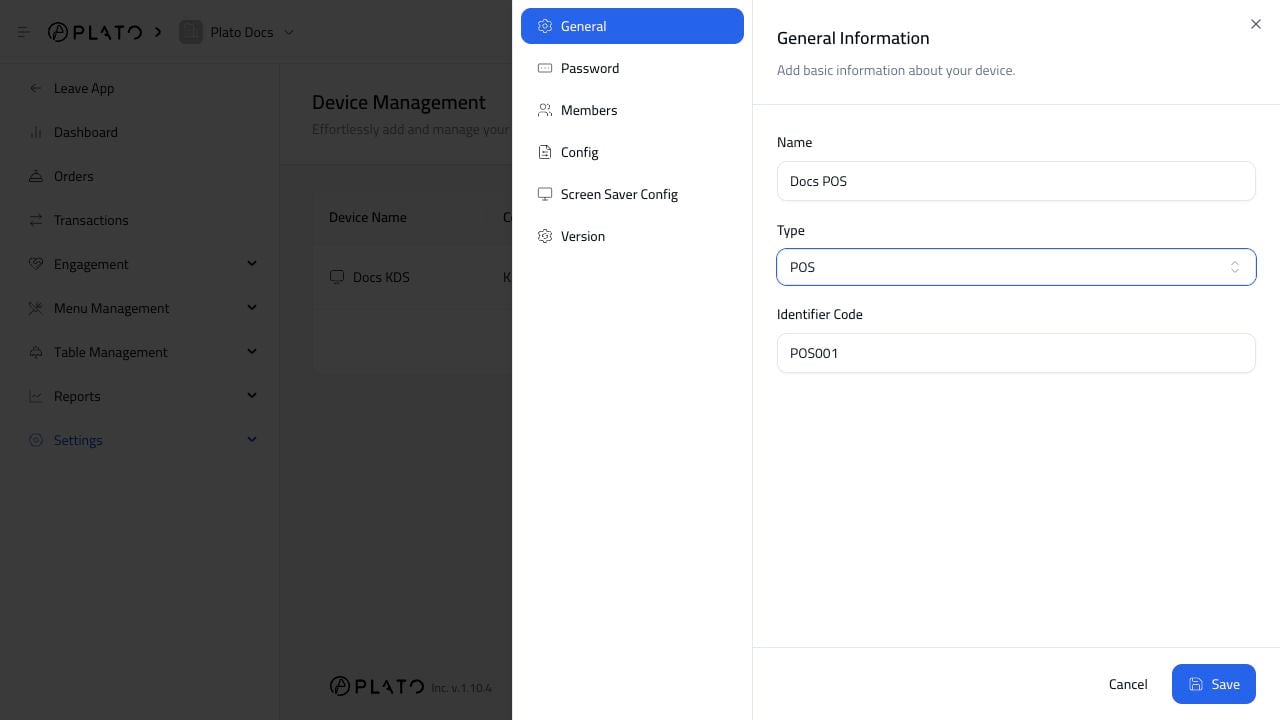
Choose The Menu
Select the menu the POS should use. The POS can only sell items from the selected menu.Connect Supporting Devices
Connect the printers, KDS screens, display screens, or mesh devices this POS should work with. For example, a main cashier POS might connect to:- Receipt printer.
- Kitchen KDS.
- Kitchen ticket printer.
- Customer display screen.
Test After Connecting
Create a small test order and check:- The POS can see the menu.
- The KDS receives kitchen items.
- The receipt printer prints when expected.
- Void and kitchen-ticket behavior matches the restaurant process.