

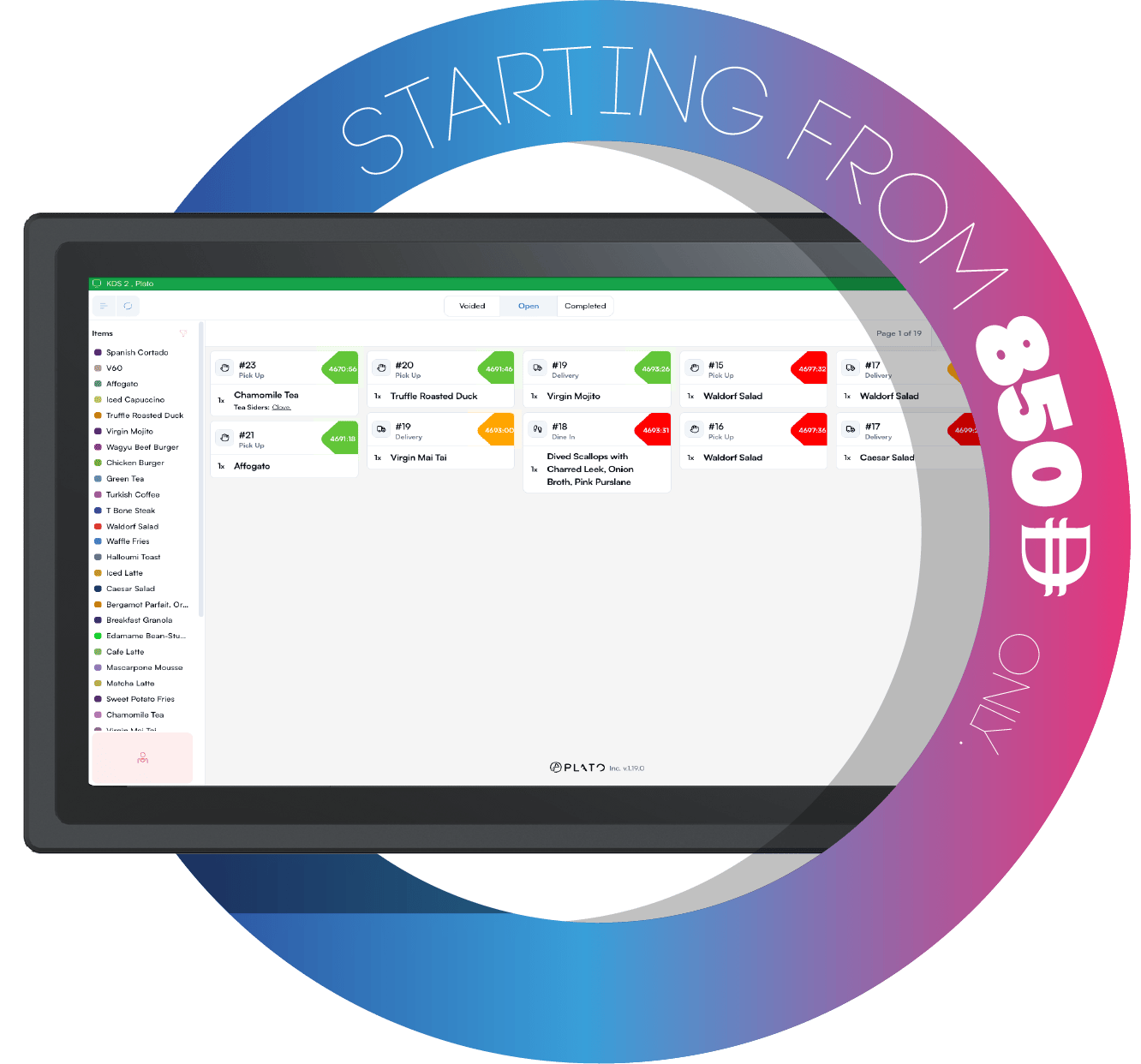
Where KDS Fits
POS sends the order. KDS receives the kitchen items. Kitchen staff tap tickets or individual items as food moves through preparation. Use separate KDS screens when each kitchen station needs a focused queue, such as hot kitchen, drinks, desserts, or packing.Start With These Guides
Understand The KDS Screen
Learn the kitchen board layout before service starts.
Work The Ticket Board
Read tickets, use filters, and keep the queue moving.
Move Items To Ready
Tap tickets and items forward as the kitchen prepares them.
KDS Settings
Adjust behavior that affects the kitchen screen during service.
Categories And Order Types
Choose which items and service types should appear on the screen.
Timers And Alerts
Set preparation timing so late tickets are easier to spot.