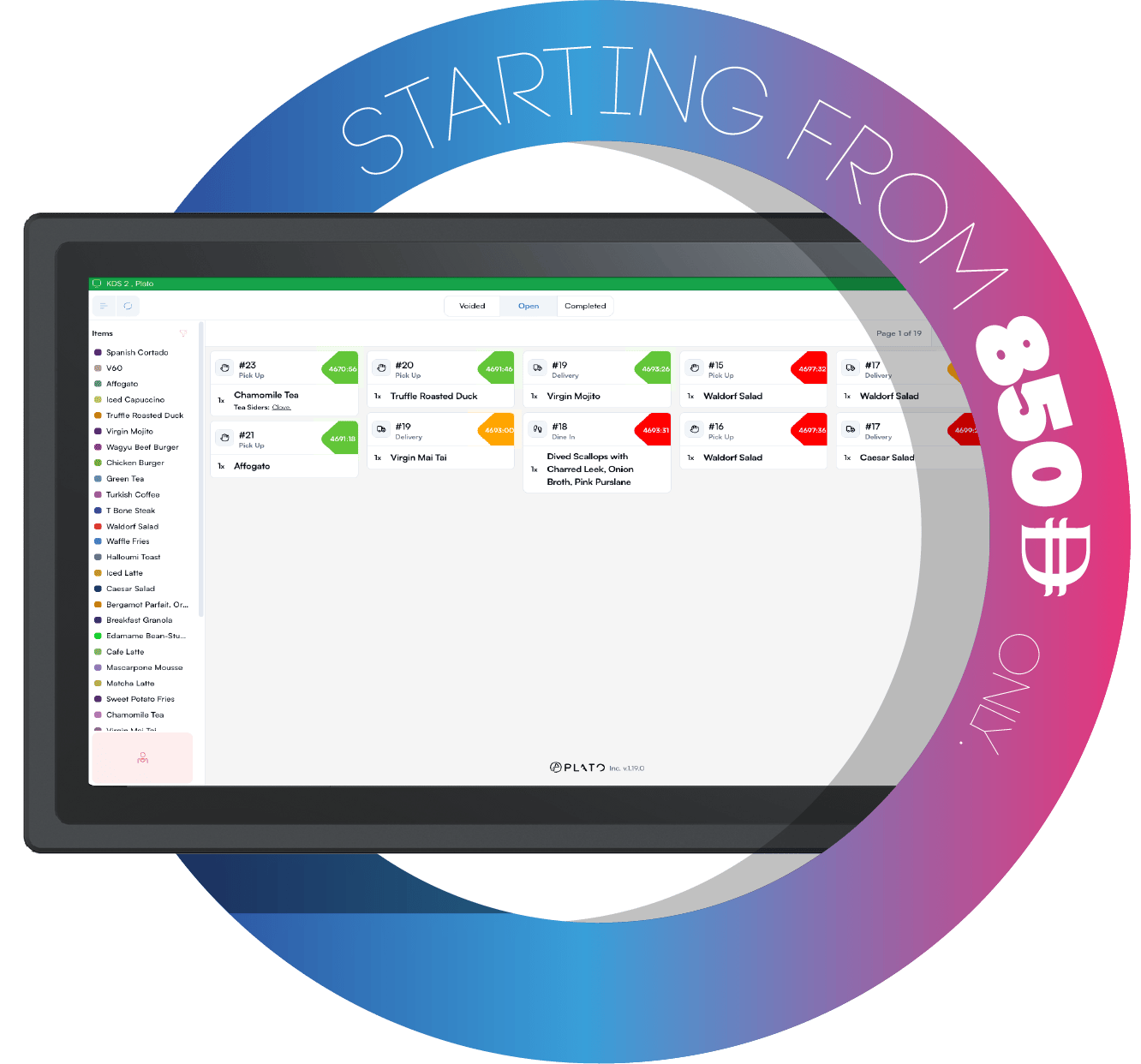
KDS tickets Kitchen staff update ticket status by tapping. The KDS keeps the workflow fast: tap an item or ticket header as the kitchen moves through preparation.

Item Flow

Items move through this flow:
  1. New.
  2. Processing.
  3. Ready.
  4. Completed.
When an item is voided or completed, it should no longer be treated as active prep work.

Ticket Header

Tap the ticket header when the whole ticket should move forward together.

One Item At A Time

Tap a single item when only that item is moving forward. For example, the drinks station can mark drinks ready while the kitchen keeps food in processing.

Ready Calls

When items become ready, KDS can send a ready call to connected devices when that workflow is enabled.