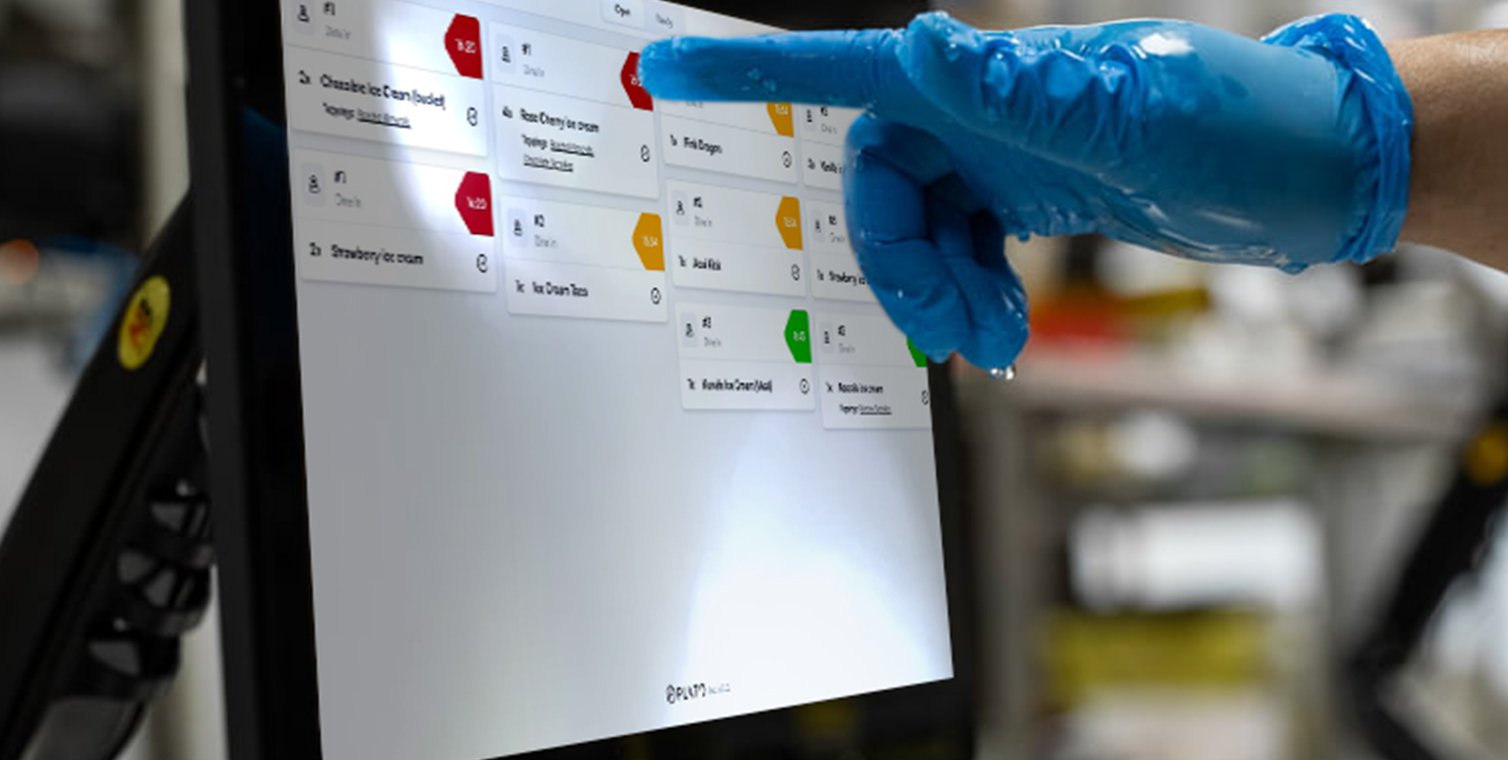
The KDS board is organized around tickets. Use the tabs at the top to switch between open, completed, and voided items. KDS product overview

Open Tickets

Use Open during service. This is where the kitchen sees items that still need preparation or handoff.

Completed Tickets

Use Completed when reviewing finished items. Completed items stay out of the main prep view.

Voided Tickets

Use Voided to review removed items and the reason attached to them.

Item Filter

Use the item sidebar when the kitchen wants to focus on one product, such as all burgers or all drinks. Reload the board if the kitchen expects new orders and the screen has not updated.