

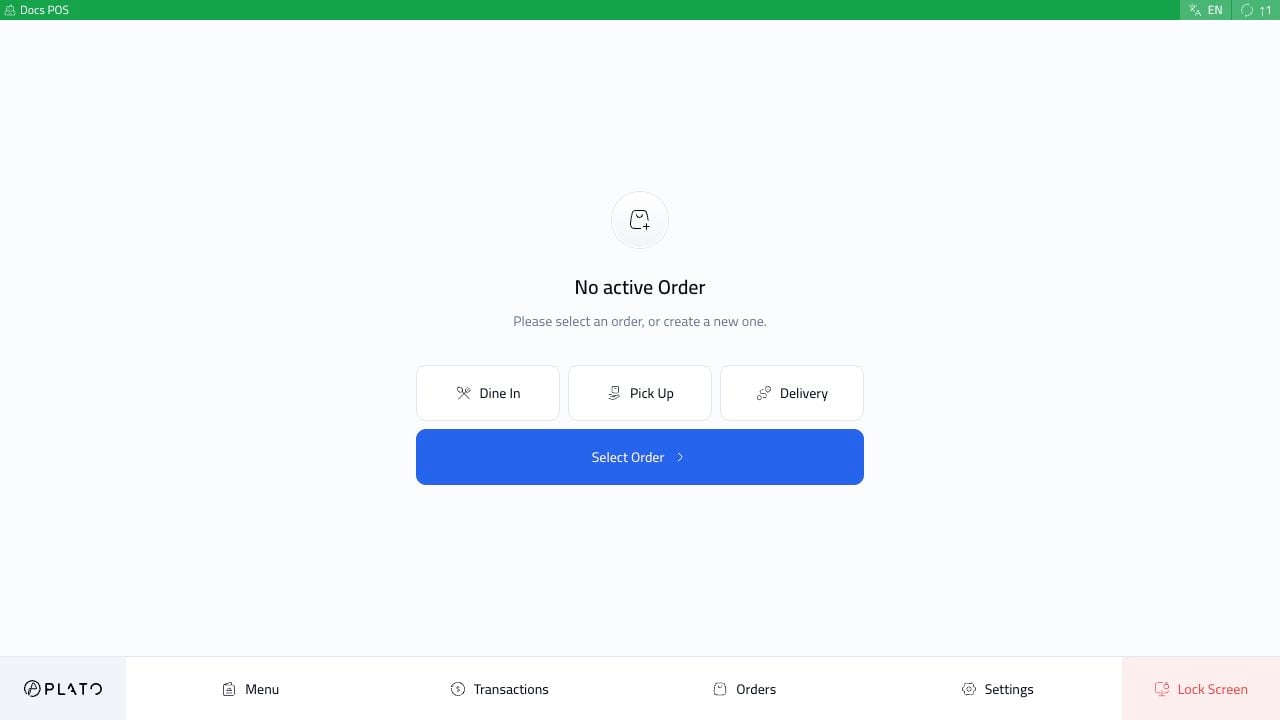
If Order Types Are Missing
Open the POS device config and checkOrder Types.
Only enabled order types appear on the POS start screen.
If Tables Are Missing
Check that:- Tables are created in Table Management.
Tablesis enabled on the POS device.- The device is not Call Center POS.
If Payments Are Missing
Check whetherDisable Payment Related Actions is enabled.
If it is enabled, the POS is not meant to take payments.
If KDS Does Not Receive Items
Check that the POS hasSend KDS Tickets enabled and that the KDS is connected to the POS.