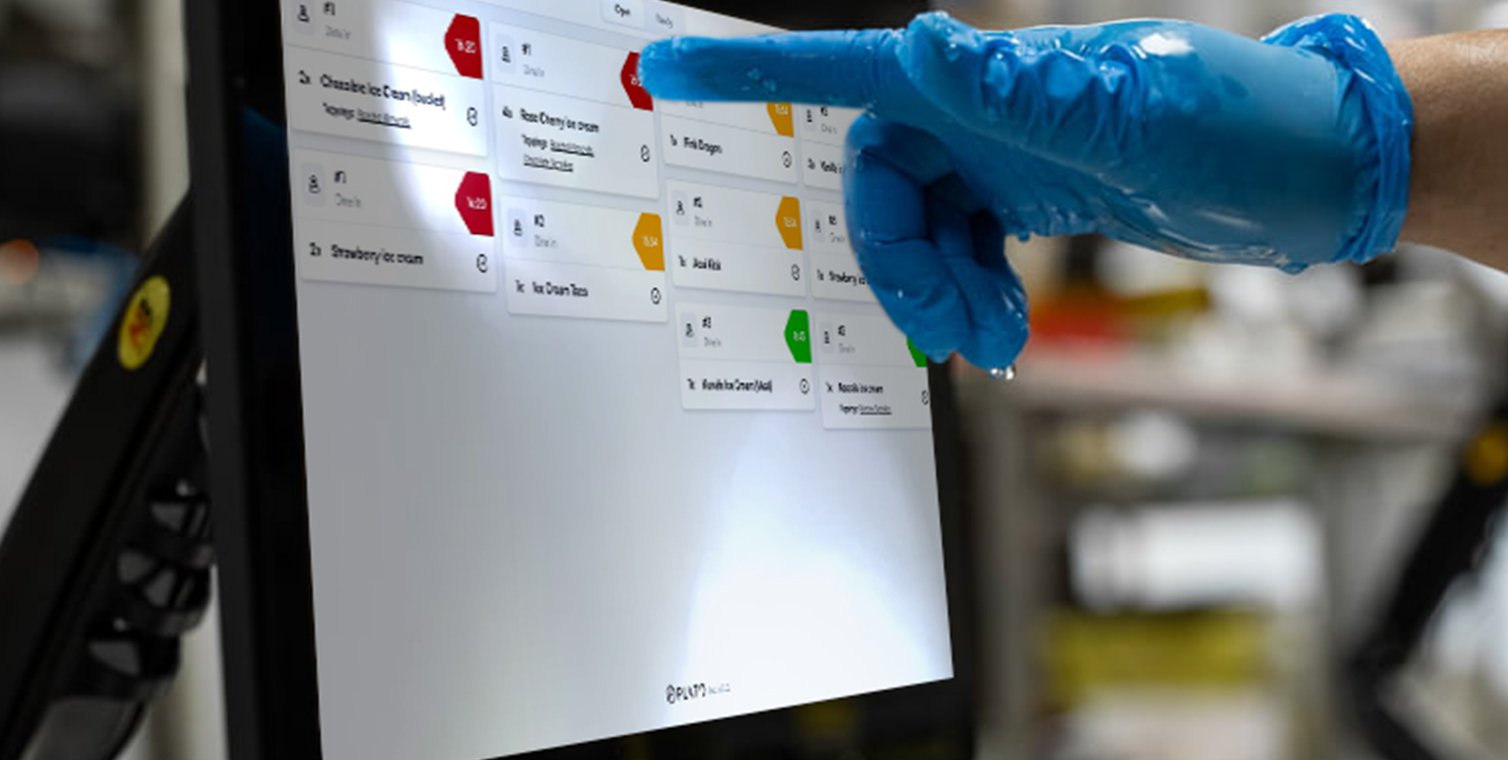
KDS configuration controls which kitchen items appear on that screen. Use this when different stations prepare different categories. KDS product overview

Choose Categories

Use categories when a KDS should only show certain items. For example, a drinks KDS may only show beverages, while the main kitchen KDS shows food categories.

Choose Order Types

Choose which order types the KDS should handle. Enable only the types that should appear in that kitchen station.

Set Timers

Timers help the team see when items are on track, approaching the expected preparation time, or late. Use KDS Timers for the detailed setup.