

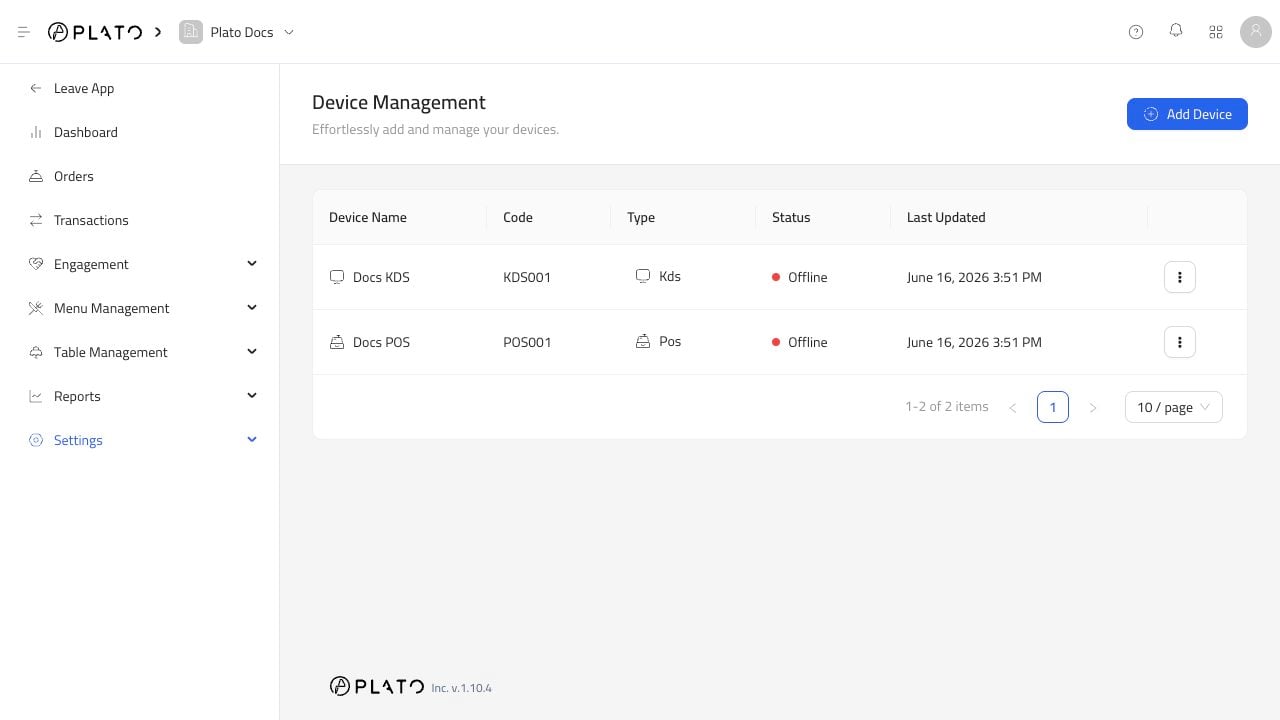
KDS Does Not Show Items
Check:- The KDS is online.
- The KDS is connected to the right POS.
- The KDS category filter includes the product category.
- The KDS order type filter includes the order type.
- The POS is sending KDS tickets.
Printer Does Not Print
Check:- The printer is connected to the POS.
- The connection method is correct.
- The printer template has the right print job enabled.
- The printer is online or reachable.
- The POS has a receipt printer when printing reports.