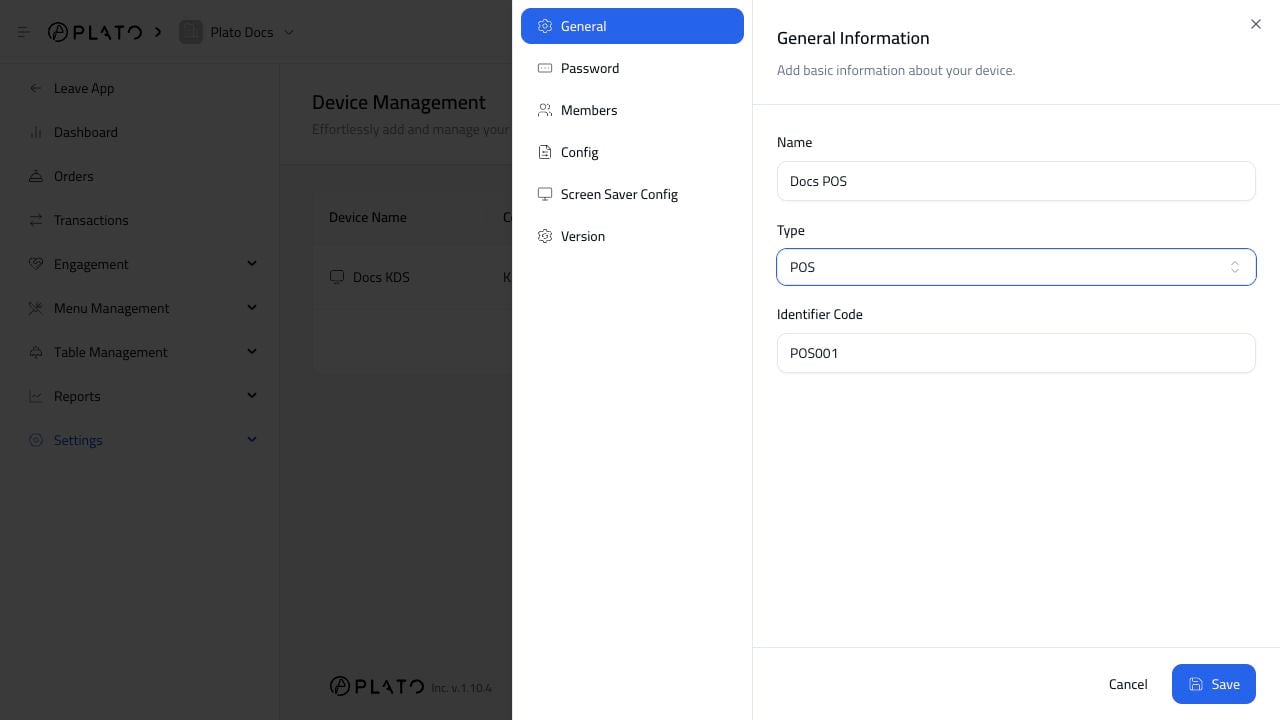
Call Center POS should usually be a separate POS device. Do not use the same device for the cashier and the call center unless the same staff truly handle both workflows. POS config top

Turn On Call Center Mode

Open the POS device, go to Config, and enable Is Call Center. Call Center mode changes the POS flow so staff start with customer details and delivery order handling.

Request External ID

Enable Request External ID when staff need to enter aggregator or third-party order references. This helps match Plato orders with the external platform order number.

Use The Right Order Types

For Call Center POS, enable only the order types the call center should create. Most call centers use delivery and sometimes pick-up. Dine-in is usually handled by the Main POS.

Branch And Handoff

If the call center sends orders to branches, make sure staff know which branch receives each order and who confirms it.