

Transactions when the POS station handles payment activity.
Transactions may be hidden when the device is configured to disable payment-related actions or when it is a Call Center POS.
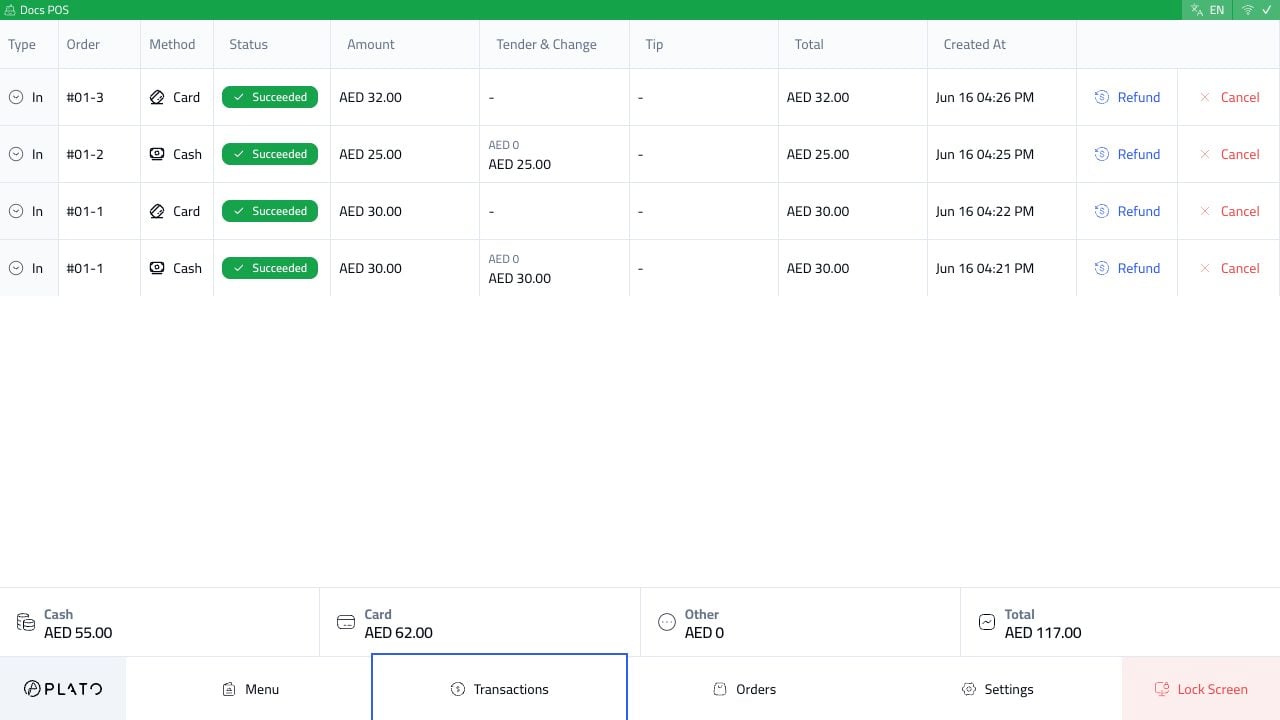
What Staff Review
Use Transactions to check:- Cash payments.
- Card payments recorded from the terminal.
- Split-payment entries.
- Refund actions.
- Cancel actions when available.
- Tender, change, tips, and totals.