

Config, and use Connected Devices.
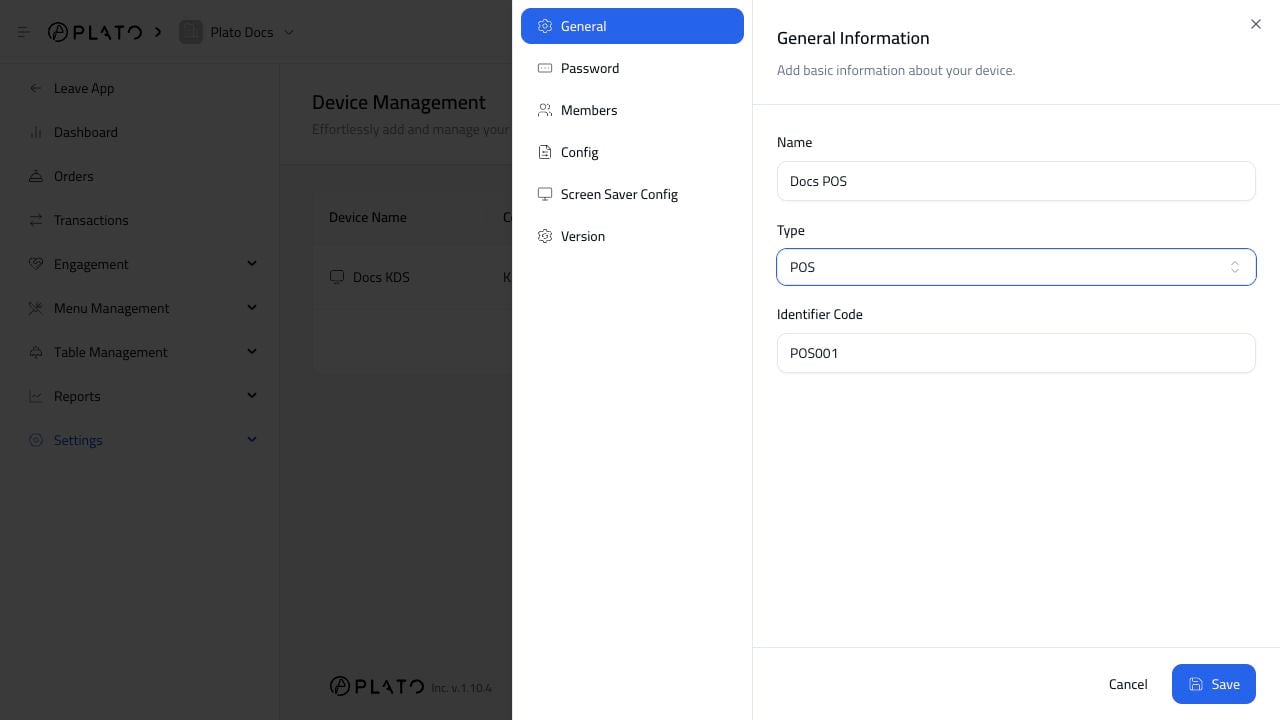
Connect The Right Printers
Connect only the printers this POS should use. For example:- Main POS connects to receipt printer.
- Kitchen POS connects to kitchen printer.
- Bar POS connects to bar printer.
Attach printer devices to the POS that should use them.
Config, and use Connected Devices.