

Restaurant > Settings > Device Management.
Click Add Device, choose Printer, then save the device.
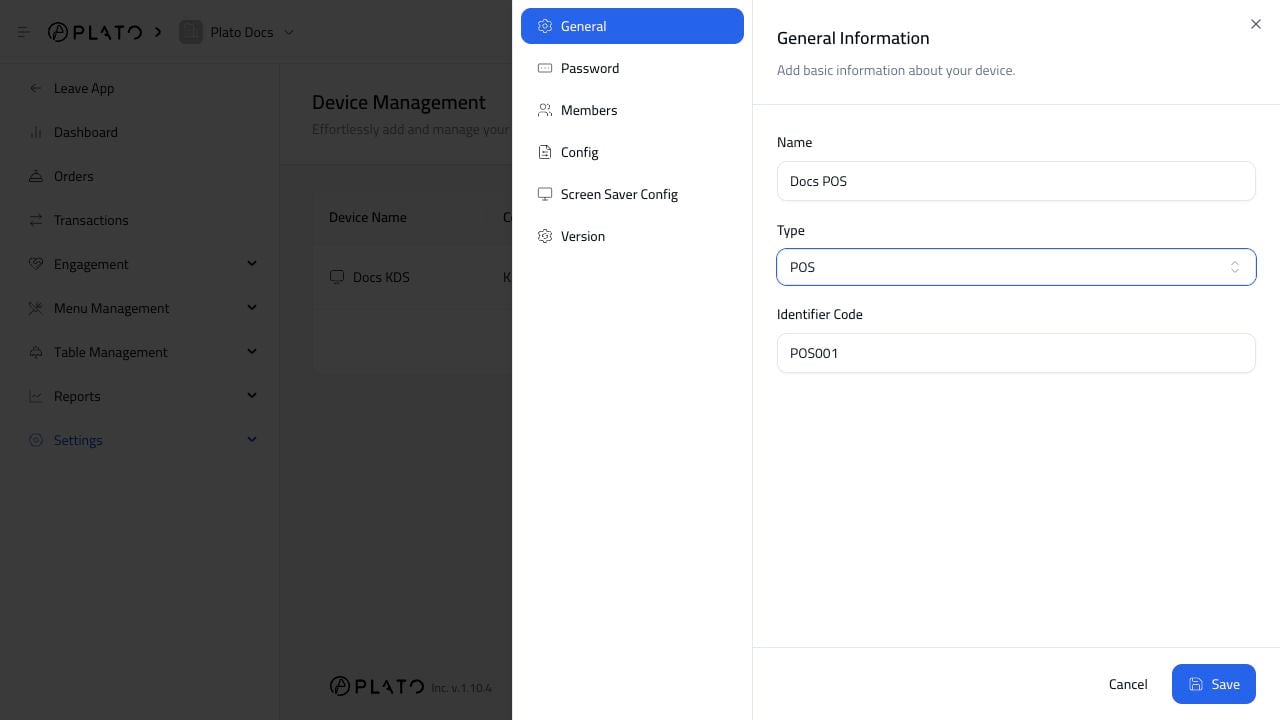
Name The Printer
Use the physical location or job in the name. Good examples:- Receipt Printer.
- Kitchen Printer.
- Bar Printer.
- Cashier Printer.